Various Scan Settings
132
6
Security Settings to PDF Files
This section explains security settings for PDF files.
Use security settings to prevent unauthorized access to PDF files.
Important
❒ Security settings can be made for PDF and High Compression PDF files only.
Encrypting PDF files
Set a password to protect and encrypt a PDF file . Only users who have the pass-
word can open and decrypt the PDF file.
Important
❒ Encryption is possible only for scan files sent by e-mail or Scan to Folder.
❒ You cannot open an encrypted file without a password. Make sure you do not
forget a file's password.
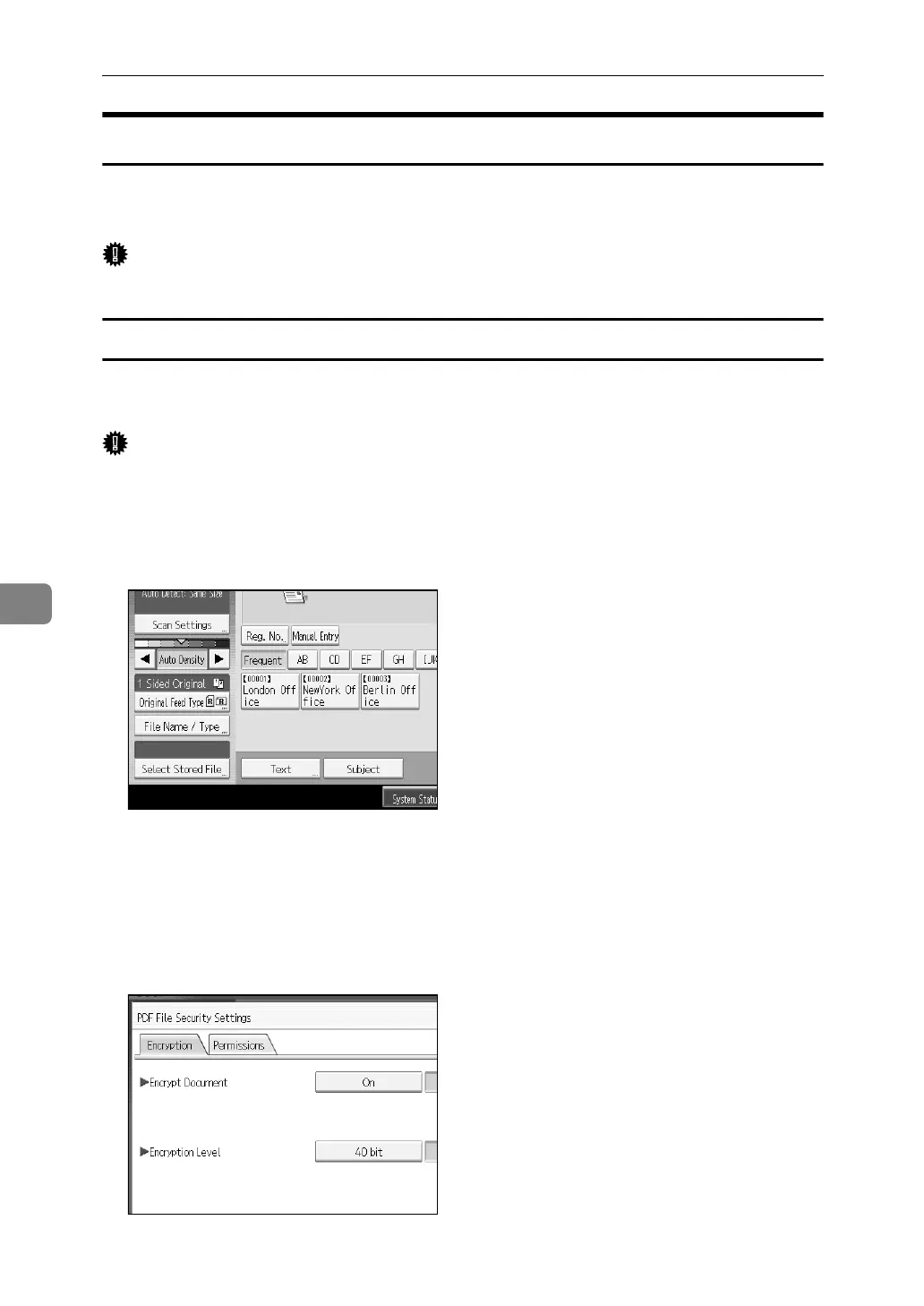
A Press [File Name / Type].
B Check that [PDF] or [High Compression PDF] is selected.
C Press [Security Settings].
D Select [Encryption].
E In [Encrypt Document], select [On].














 To Next Page