Managing Stored Files
77
3
Managing Stored Files
This section explains how to delete stored files and how to change the data for
stored files.
Deleting a Stored File
This section explains how to delete a stored file.
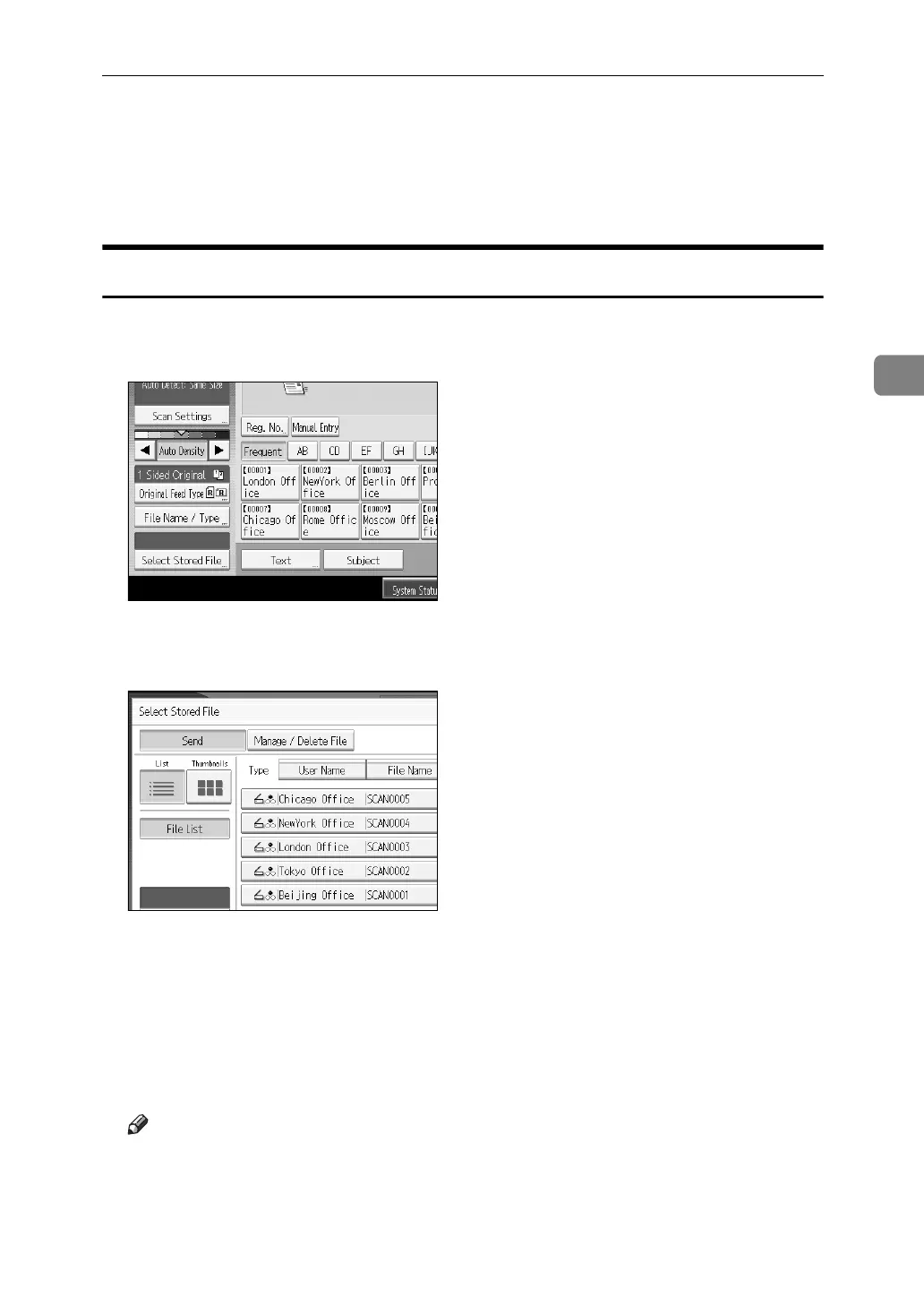
A Press [Select Stored File].
The list of stored files appears.
B Press [Manage / Delete File].
The [Manage / Delete File] screen appears.
C Select the file you want to delete.
D Press [Delete File].
A confirmation message about deleting the file appears.
E Press [Yes].
Note
❒ Files waiting for delivery cannot be deleted.
❒ You can also delete files stored in the machine by accessing the machine
from a client computer using Web Image Monitor or DeskTopBinder. For
detail about Web Image Monitor, see Web Image Monitor Help. For details
about DeskTopBinder, see the manuals supplied with DeskTopBinder.














 To Next Page