Managing Stored Files
81
3
Changing a password
Enter the password for accessing the stored file.
Important
❒ Be sure not to forget the password. If you forget it, consult the system admin-
istrator of the machine.
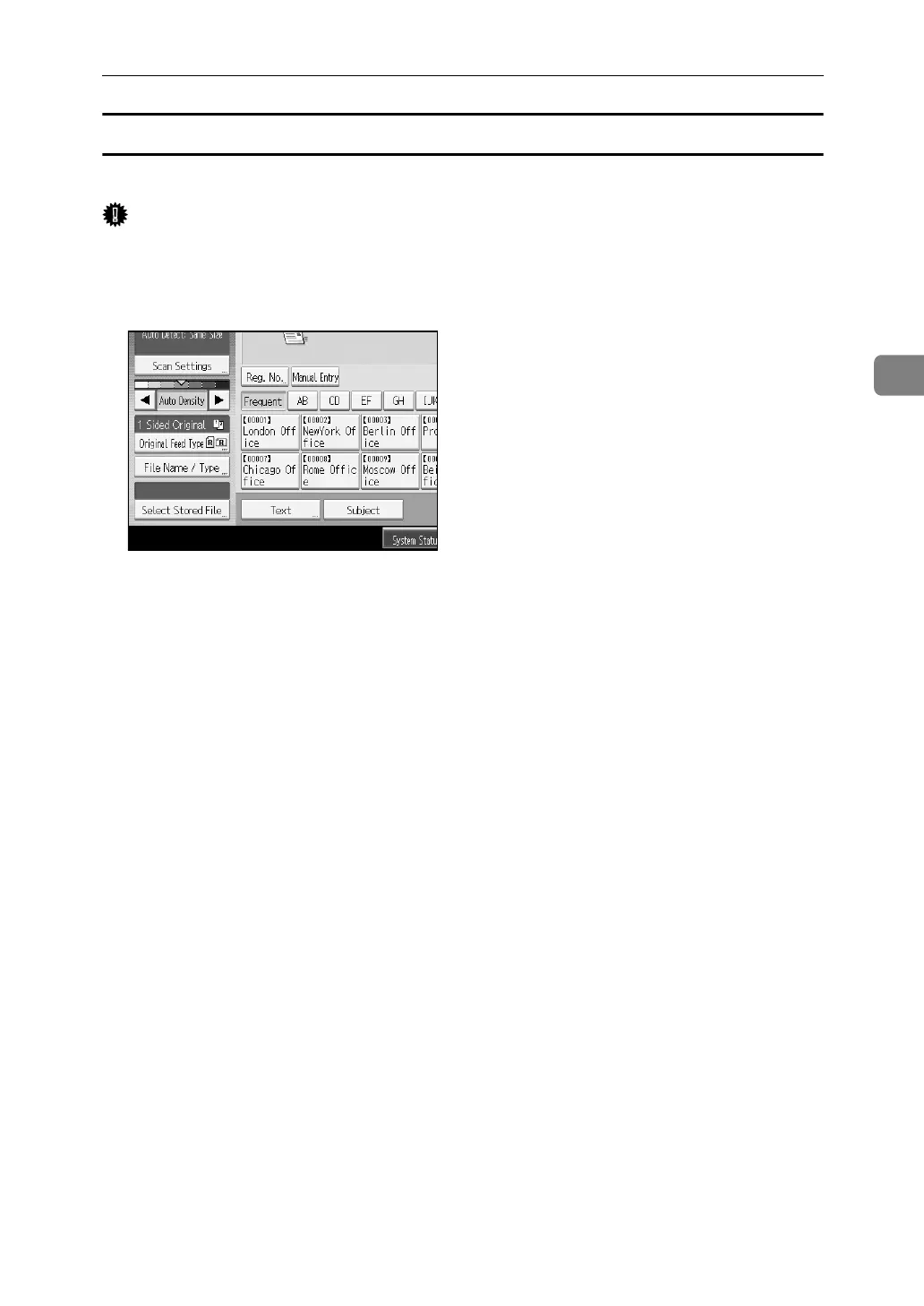
A Press [Select Stored File].
The list of stored files appears.
B Press [Manage / Delete File].
C Select the file containing the file information you want to change.
If you select a password-protected file, a screen for entering the password ap-
pears. Enter the password, and then press [OK].
D Press [Change Password].
E Using the number keys, enter a new four to eight-digit password.
F Press [OK].
G Enter the same number again using the number keys.
H Press [OK].
❒ Using Web Image Monitor or DeskTopBinder, you can also change the pass-
word of a file stored in the machine from the client computer. For details
about Web Image Monitor, see Web Image Monitor Help. For details about
DeskTopBinder, see the manuals supplied with DeskTopBinder.














 To Next Page