HortiJet pump manual operation mode
By switching the knob to ‘manual’, the HortiJet pump will
begin to work. You can use this function to:
test the pump operation;
bleed the air from the pipes.
HortiJet pump automatic mode
The automatic mode means that the HortiJet Pro is in
operation. In this mode, the controller can switch the
pump on and off automatically as needed.
6.3 Operation using Synopta (Quick Start)
This section provides a brief explanation of the most important (fertigation)
settings in Synopta. For more information, please refer to the "HortiMaX
CX500 and MultiMa Irrigation Control User Manual", "Synopta Product
Description" or the Synopta help.
You use Synopta to operate the HortiJet Pro and to set or adjust the fertigation
settings.
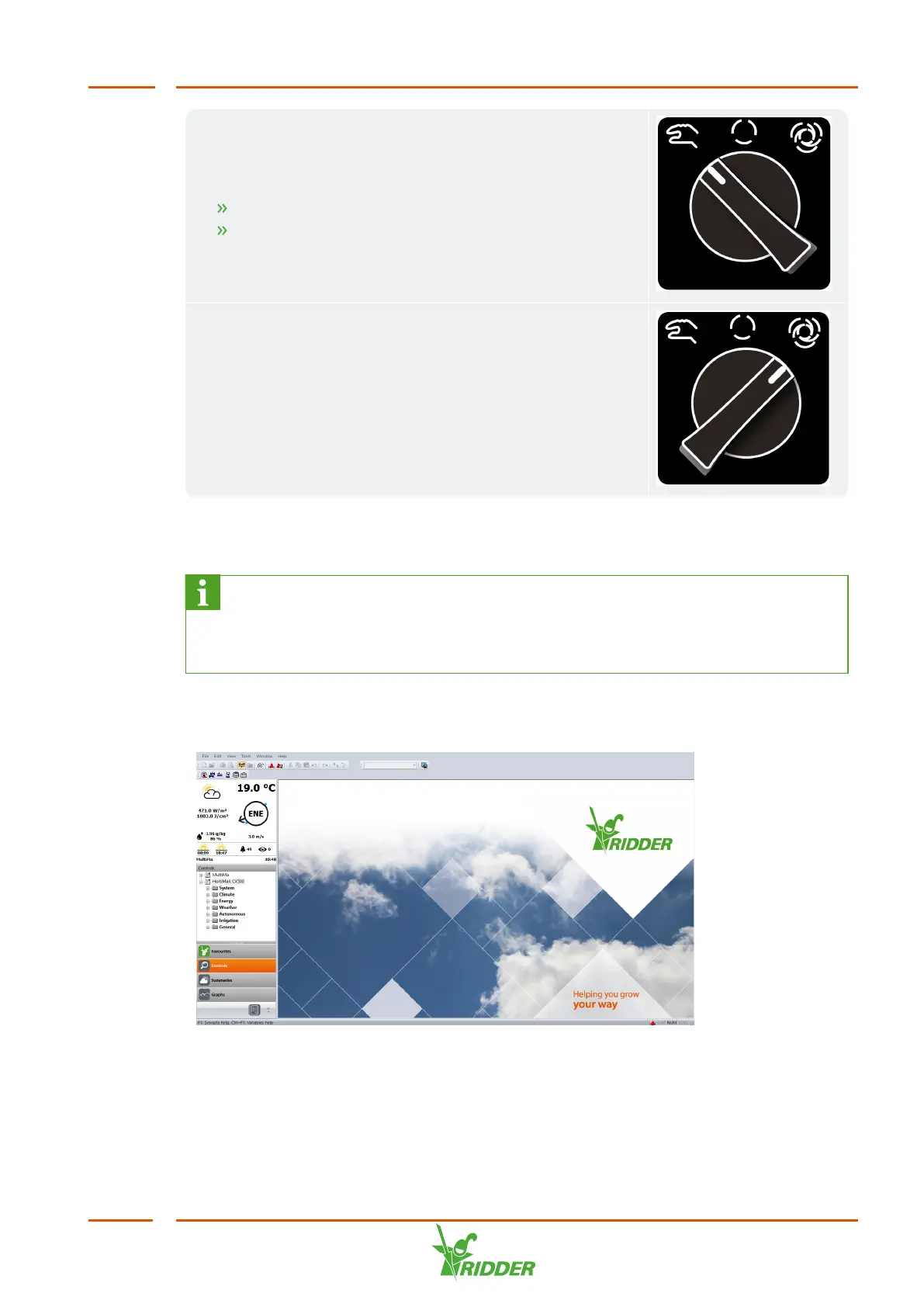
Figure 6-2: Example of Synopta home page.
Under ‘Controls’ (in the left-hand menu), you can find the controls and the associated
settings. The controls are grouped into a tree structure. Click through these until you
reach the desired control. To set a control, select it. The relevant screen will open.
You can then view and adjust the settings.
HortiJet Pro
43



 To Next Page