55
PC Software Installation and Operation Instruction
Requirement: Win 7-Win10 system and the computer has Internet connection.
This PC software is designed by Hangzhou Ruideng technology CO., LTD, it has no virus, if your
anti-virus software prompts for a virus warning, please allow all its features, otherwise it will affect
the normal operation of the software. PC software supports Win7-Win10 system, and there may be
incompatibilities problems, if you really need it, please install and test the software before buying
the product. This instruction is made for version 1.0.0.9, there will be little difference between
different versions, the version below does not support RD6012P. and we do recommend you to
download the latest software for better experience.
RD6012P digital power supply file download link:
https://drive.google.com/drive/folders/1nyd7W_JdeQhPLhKdgG_iCRQ3mHZenbIU?usp=sharing
4.1 Software Download
PC software download and basic operation video:
https://drive.google.com/drive/folders/10Op21Q61xOzlPROqGrt0tuMTkzp00aQZ?usp=sharing
4.1.1 Unzip Files
The first time you use this software, you need to install the driver program first, you need to
click CH341SER to install the driver, the insert a Micro USB cable into RD6012P and wait for the
computer to install the driver.
4.1.2 Unzip Files
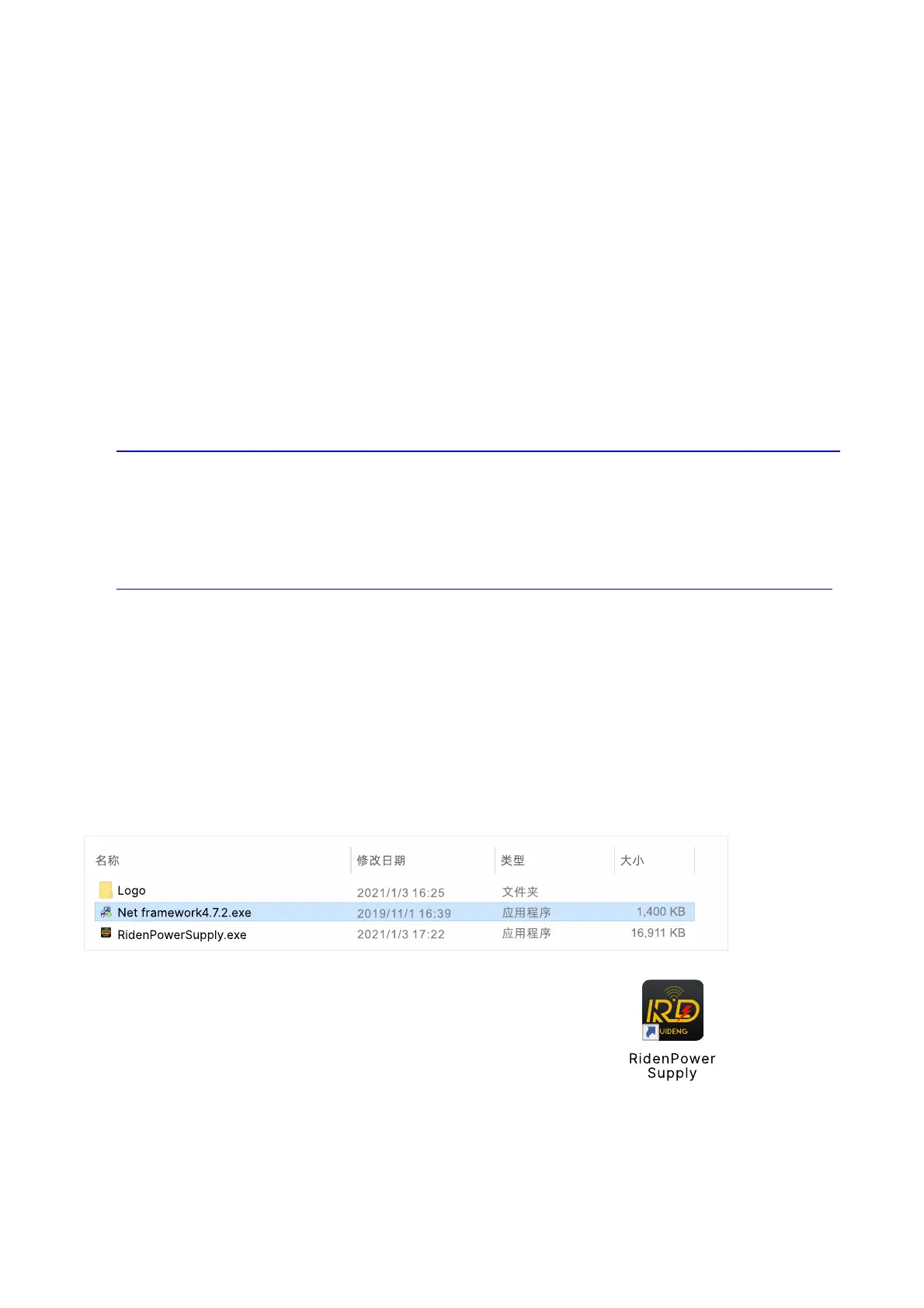
Unzip the file to Disk(D) of the PC. You need to run Net framework4.7.2.exe to install the .Net
environment, then click RidenPowerSupply.exe directly to use the software, please do not delete
any files.
4.2 Software Operation
4.2.1 Software Connection
Double click RidenPowerSupply.exe to run the PC software.
Only RD6012P-W supports WiFi function, you need to order the WiFi board separately to use
the WiFi connection, and WiFi connection is a test function, due to poor compatibility with some
computers, if you cannot connect PC software via WiFi, please ignore this function. For this function,



 To Next Page