59
4.3.2 Calibration
The calibration fine-tuning function needs to be operated by a professional electronic person
who has more than Six and a half digit multimeter. It will change the system setting, incorrect
operation may exceeds the hardware limit and cause damage, and the resulting damage is not
covered in the warranty! The limit error of the product is generally much smaller than the nominal
error, when the error is close to or even higher than the nominal error, you need to check if the
measuring instrument is accurate.
RD6012P calibration operation video:
https://drive.google.com/drive/folders/1WEusRYtpn94BFjyEQjrtsnzTo1K6hYcw?usp=sharing
Click “Calibration” and enter the password “168168”, you can enter the Calibration Fine Tuning
page or save the adjustment data(if you enter the password, by default you have accepted the
above red letter agreement). It can read the calibration data after connection; click the arrow to fine
tuning the data. According to the linear function y=kx+b, the constant b is equivalent to the zero
value, the slope k is equivalent to the proportional value, adjust this two values so that the data will
be close to the real test value.
Set the output voltage at 1V, adjust the output voltage zero point to make the multimeter
display close to 1V, and then set the output voltage at 30V, adjust the output voltage proportional
value to make the multimeter display close to 30V. In the same way you can set 0.1A and 3A output
current to calibrate the zero point and proportional value of the output current.
Set the output voltage at 1V and calibrate the actual output voltage zero point to make the
actual output voltage displayed on RD6012P close to the value on multimeter. You can set 30V and
calibrate the proportional value of actual output voltage. In the same way you can set 0.1A and 3A
to calibrate the zero point and proportional value of the actual output current. (This section does
not provide technical support. If you do not understand, please check the related information).
4.3.3 Advanced Function
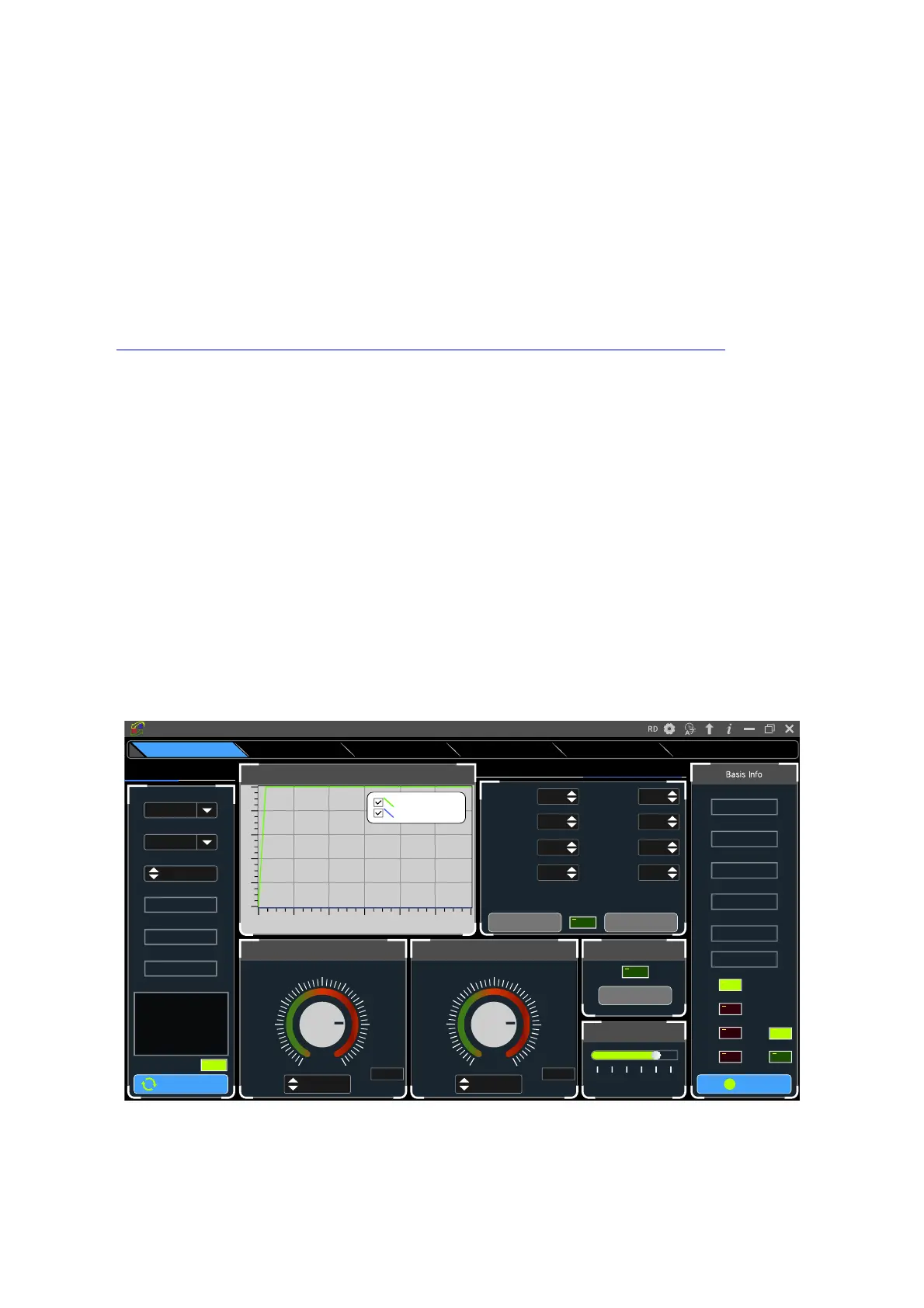
You can set the output voltage and current by chart in the advanced function page, you can set
On
Norm al
O V P
OCP
O T P
CV
CC
5 4 .9 7 V
In p ut V o ltage
4 9 .9 9 8 V
O u tput V o ltage
0 .0 0 0 0 A
O u tput C u re n t
0 0 .0 0 0 W
O u tput P o w er
25 °C
Syste m Tem p erture
077
°F
B acklight A djust
0 1 2 3 4 5
T im e S ynchronization
S ynchronize
I- S et
3 .0 5 0 0
3 .6 6 0 02 .4 4 0 0
4 .2 70 01.8 3 0 0
4 .8 8 0 01.2 2 0 0
5.4 9 0 00 .6 10 0
6 .10 0 00 .0 0 0 0
5.0 0 0 0
A
6.100 0
M ax
V - S et
3 0 .5 0 0
3 6 .6 0 02 4 .4 0 0
4 2 .70 018 .3 0 0
4 8 .8 0 012 .2 0 0
5 4 .9 0 06 .10 0
6 1.0 0 0
V
0 .0 0 0
5 0 .0 0 0
V
61.0 0 0
M ax
Sav e D a taRea d D a ta
Ple ase e n su re th a t yo u h ave good ca lib ra tion too l! You nee d
to take resp o nsib ility for a n y p rob le m s c a u se d b y self-
calib ratio n operation .
0010
O utput V oltage
Z ero
0245
O utput C urrent
Z ero
22808
O utput V oltage
S cale
22411
O utput C urrent
S cale
0041
ack V oltage Z ero
0205
B ack C urrent Z ero
17597B ack V oltage
S cale
16792B ack C urrent S cale
B attery C harging/Q uick C all O ut C a lib ra tio n
Rea d N u m be r(N um )
0 5 10 15 2 0 25 3 0
50
40
30
20
10
0
O utput V oltage A nd C urrent G raph
D o u b le d ic k to in itia liz e
O u tput V o ltage(V)
O u tput C u rrent(A )
D isco n n e ct
Key Lock
C O M 3
Port
115200
C o m m unic atio n Ra te
001
Add ress
0 0 0 0 0 0 -1
Seria l N um b er
R D 6 0 12 P
Pro duc t M o del
V 1.3 8
Firm w are Ve rsion
N o w is n o rm a l pattern!
In form a tion
USB W iFi
Sta rtup Log o U p dateF irm w a re U pd a teRS4 8 5 M u lti C o rre spon dAdvanced FunctionsBasic Func tio n s
Riden Pow er Supply Softw are



 To Next Page