49
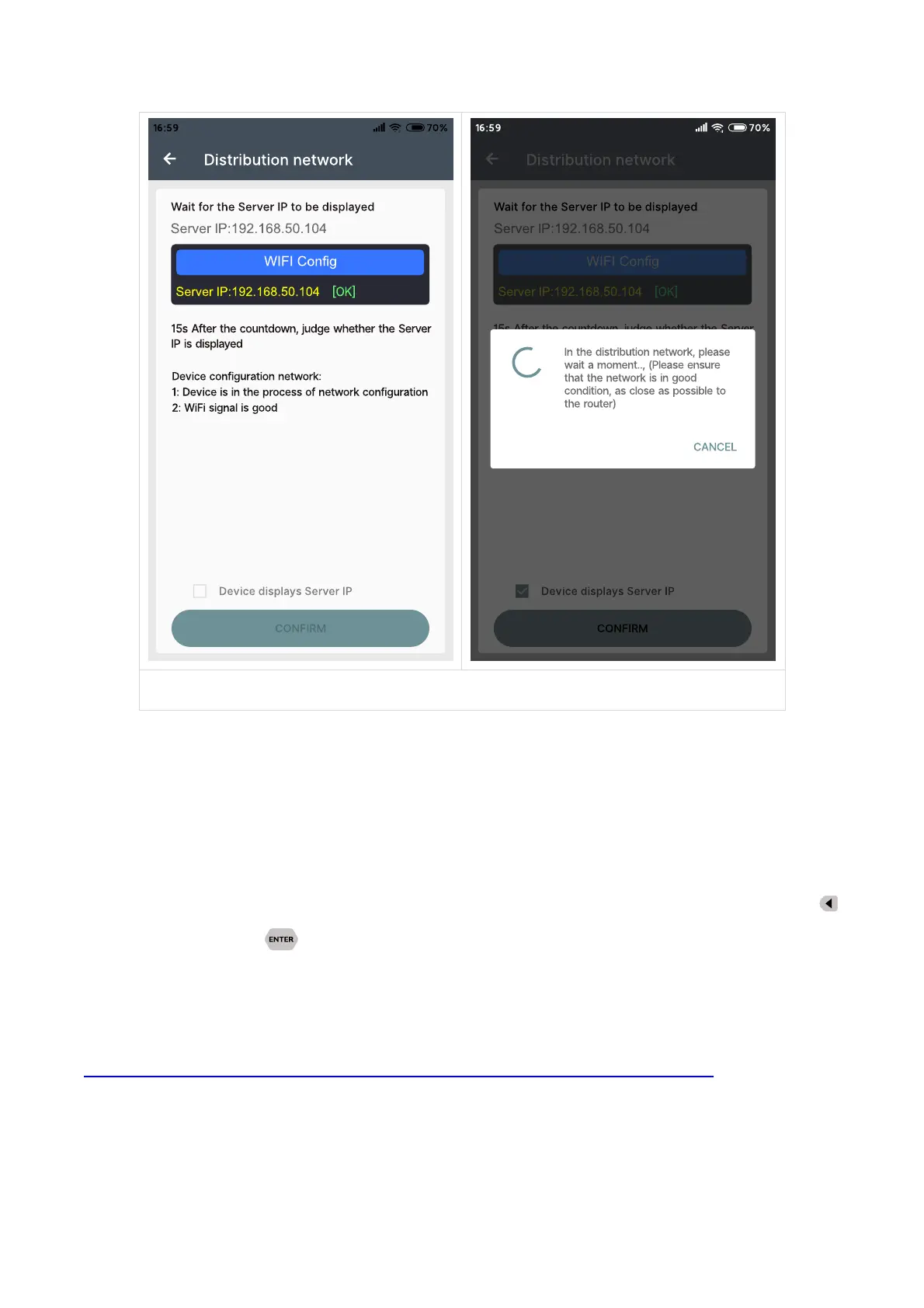
If the distribution network fails, please power off the module and re-operate in the same way
(multiple networking failures you can watch the video and try to use the hotspot of the mobile
phone to test). If you use Huawei brand phone, please turn off the random MAC address function.
3.2.3.2 Proper Wi-Fi Connection
When power on RD6012P, it will connect Wi-Fi first, and then detect if it can be connected to
APP, and it may not be connected successfully if the phone is under screen-lock status or the APP is
running at the background. If the IP address of the phone has changed, you need to press the
button and then press button to reset the net, repeat 3.2.3.1 operation. We suggest you to
set a fixed
2.2.3.3 APP Operation
Android APP operation video:
https://drive.google.com/drive/folders/1vyIktoZ2ACqg1gW1uw4ZBWh7f_awHRtK?usp=sharing
Click “BJ” to set the output voltage, and use the wheel “BP” to adjust the value, the “BQ”, “BR”
to change the position of cursor, click “BS” to set the parameter. Click SHARE in “BD” to exports the
voltage-current curve to excel file, up to 24 hours document can be recorded.
NOTE:



 To Next Page