64
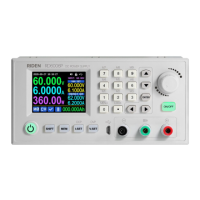
4.3.8 Language Setting
Click “FE”(“Language”), a language setting prompt will pop up on the interface, you can choose
Simplified Chinese, English, France and German.
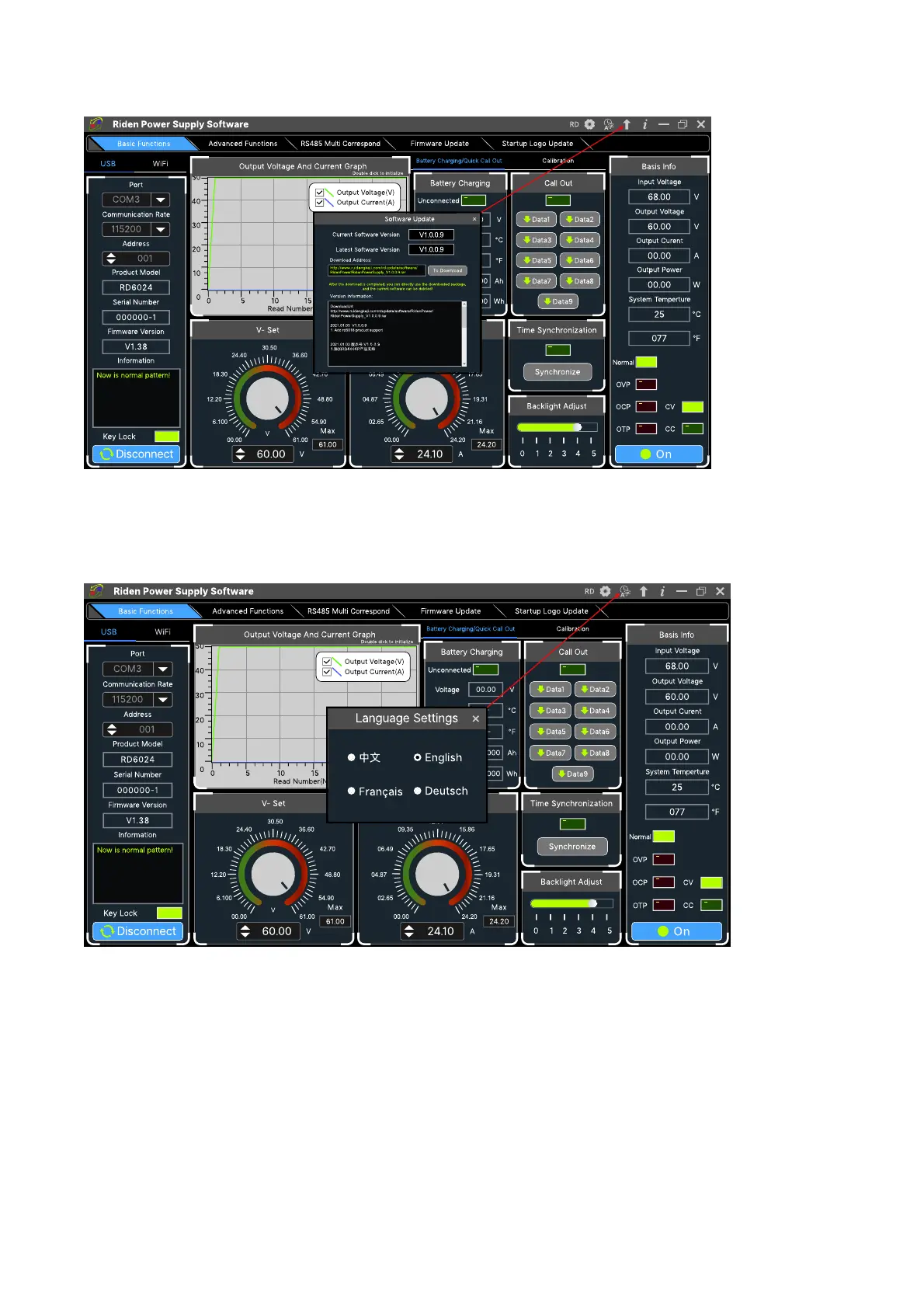
4.3.9 About
Click “FG”(“About”), you can check the version number, publish time and copyright
Information.


 To Next Page