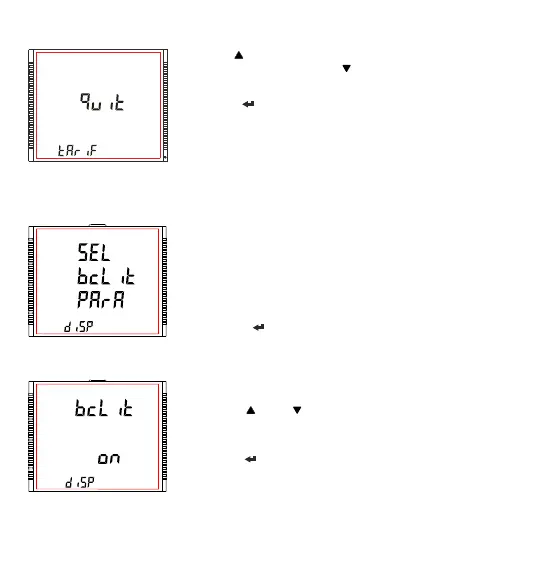
3.2.9.1.1 Backlit
3.2.9.1 Feature Selection Menu
This menu allows the user to scroll through different Display Configurable
features:
SEL bcLit PArA : backlit on/off
SEL Scrn Para : user screen on/off
SEL Cont Para : Contrast level
diSP tESt Scrn : LCD Display all symbols glow
quit : to exit Display Parameters screen
Pressing the “ ” key advances to the listed features (see Section
3.2.9.1.1 to Section 3.2.9.1.5).
This screen allows the user to switch the backlit on or off.
Pressing the “ ” and “ ” keys advances to “User Assignable Screens”
(see Section 3.2.9.1.2) and “Quit Display Parameters” menu (see Section
3.2.9.1.5), respectively.
Pressing the “ ” key takes the user into edit mode.
XXXXXXXXXXXXXXXX
3.2.8.4 Quit Tariff Parameters
Pressing “ ” key advances to the “Number of Tariff” Selection Screen
(see Section 3.2.8.1) and pressing “ ” key advances to the “Tariff Energy
Selection” screen (see Section 3.2.8.3).
Pressing the “ ” key takes the user out of the Tariff Parameters Selection
Screen and advances to the Tariff Parameter Menu Screen. (see Section
3.2.8)
3.2.9 Display Parameter Selection
73



 To Next Page