XXXXXXXX
3.2.9.1.5 Quit Display Parameters
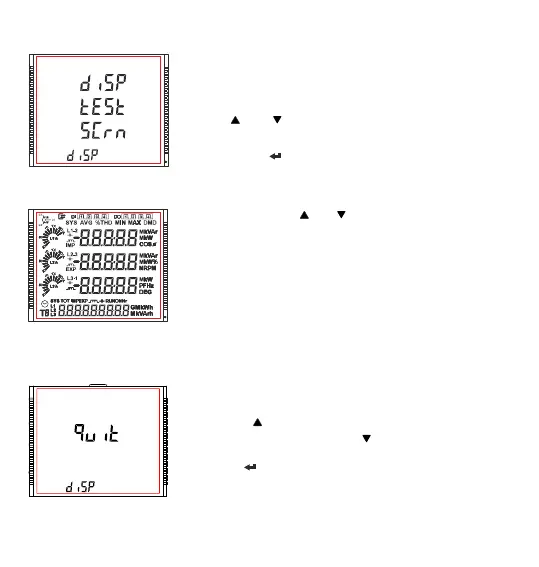
This screen allows user to Exit from Display Parameter Selection setup.
Pressing the “ ” key advances to “Select Backlit Para” screen. (see
Section 3.2.9.1). Whereas pressing the “ ” key advances to “Display Test
screen” screen. (see Section 3.2.9.1.4).
Pressing the “ ” key advances to “Display Parameter Selection” screen
(see Section 3.2.9).
In All ON mode pressing “ ” or “ ” key takes the user back to “Display
Test” (see Section 3.2.9.1.4) menu screen.
3.2.9.1.4 Display Test Screen
This screen allows the user to check if there is any fault in one of the
symbols or segments on the LCD display by completely turning on the
display.
Pressing “ ” and “ ” key advances to Quit Screen (see Section 3.2.9.5)
and Contrast Screen (see Section 3.2.9.3) respectively.
Whereas pressing “ ” key advances to the All ON Display.
XXXXXXXX
77



 To Next Page