14
Note: the message "Not correct camera settings! Reset camera settings?" informs you that the RoboSpot
software and the camera settings are not accordance.
Use the option "Yes" to set correct camera settings.
The option "Yes" has the same eect as the option "Factory reset " in the Camera button menu.
2. After switching the ROBIN BMFL FollowSpot lamp on and adjusting its beam (zoom, focus, dimmer....), aim
the beam to desired position by means of the FollowSpot Controller handlebars.
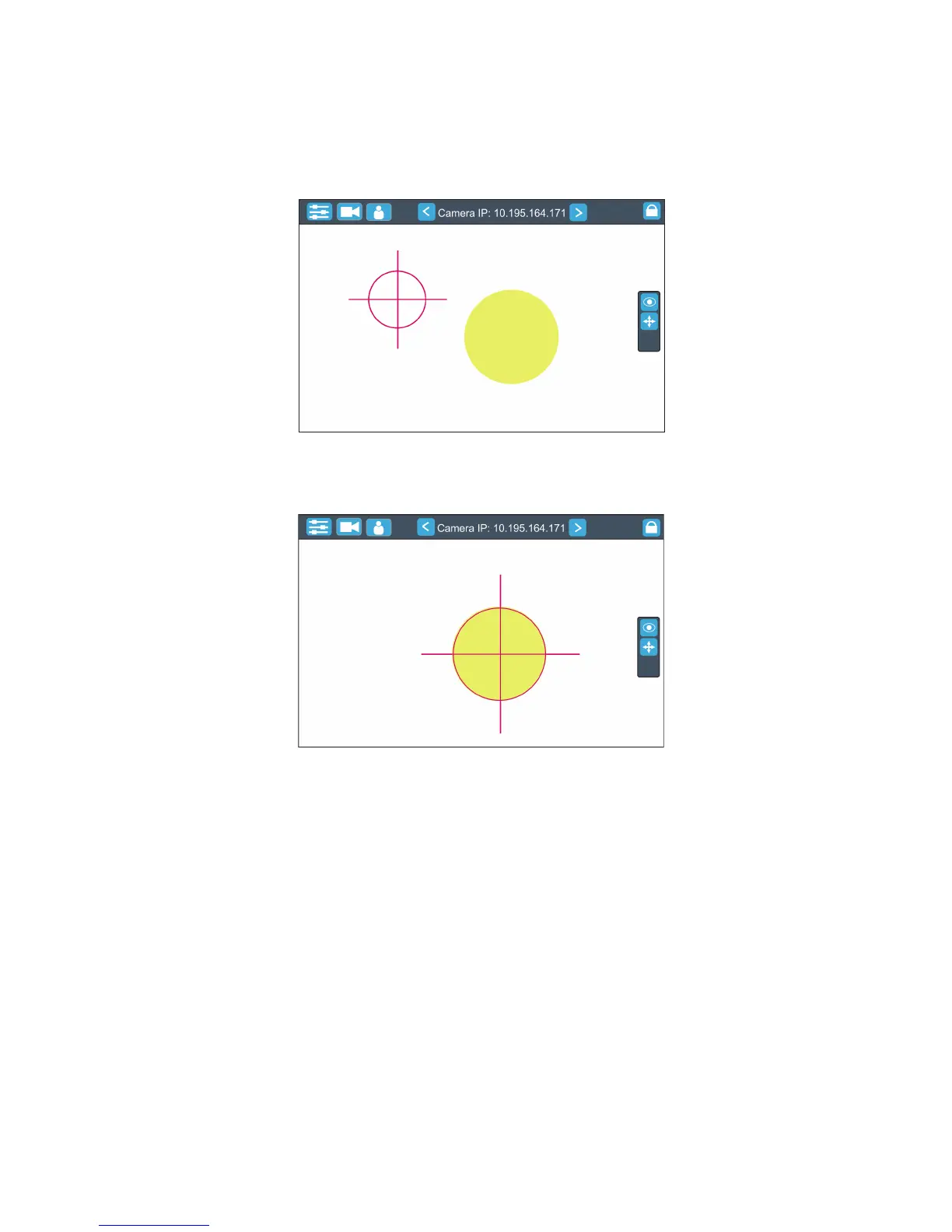
3. Move the position circle on the beam image. Now, when you move with the control handlebars, both beam
image and position circle on the screen will move synchronously. It is useful in case that the light output from
the xture is closed and by means of the sighting point you approximately know the position of the light beam.


 To Next Page