If you need any further advice, please call our Technical Helpline on :-
020 8758 0338 (Mon-Fri)
24
Playing audio fi les in Bluetooth mode
When you have successfully connected your sound system with the chosen
Bluetooth device you can start to play your music using the controls on
your connected Bluetooth device.
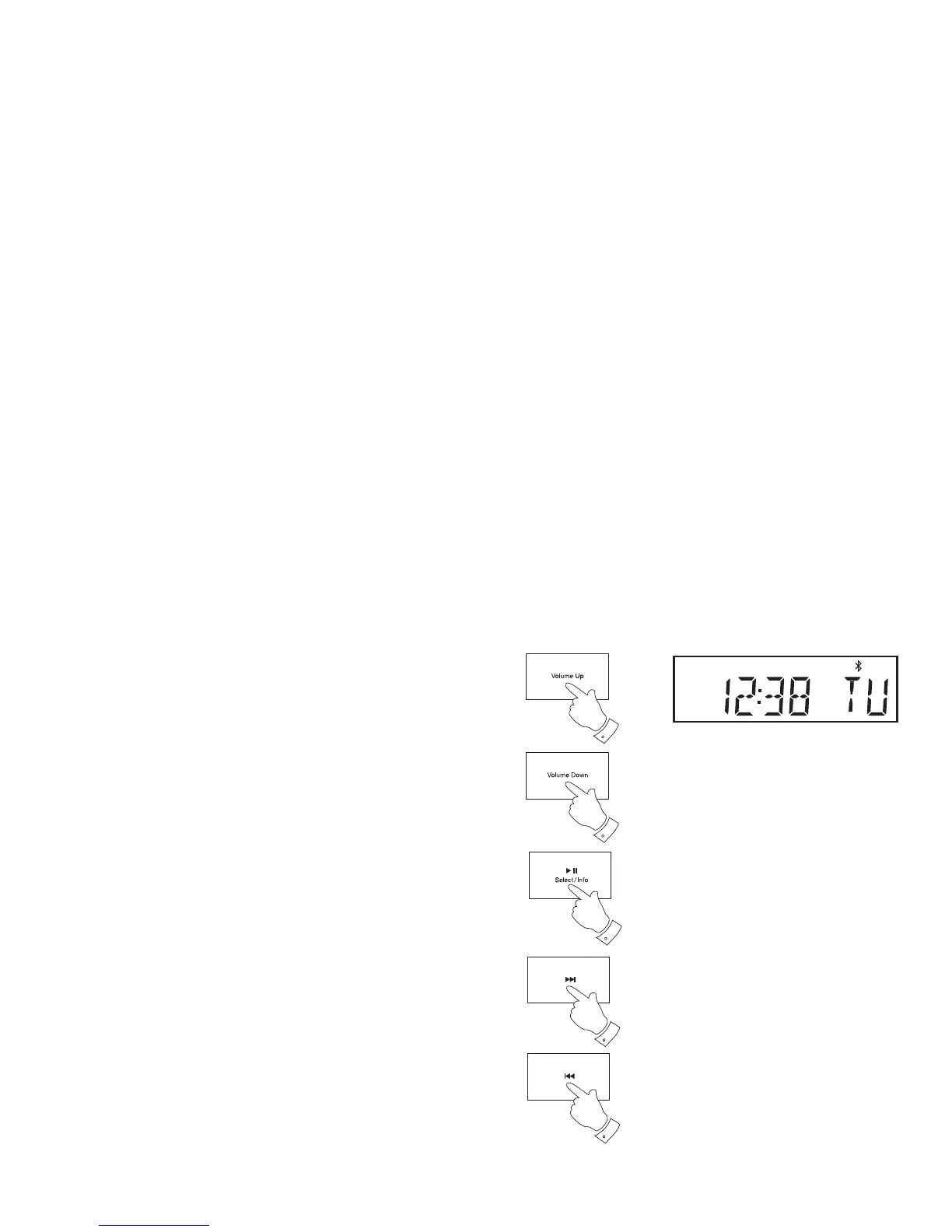
1. Once playing has started adjust the volume to the required setting
using the Volume buttons on your sound system or your enabled
bluetooth device.
2. Provided that your phone, tablet or PC allows volume control when
using Bluetooth we recommend that for normal Bluetooth listening the
sound system's volume control is set to a high level. This will permit the
audio volume to be controlled using the connected Bluetooth device.
This will generally be the more convenient method of controlling the
volume. However, if you are using headphones plugged into your
sound system, we strongly recommend that the sound system's volume
control is used as the means of adjusting the audio volume. You will
then need to set the volume on the connected Bluetooth device to a
higher level. The purpose here is to prevent unexpectedly loud noises
in the headphones, when changing sound system in the radio or when
switching on and off.
3. The audio player in your phone, tablet or PC may be able to respond
to the Play/Pause, Next track and Previous track buttons on the
sound system.
Note:That not all player applications or devices may respond to all of
these buttons.
Note: If the unit is in the Bluetooth mode and it is not connected to a
Bluetooth device for more than 15 minutes it will automatically switch
to the standby mode. The display will revert to showing the standby
mode clock. To use the radio again, simply press the On/Standby
button to switch it on.
1
1
3
3
3


 To Next Page