If you need any further advice, please call our Technical Helpline on :-
020 8758 0338 (Mon-Fri)
38
Inserting and removing memory devices
1. USB memory devices plug into the rectangular slot on the rear of your
sound system.
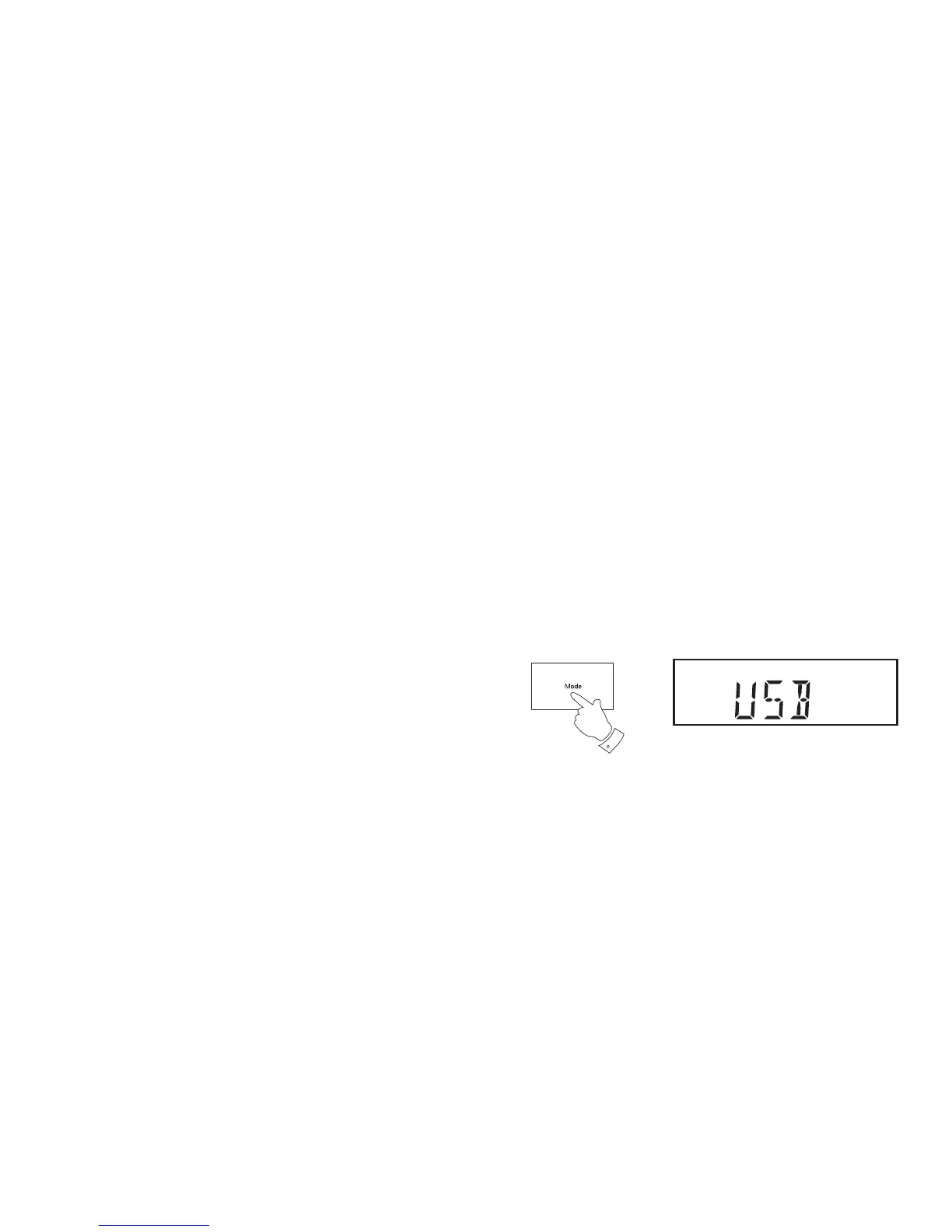
2. To select the USB mode, press and release the Mode button until the
USB mode is shown on the display. If you do not have a USB memory
device inserted in the socket the display will show 'NO USB'.
2
Playing MP3 / WMA fi les - USB
Your sound system uses the same controls and offers the same options
for USB playback as it does for CDs with MP3 and WMA fi les, including
track and album searching, repeat, shuffl e, intro, bookmark, and track
programming. Therefore we refer to the CD playback section on pages
28 - 36 for full details of how to play the fi les on a USB memory device.
Simply plug in the USB memory containing your MP3 or WMA fi les and
select USB mode as described above, then either press the Play/Pause
button to play from the beginning or use the CD instructions to choose
particular tracks and albums.


 To Next Page