29
1,2
1,2
3
Playing a CD cont.
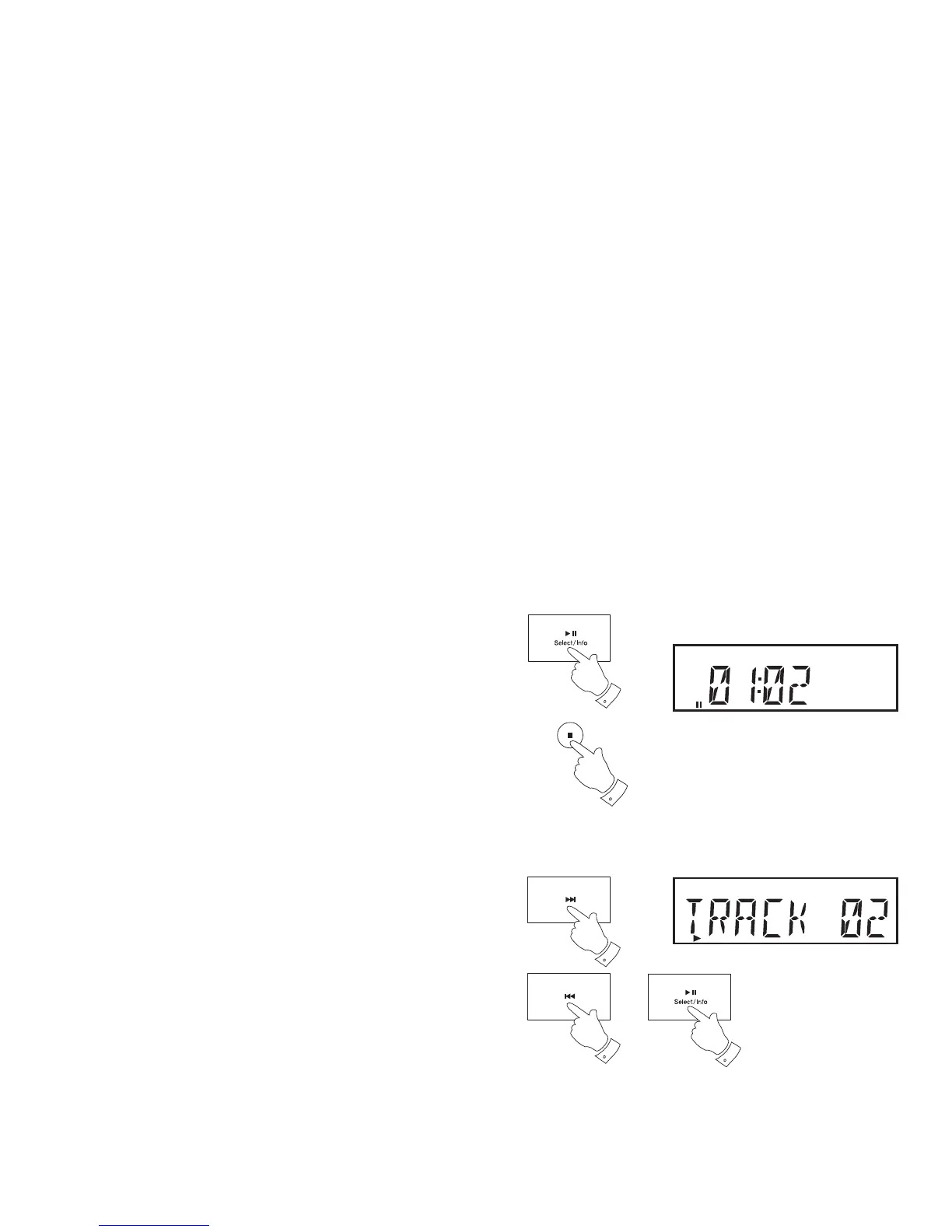
3. To pause playing press the Play/Pause button. The pause symbol
will show on the display. To resume playback press the Play/Pause
button again.
4. To stop playback, press the Stop button (on the remote control) twice.
Selecting a track
Audio CD:
1. While the CD is playing, press and release either the Next or Previous
buttons to change to the desired track. The updated track number is
shown in the display.
2. You can also skip tracks when the player is paused or stopped.
3. If needed, press and release the Play/Pause button to play the selected
track.
4
3
CD
CD


 To Next Page