If you need any further advice, please call our Technical Helpline on :-
020 8758 0338 (Mon-Fri)
32
Shuffl e tracks
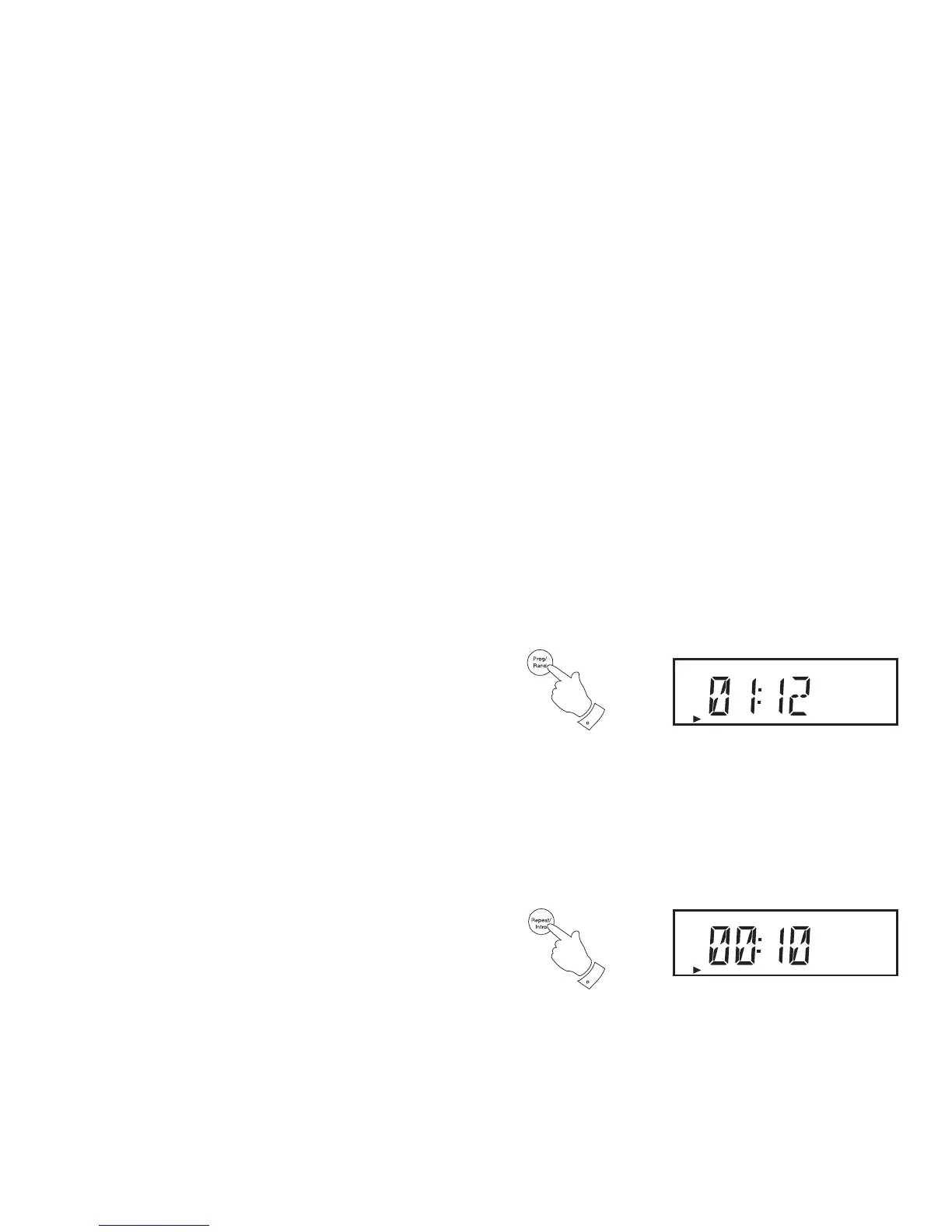
1. Whilst the CD is playing, press and release the Random button (on
the remote control) to play all tracks on the CD in random order.
2. 'RANDOM' will appear on the display. The tracks will be played in
random order until all the tracks have been played.
3. To exit the random option press and release the Random button again.
The random indicator will no longer be shown on the display.
Selecting the shuffl e option will cancel the repeat setting if previously
applied.
Play tracks introduction
1. While the CD is in stop mode, press and release the Repeat/Intro
button (on the remote control). The track introduction symbol 'INTRO'
appears in the display.
2. The fi rst 10 seconds of each track will be played.
1,3
CD
RANDOM
1
CD
INTRO


 To Next Page