Robotiq Hand-E Gripper Instruction Manual
Info
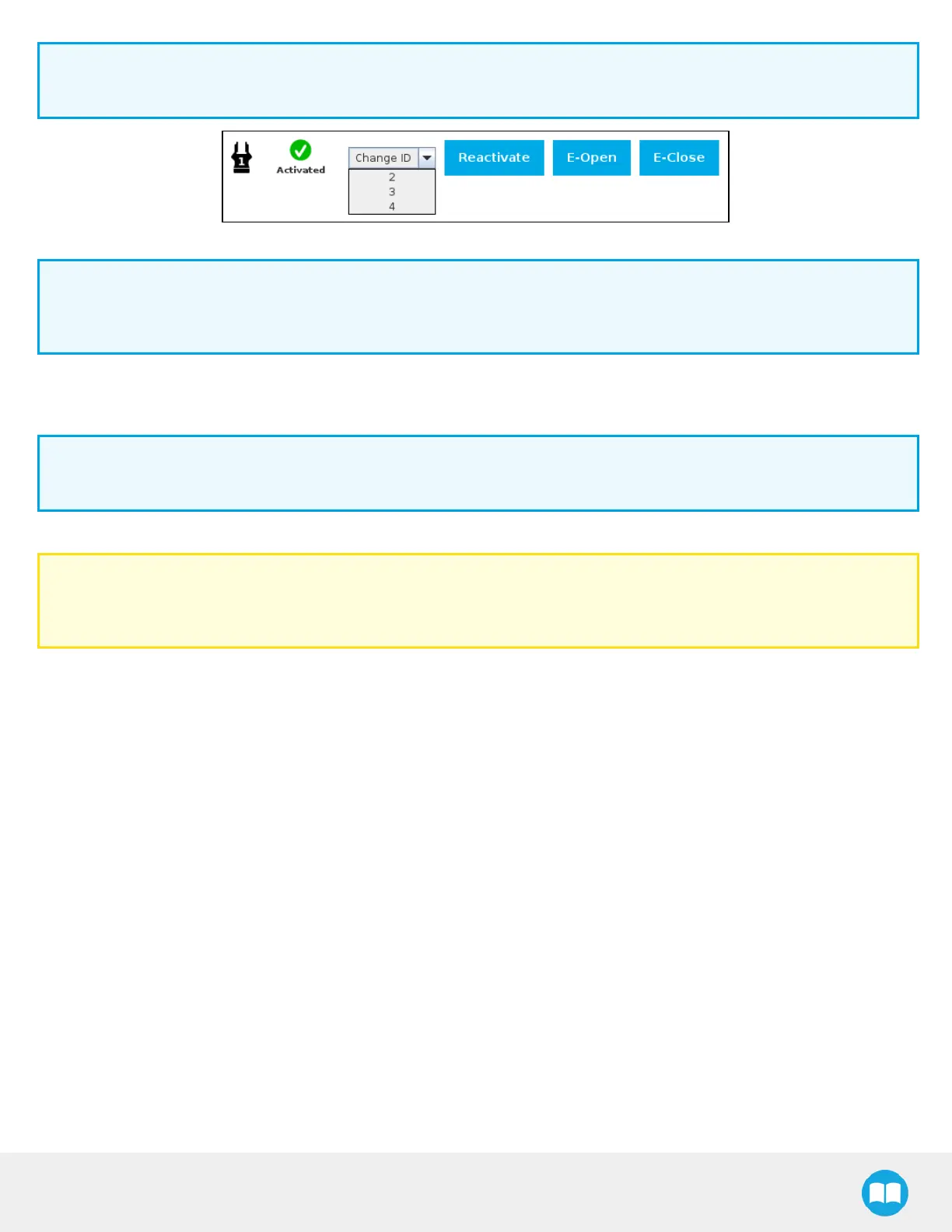
The default gripper IDallocated to the first device connected is 1.
Fig. 4-11: Gripper IDmodification in the Gripper Dashboard
Info
The E-Open and E-Close buttons allow the user to open and close the gripper even if it is not activated.
These emergency commands use very low speed and force settings.
Multiple Grippers
Info
The URCap allows the user to connect and control up to 4 grippers at the same time.
Caution
If you wish to program using multiple grippers at the same time, connect them to the robot one after the other; each gripper
connection requiring its own scan and activation before going on to the next.
For each gripper connected, follow the required steps in one of the two following sections depending on your robot model: the Single
Gripper for CB-Series section or the Single Gripper for e-Series section
75



 To Next Page