Robustel GoRugged R3000 Quad User Guide
RT_UG_R3000 Quad_v.1.2.0 02.07.2015 16 / 136
Confidential
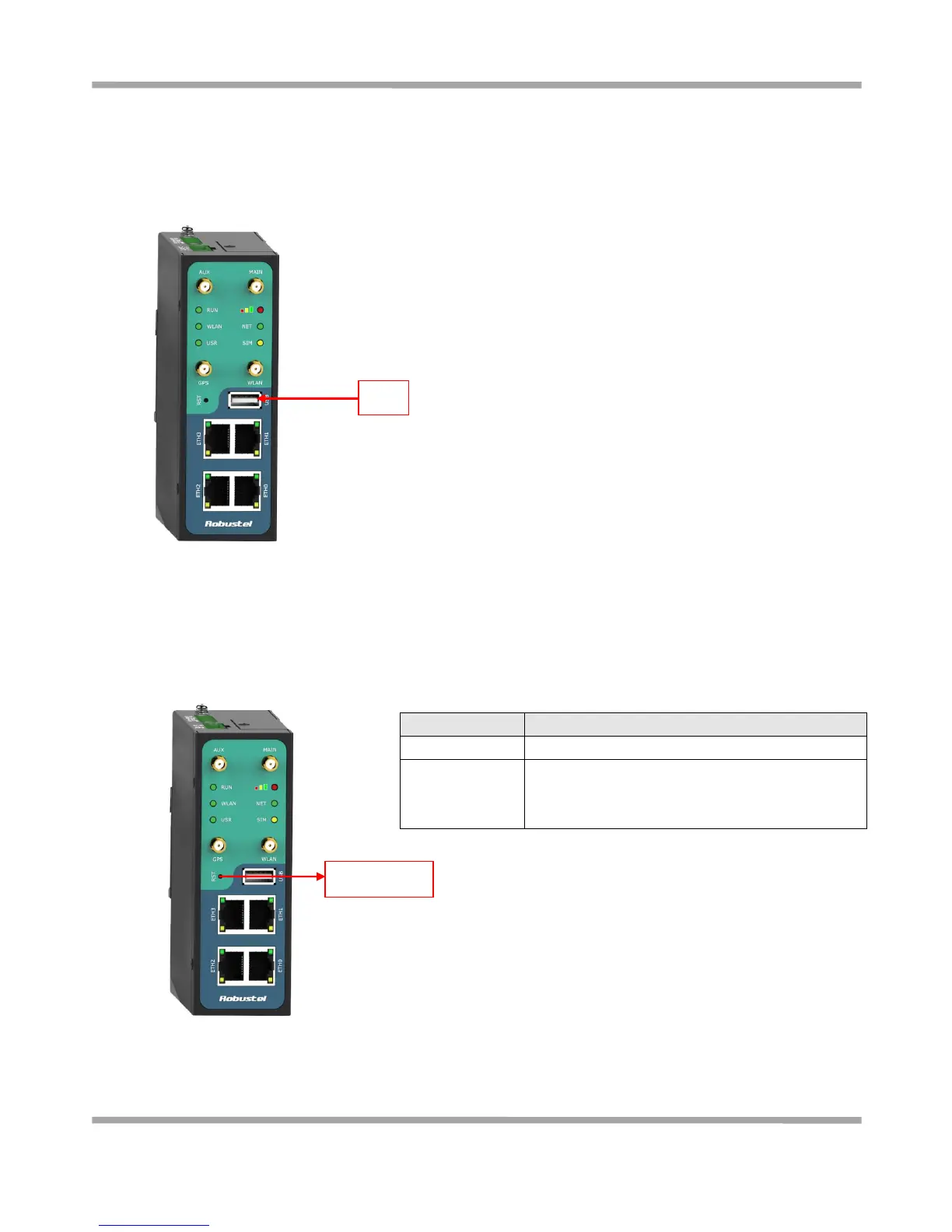
2.3 USB Interface
2.4 Reset Button
Push the button for 5 seconds under working status.
Restore to factory
default setting
Push the button for 60 seconds once you power on the
router until all the three LEDs at the left side (RUN,
PPP, USR) blink at the same time for 5 times.
USB interface is used for batch firmware upgrade, cannot used to send or
receive data from slave devices which with USB interface.
Users can insert a USB storage device, such as U disk or hard disk, into the
router’s USB interface, if there is configuration file or firmware of R3000
inside the USB storage devices, R3000 will automatically update the
configuration file or firmware. Details please refer to section 23.15.










 To Next Page