Robustel GoRugged R3000 Quad User Guide
RT_UG_R3000 Quad_v.1.2.0 02.07.2015 66 / 136
Confidential
Bulk: guarantees that the minimum global rate of router is 1% of “Downlink
Speed”, and the maximum rate can reach to 100% of “Downlink Speed”.
Note: If services are in the same priority level, router will automatically start Stochastic Fairness Queueing (SFQ)
strategy to make a fair bandwidth allocation.
3.20 Configuration -> IP Routing
This section allows users to set the IP routing parameters.
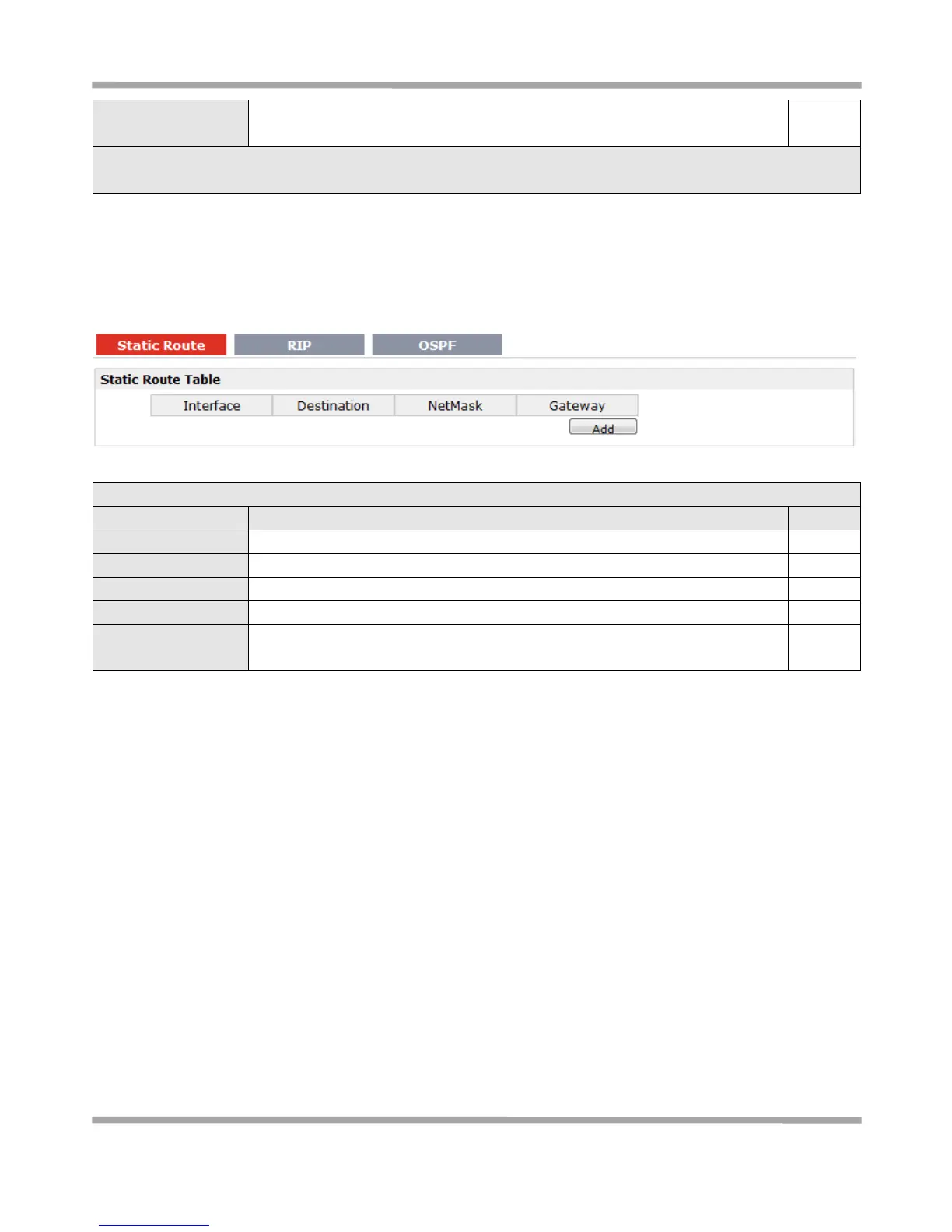
Static Route @ IP Routing
Allow users to add, delete or modify static route rules manually.
Select from “WAN”, “LAN_0” or “LAN_1”.
Enter the destination host’s IP address or destination network.
Enter the Netmask of the destination or destination network.
Enter the gateway’s IP address of this static route rule. Router will forward all
the data which fit for the destination and Netmask to this gateway.










 To Next Page