Robustel GoRugged R3000 Quad User Guide
RT_UG_R3000 Quad_v.1.2.0 02.07.2015 62 / 136
Confidential
Target IP Address@
Add Filter List
Defines if access is allowed to one or a range of IP addresses which are defined
by Target IP Address, or every IP addresses.
Target Port@ Add
Filter List
Defines if access is allowed tone or a range of port which is defined by Target
Port.
Protocol@ Add Filter
List
Select from “TCP”, “UDP”, “TCP&UDP”, “ICMP” or “ALL”.
If you don’t know what kinds of protocol of your application, we recommend
you select “ALL”.
Click “Add” to add a URL list.
URL@ Blocking By
URL Address
Block the access according to the URL that filled in the blank.
Click “Add” to add a Keywork list.
Keywork@ Blocking
By Keywork
Block the access according to the Keywork that filled in the blank.
Note: You can use “-“to define a range of IP addresses or ports, e.g. 1.1.1.1-2.2.2.2, 10000-12000. The priority of
Filter List is higher than Default Filter Policy. Firewall policy would not take effect on the packet receive to R3000
itself, but only take effect on packet "pass through" the R3000.
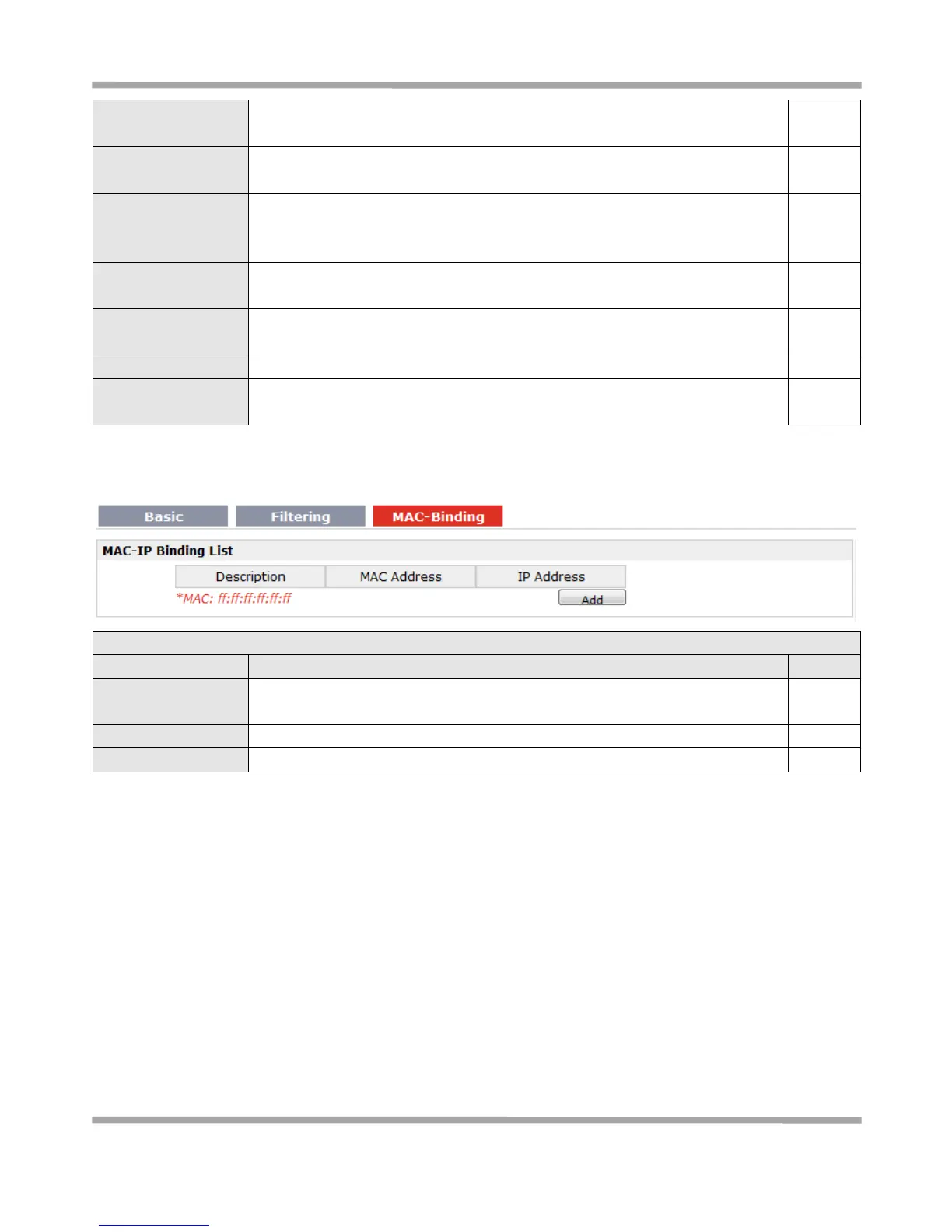
The defined host (MAC) on the LAN side only can use the defined IP address to
communicate with router, or will be rejected.
Enter the defined host’s Mac Address.
Enter the defined host’s IP Address.
3.19 Configuration -> QoS
This section allows users to set the QoS parameters.










 To Next Page