Robustel GoRugged R3000 Quad User Guide
RT_UG_R3000 Quad_v.1.2.0 02.07.2015 45 / 136
Confidential
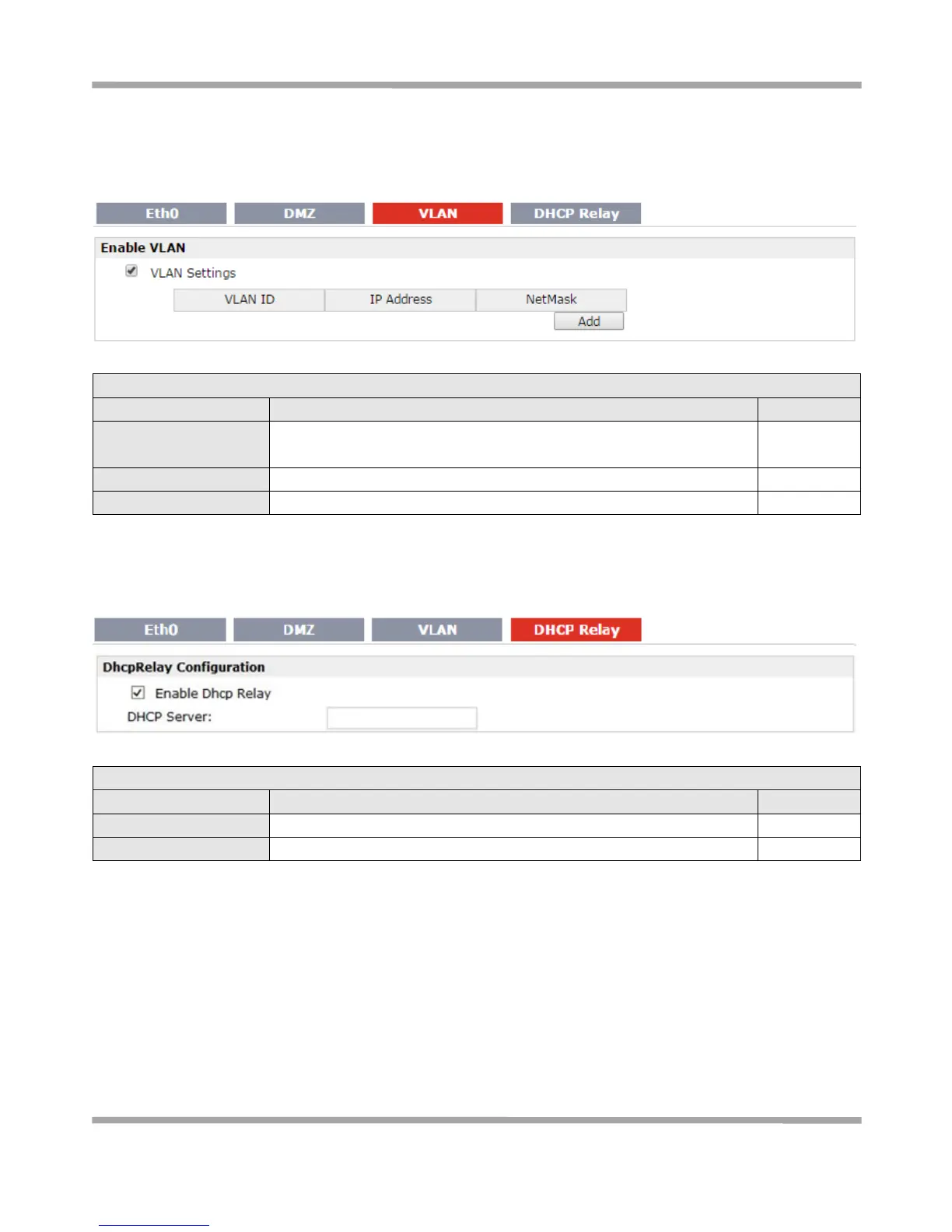
VLAN
VLAN trunk is a point-to-point link between two network devices that carries more than one VLAN. With VLAN trunk,
user can extend the configured VLAN across the entire network.
Enable to make router can encapsulate and de-encapsulate the VLAN
tag.
Set the IP address, Netmask of VLAN interface
DHCP Relay
Router can be DHCP Relay, which will provide a relay tunnel to solve problem that DHCP Client and DHCP Server is
not in a same subnet. This section allow user to configure DHCP Relay settings.
Click to enable DHCP Relay function.
Set the DHCP server address
3.13 Configuration -> WiFi
This section allows users to set parameters of WiFi.










 To Next Page