Robustel GoRugged R3000 Quad User Guide
RT_UG_R3000 Quad_v.1.2.0 02.07.2015 29 / 136
Confidential
3.5 Status -> Network
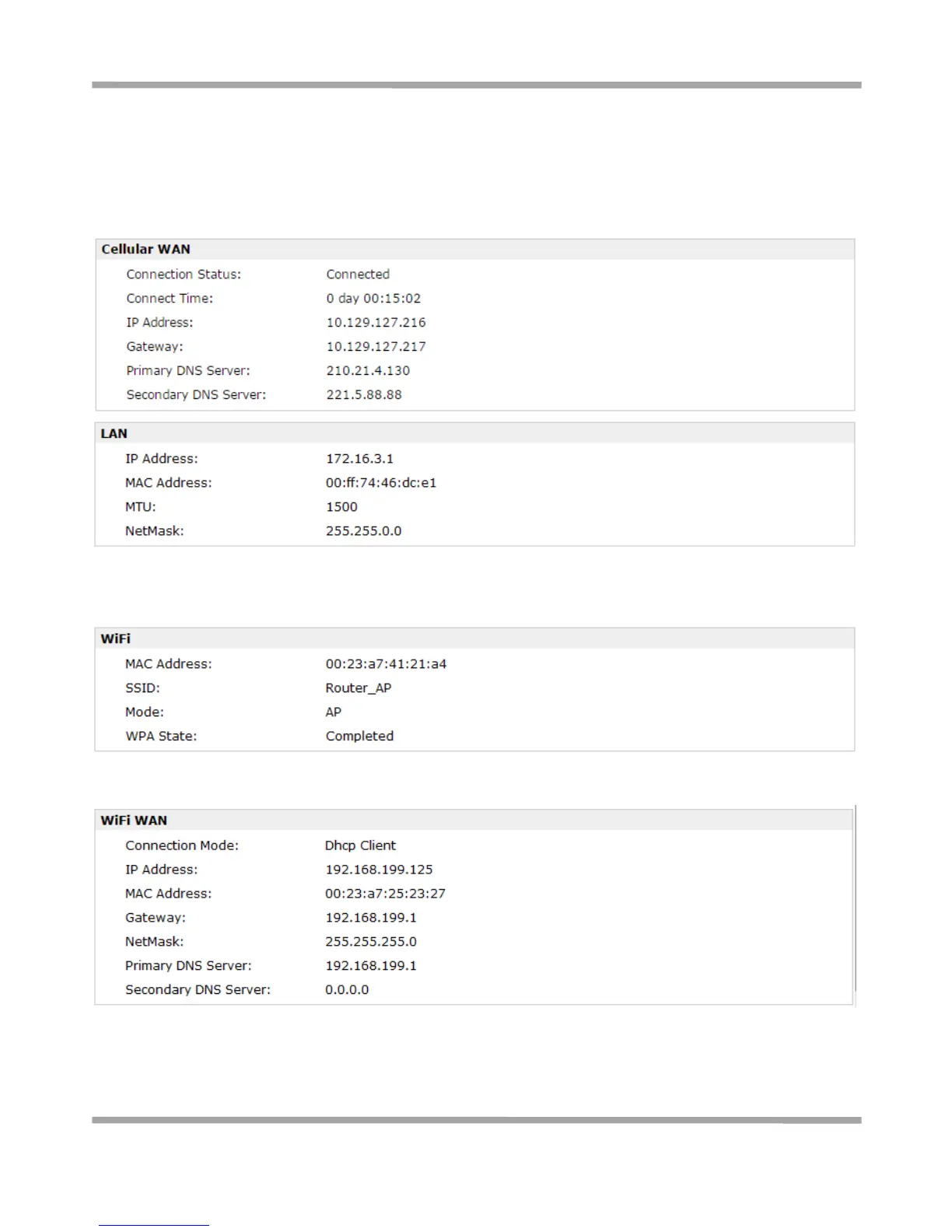
This section displays the router’s Network status, which include status of Cellular WAN, ETH0, WLAN (AP
mode)/WLAN (Client mode), DHCP and Device List.
Note: Cellular WAN information will not be shown if you select “Eth0” in “Configuration”->”Link Management”->”
Link Management Settings” ->”Primary Interface”.
Note: This information will be shown when R3000 enable WiFi feature and works as AP mode.
Note: This information will be shown when R3000 enable WLAN and works as Client mode.










 To Next Page