Robustel GoRugged R3000 Quad User Guide
RT_UG_R3000 Quad_v.1.2.0 02.07.2015 70 / 136
Confidential
Enter the user name the DDNS server provided.
Enter the password the DDNS server provided.
Enter the connection address of custom DDNS server.
Click to the update and use the DynDNS settings.
Show current status of DynDNS
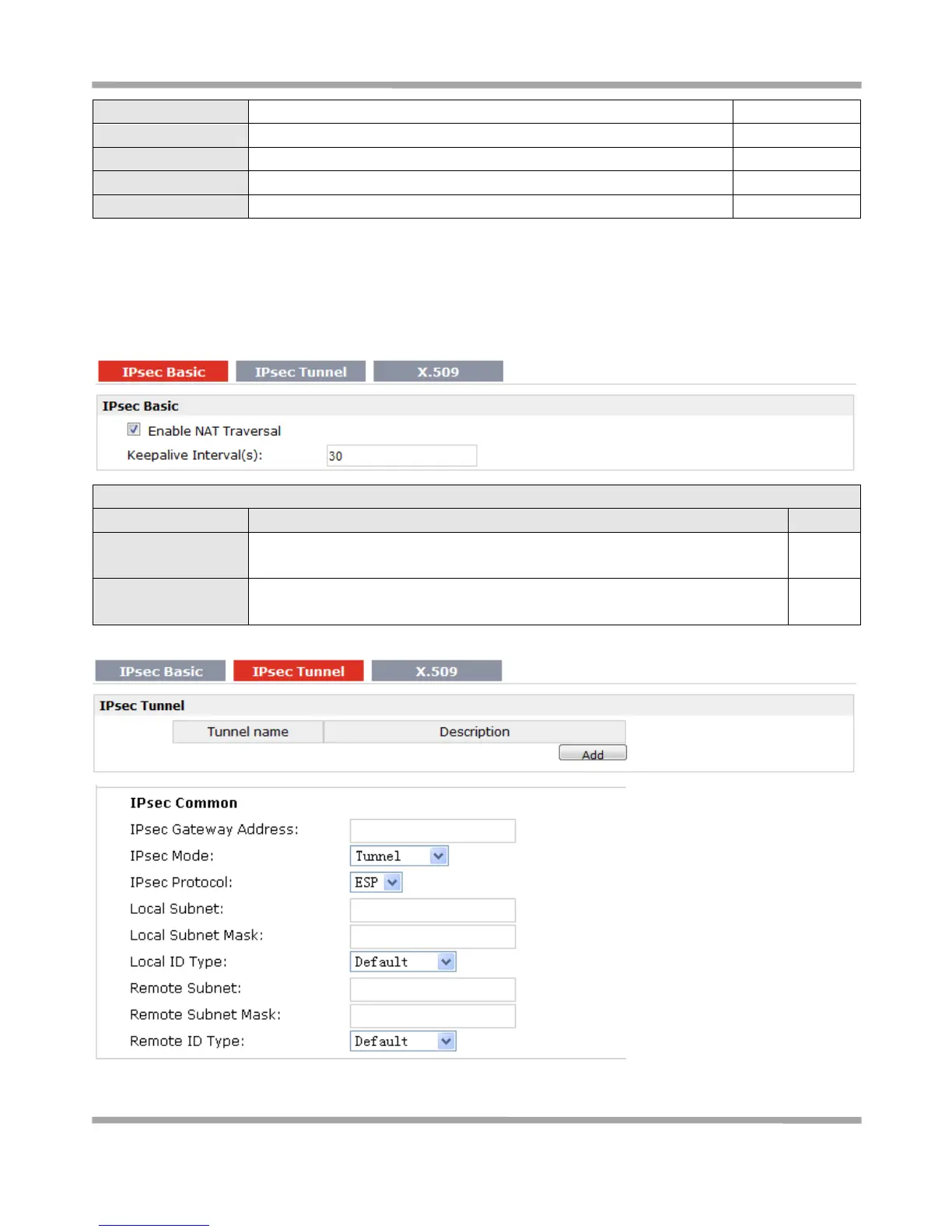
3.22 Configuration -> IPSec
This section allows users to set the IPSec parameters.
Tick to enable NAT Traversal for IPSec. This item must be enabled when router
under NAT environment.
The interval that router sends keepalive packets to NAT box so that to avoid it
to remove the NAT mapping.










 To Next Page