Robustel GoRugged R3000 Quad User Guide
RT_UG_R3000 Quad_v.1.2.0 02.07.2015 22 / 136
Confidential
Chapter 3 Configuration Settings over Web Browser
The router can be configured through your web browser that include IE 8.0 or above, Chrome and Firefox. A web
browser is included as a standard application in the following operating systems: Linux, Mac OS, Windows
98/NT/2000/XP/Me/Vista/7/8, etc. It provides an easy and user-friendly interface for configuration.
There are various ways to connect the router, either through an external repeater/hub or connect directly to your PC.
However, make sure that your PC has an Ethernet interface properly installed prior to connecting the router.
You must configure your PC to obtain an IP address through a DHCP server or a fixed IP address that must be in the
same subnet as the router. If you encounter any problems accessing the router web interface it is advisable to
uninstall your firewall program on your PC, as this tends to cause problems accessing the IP address of the router.
3.1 Configuring PC in Windows 7
The configuration for windows system is similar.
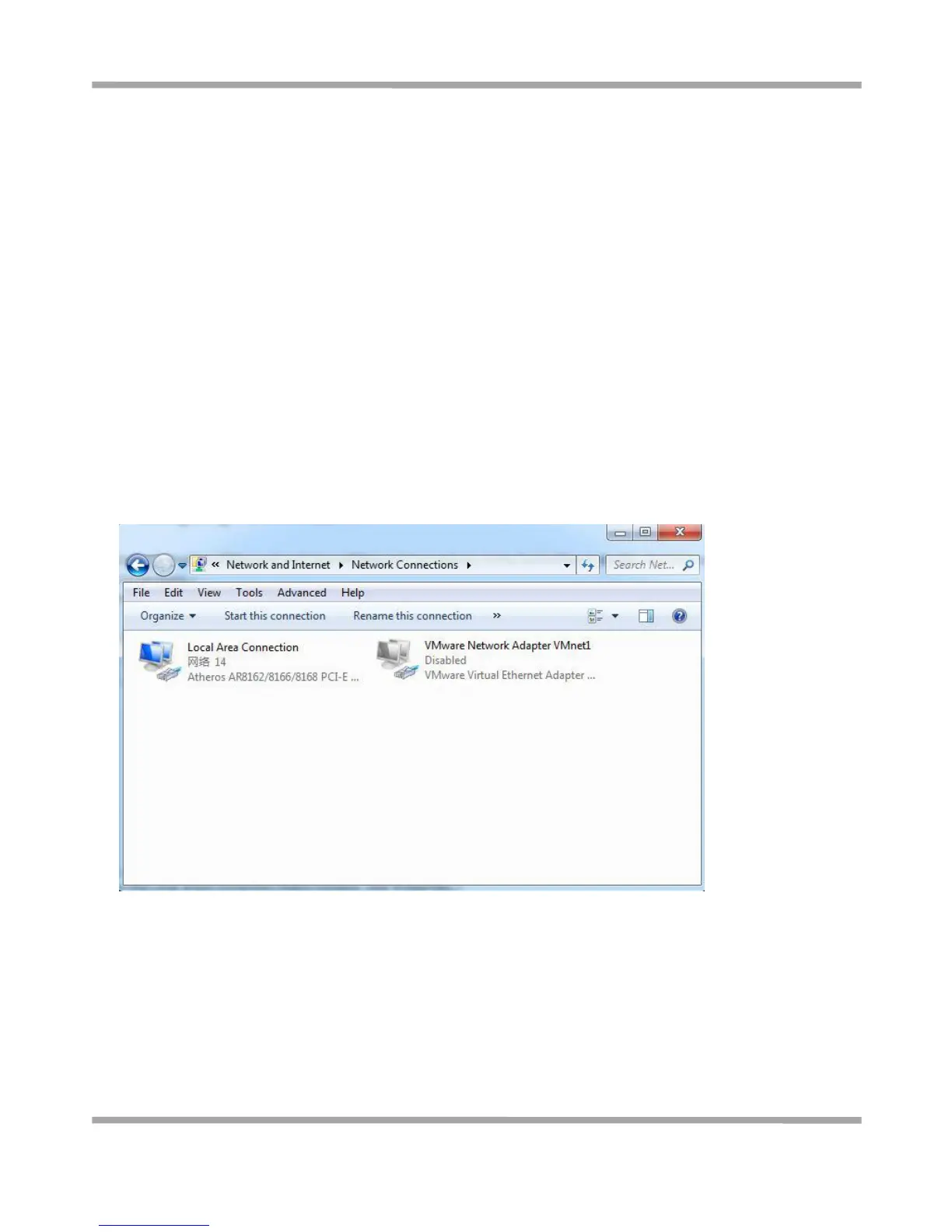
1. Go to Start / Control Panel (in Classic View). In the Control Panel, double-click Network Connections.
2. Double-click Local Area Connection.










 To Next Page