EasyManua.ls Logo

Robustel GoRugged R3000 Quad - Factory Default Settings

Robustel GoRugged R3000 Quad
137 pages
Print Icon
To Next Page IconTo Next Page
To Previous Page IconTo Previous Page
Loading...
Robustel GoRugged R3000 Quad User Guide
RT_UG_R3000 Quad_v.1.2.0 02.07.2015 24 / 136
Confidential
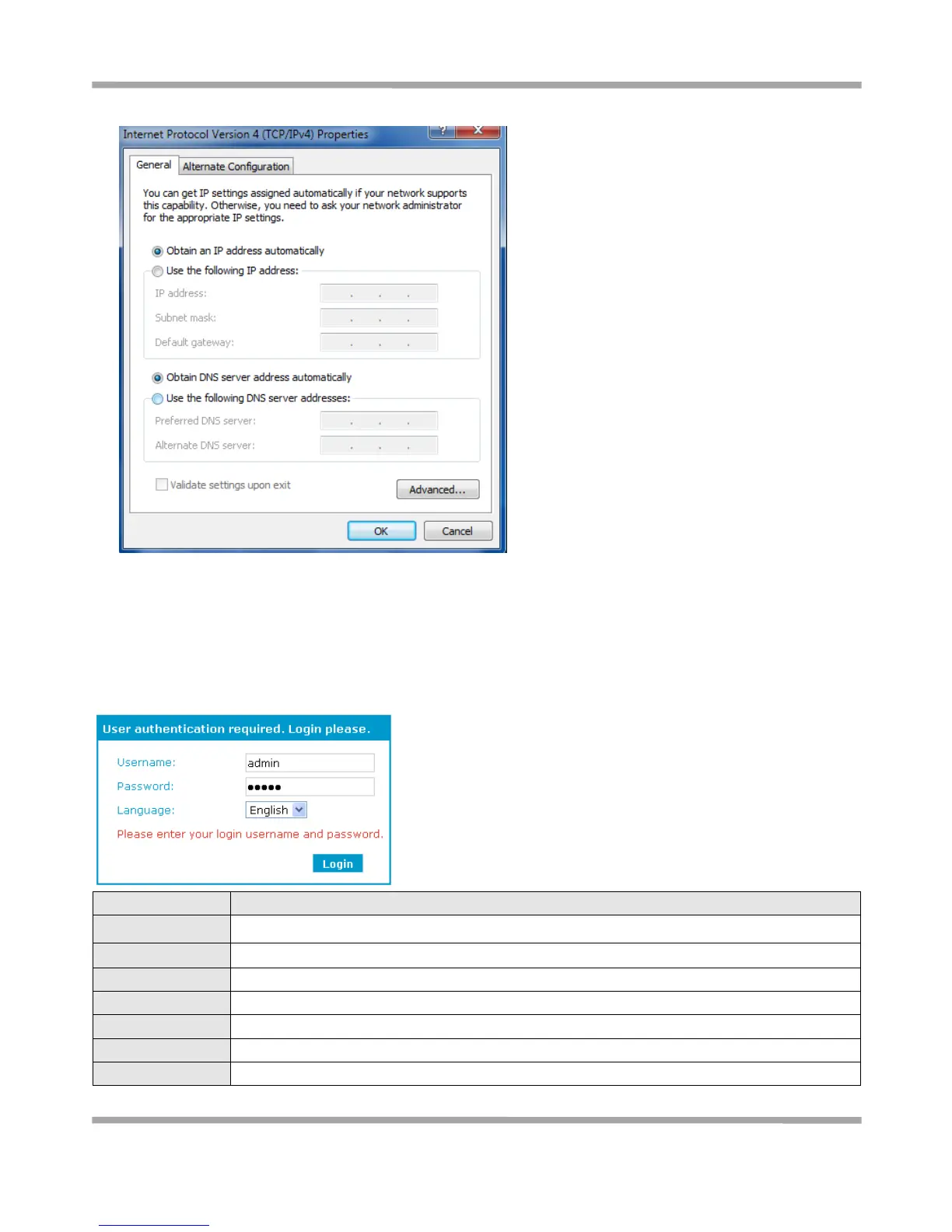
5. Select Obtain an IP address automatically and Obtain DNS server address automatically radio buttons.
6. Click OK to finish the configuration.
3.2 Factory Default Settings
Before configuring your router, you need to know the following default settings.
Item
Description
Username
admin
Password
admin
Eth0
192.168.0.1/255.255.255.0, LAN mode
Eth1
192.168.0.1/255.255.255.0, LAN mode
Eth2
192.168.0.1/255.255.255.0, LAN mode
Eth3
192.168.0.1/255.255.255.0, LAN mode
DHCP Server
Enabled.

Table of Contents