Robustel GoRugged R3000 Quad User Guide
RT_UG_R3000 Quad_v.1.2.0 02.07.2015 54 / 136
Confidential
Slave Address @
Modbus Slave
This connection is usually used to connect to the Modbus slave devices which
as TCP server. Enter IP address of the TCP server.
Slave Port @
Modbus Slave
Enter the port number of TCP server.
Enter the ID number of TCP server.
Interval Timeout @
Transparent Over
Rlink
The serial port will queue the data in the buffer and send the data to the
Cellular WAN/Ethernet WAN when it reaches the Interval Timeout in the field.
Attached serial
device type @
Modbus Over Rlink
Select From “Modbus RTU slave”, “Modbus ASCⅡ slave”.
Modbus RTU slave: router connects to slave device which works under Modbus
RTU protocol.
Modbus ASCⅡ slave: router connects to slave device which works under
Modbus ASCⅡprotocol.
Display all com @ AT
Over COM
Enable to display all virtual com of the module inside the router. Generally,
router will occupy /dev/ttyUSB0 and /dev/ttyUSB2 for dialing up to GPRS.
Note: Enable this function will disable Cellular WAN function.
Show the virtual com name of the module inside.
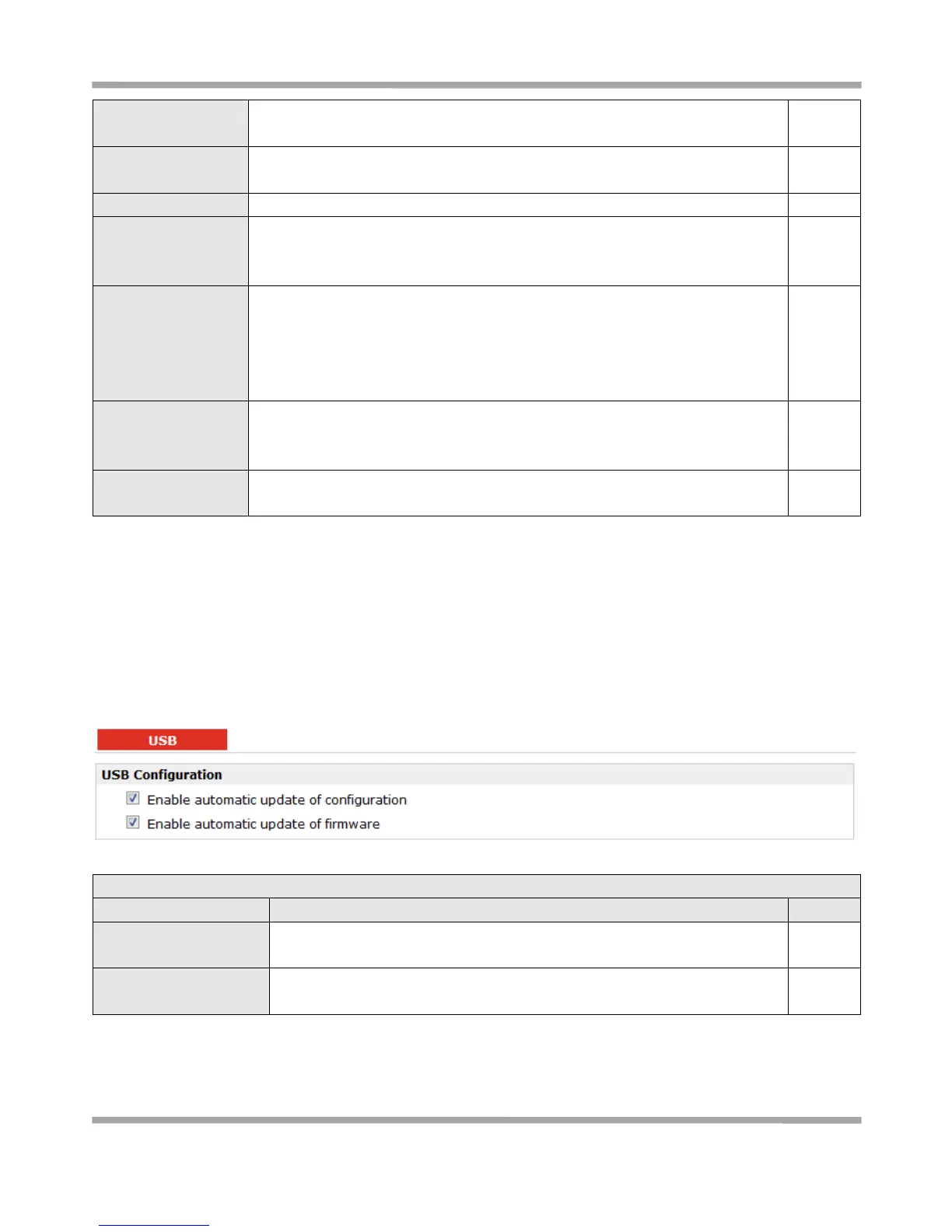
3.15 Configuration -> USB
This section allows users to set the USB parameters.
Note: Users can insert a USB storage device, such as U disk and hard disk, into the router’s USB interface. If there is
configuration file or firmware of R3000 inside the USB storage devices, R3000 will automatically update the
configuration file or firmware. We will provide another file to show how to do USB automatic update.
Enable automatic
update of configuration
Click Enable to automatically update the configuration file of R3000 when
insert the USB storage devices which has R3000’s configuration file.
Enable automatic
update of firmware
Click Enable to automatically update the firmware of R3000 when insert the
USB storage devices which has R3000’s firmware.










 To Next Page