Robustel GoRugged R3000 Quad User Guide
RT_UG_R3000 Quad_v.1.2.0 02.07.2015 27 / 136
Confidential
Show the device name to distinguish different devices you have installed.
Show the current firmware version
Show the current hardware version
Show the current kernel version
Show the current radio module type
Show the current radio firmware version
Show how long the router have been working since power on
Show the current CPU load
Show the total capacity /Free capacity of RAM
Show the current system time
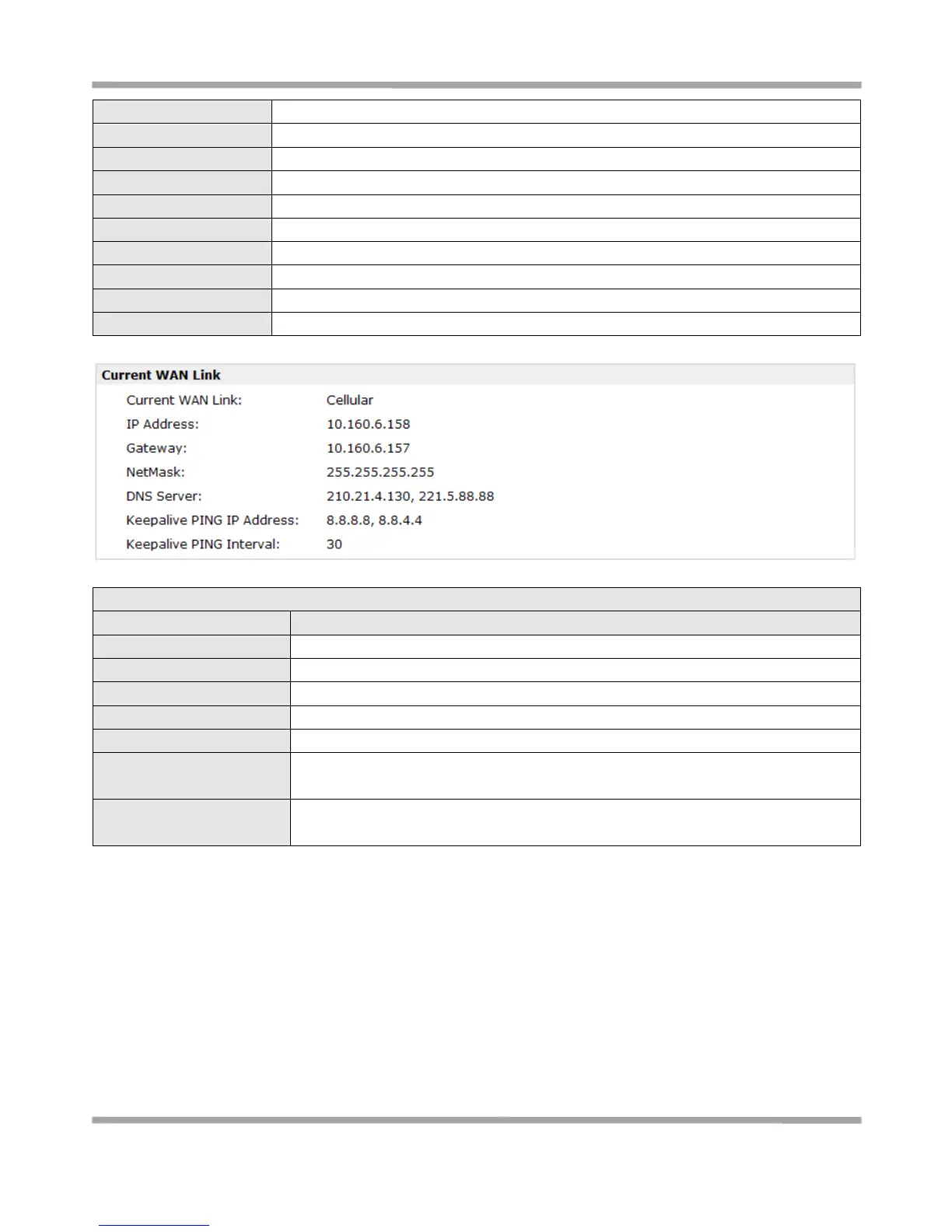
Show the current WAN link: Cellular WAN or Ethernet WAN.
Show the current WAN IP address
Show the current primary DNS server and Secondary server
Show the current ICMP detection server which you can set in “Configuration->Link
Management”.
Show the ICMP Detection Interval (s) which you can set in “Configuration->Link
Management”.










 To Next Page