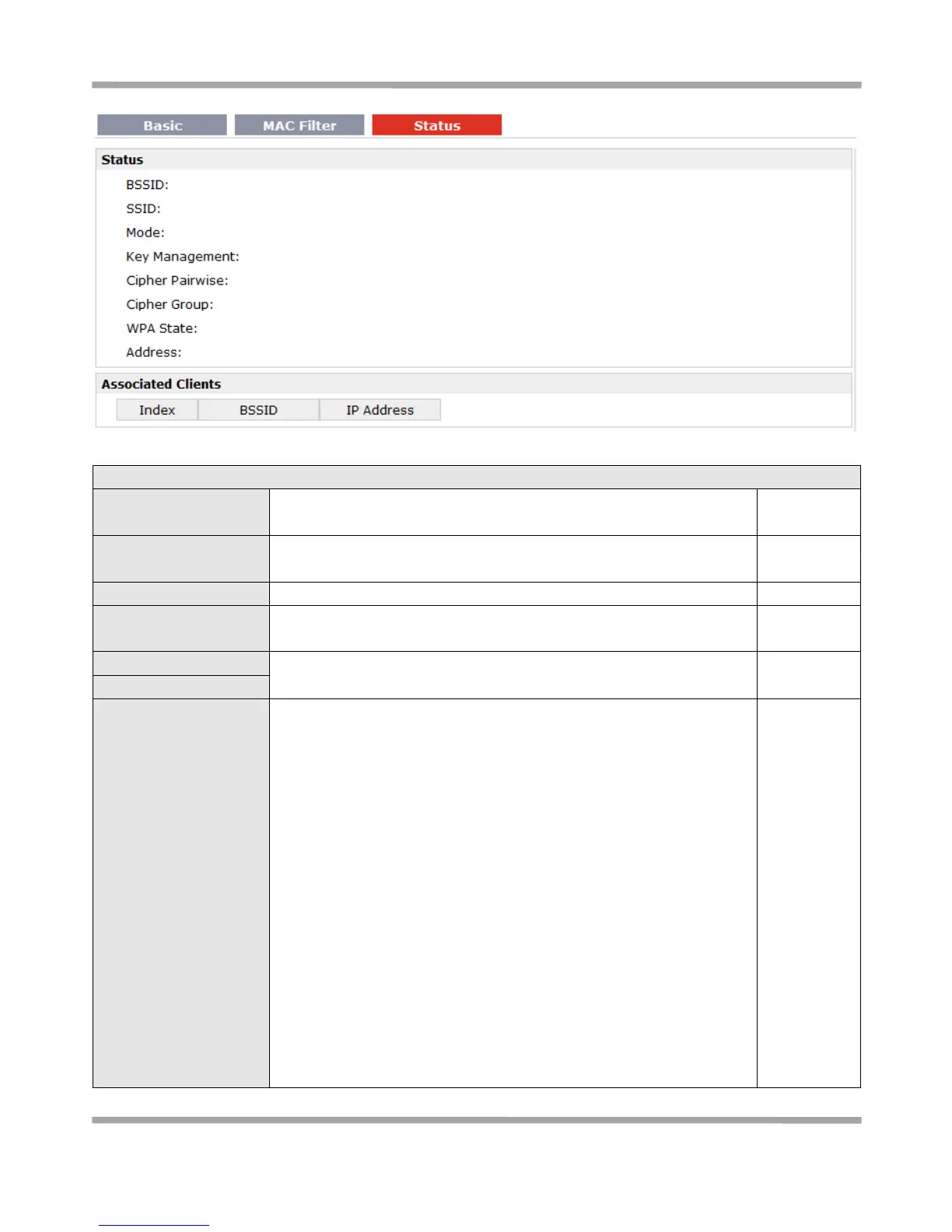
Show current WPA status. Mainly there are 5 statuses: Disconnected,
Scanning, Initializing, Associated, 4way_handshark, Completed.
Disconnected: Not associated or connected with any access point,
perhaps because the wireless device has not fully initialized, is out of
range, or the wireless interface is disconnected because the Ethernet
interface is enabled.
Scanning: Searching for a wireless network (access point) for
connection.
Initializing: R3000 is setting up initial wireless environment.
Associated: This state is entered when the driver reports that
association has been successfully completed with an AP, but still waiting
for authentication.
4way_handshark: This state is entered when WPA/WPA2 4-Way
Handshake is started. When Passphrase do not match, it will show this
status.
Completed: The wireless connection of R3000 and other wireless
devices are established.










 To Next Page