EasyManua.ls Logo

Robustel GoRugged R3000 Quad - Page 59

Robustel GoRugged R3000 Quad
137 pages
Print Icon
To Next Page IconTo Next Page
To Previous Page IconTo Previous Page
Loading...
Robustel GoRugged R3000 Quad User Guide
RT_UG_R3000 Quad_v.1.2.0 02.07.2015 58 / 136
Confidential
GPS Status @ GPS
Item
Description
Default
GPS Status
Show the GPS Status.
GPS status includes: Not Installed, Disabled, No Fix/Invalid, Standalone
GPS Fix, Differential GPS Fix.
Not Installed: No GPS module inside.
Disabled: GPS function is not enabled (not click “Enable GPS” in item
“GPS Setting” yet).
No Fix/Invalid: GPS function is enabled, but do not get GPS signal (User
should put router outdoor to get stronger GPS signal).
Standalone GPS Fix: Standalone GPS techniques is a mature, universal
GPS positioning mode, only get position from satellite.
Differential GPS Fix: Differential GPS techniques are used to enhance the
quality of location data. It can be applied in real-time directly in the field
or when post processing data in the office.
Not
Installed
Last Fixed Time
Show the time that router located successfully at last time.
Null
Last Failed Time
Show the time that router located unsuccessfully at last time.
Null
Satellites In Use
Show how many satellites are in use.
0
Satellites In View
Show how many satellites are in view.
0
UTC
Show the UTC of satellites, which is world unified time, not local time.
Null
Latitude
Show the latitude status of router.
0.0
Longitude
Show the Longitude status of router.
0.0
Altitude
Show the Altitude status of router.
0.0
Speed
Show the movement speed of router.
0.0KMH
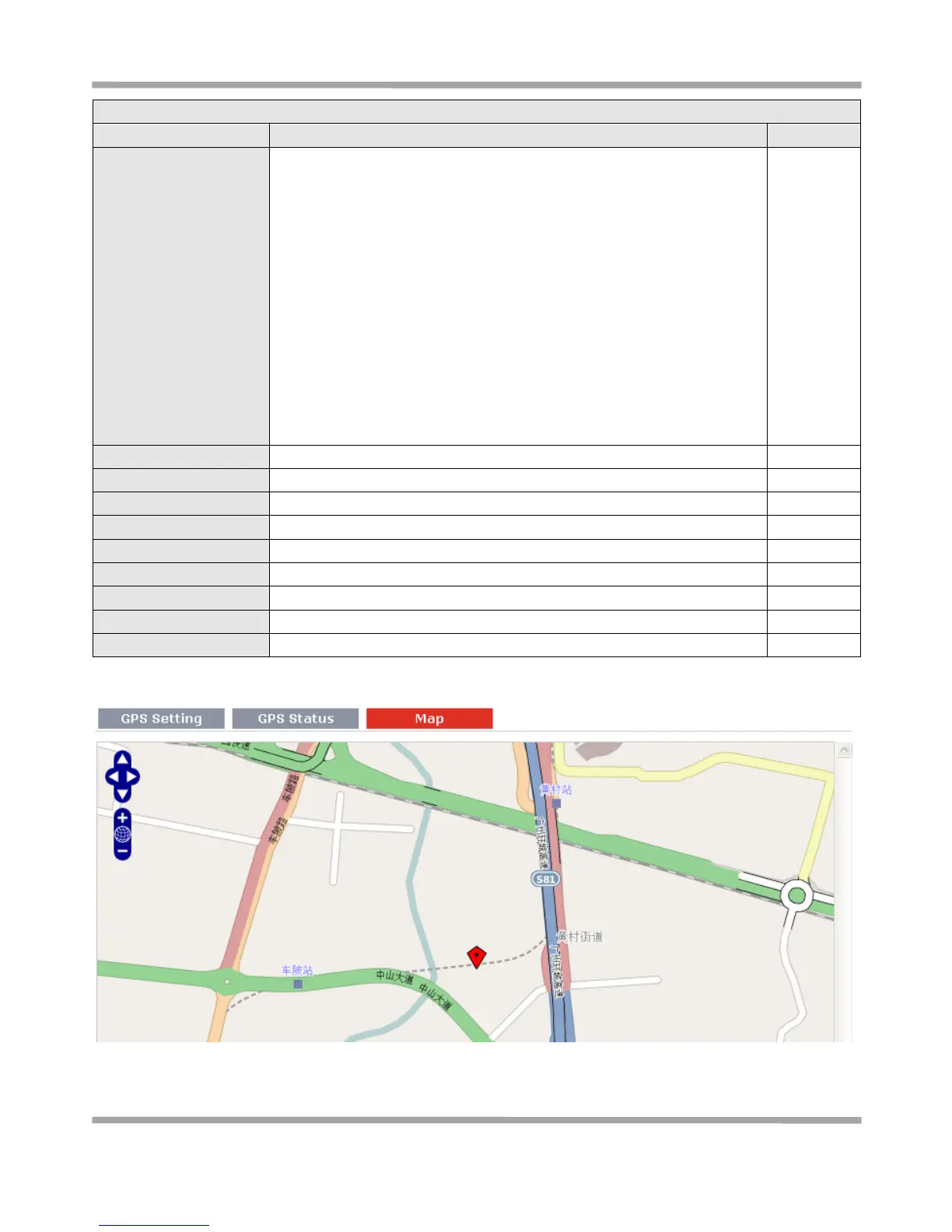
This section allows users to check the real time GPS status of router in the map.

Table of Contents