Robustel GoRugged R3000 Quad User Guide
RT_UG_R3000 Quad_v.1.2.0 02.07.2015 74 / 136
Confidential
Enter the IP address or domain name or remote server. Router will ping
this address/domain name to check that if the current connectivity is
active.
Set the local IP address.
Set the ping interval time.
If Router ping the preset address/domain name time out continuously
for Max Retries time, it will try to re-establish the VPN tunnel.
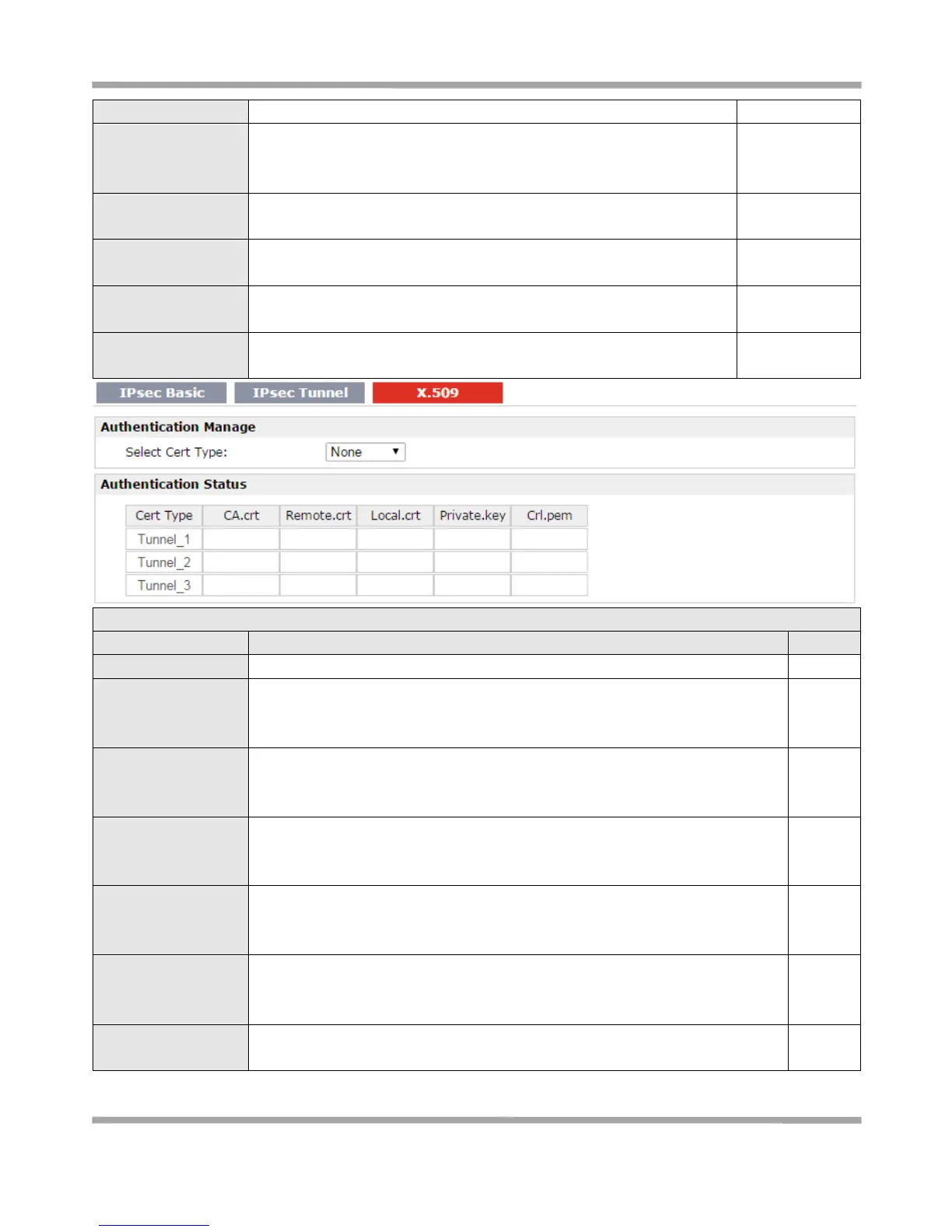
Select the IPSec tunnel which the certification used for.
Click “Browse” to select the correct CA file from your PC, and then click
“Import” to import it to the router.
Click “Export” you can export the CA file from router to your PC.
Click “Browse” to select the correct Remote Public Key file from your PC, and
then click “Import” to import it to the router.
Click “Export” you can export the Remote Public Key file from router to your PC.
Click “Browse” to select the correct Local Public Key file from your PC, and then
click “Import” to import it to the router.
Click “Export” you can export the Local Public Key file from router to your PC.
Click “Browse” to select the correct Local Private Key file from your PC, and
then click “Import” to import it to the router.
Click “Export” you can export the Local Private Key file from router to your PC.
Click “Browse” to select the correct CRL file from your PC, and then click
“Import” to import it to the router.
Click “Export” you can export the CRL file from router to your PC.
Show current status parameters of IPSec.










 To Next Page