Robustel GoRugged R3000 Quad User Guide
RT_UG_R3000 Quad_v.1.2.0 02.07.2015 82 / 136
Confidential
Click “Add” to add a L2TP client. You can add at most 3 L2TP clients.
Enter your L2TP server’s public IP or domain name.
Enter the username which was provided by your L2TP server.
Enter the password which was provided by your L2TP server.
Select from “Auto”, “PAP”, “CHAP”, “MS-CHAP v1” and “MS-CHAP v2”.
You need to select the corresponding authentication method based on the
server’s authentication method. When you select “Auto”, router will auto
select the correct method based on server.
Enter L2TP remote Protected subnet’s address.
Enter L2TPremote Protected subnet’s mask.
Click to enable NAT feature of L2TP. The source IP address of host Behind
R3000 will be disguised before accessing the remote L2TP server.
All traffic via this
interface
After click to enable this feature, all data traffic will be sent via L2TP tunnel.
Enable Tunnel
Authentication
Tick to enable tunnel authentication and enter the tunnel secret which
provided by L2TP server.
Enter L2TP tunnel secret in this item.
Tick to enable the L2TP client advanced setting.
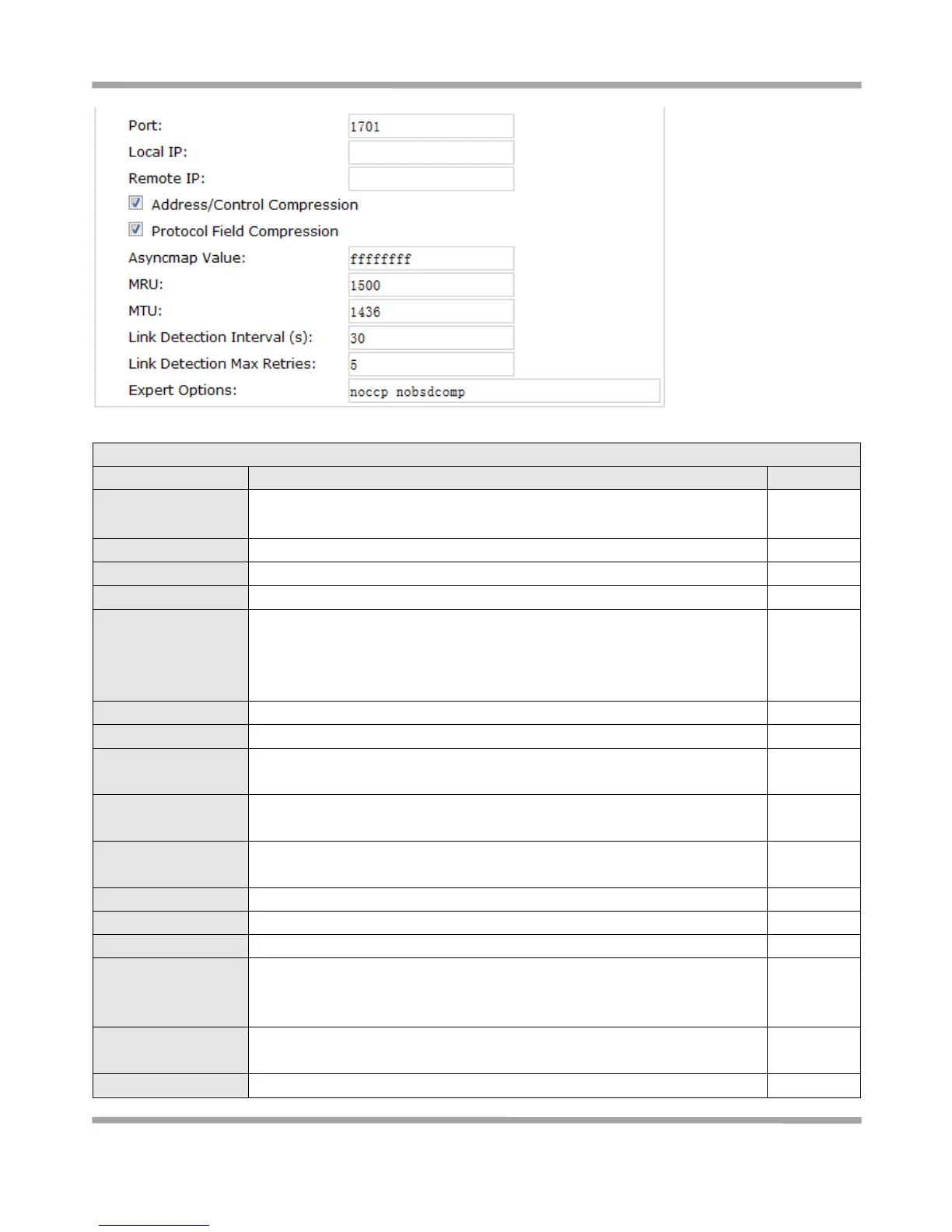
Set the Port number of the L2TP client.
Set the IP address of the L2TP client.
You can enter the IP which assigned by L2TP server. Null means L2TP client
will obtain an IP address automatically from L2TP server’s IP pool.
Enter the remote peer’s private IP address or remote subnet’s gateways
address.
Used for PPP initialization. In general, you need to enable it as default.










 To Next Page