Robustel R1510 User Guide
RT_UG_R1510_v.1.0.1 Dec. 31, 2019 59/140
4.2.6 DI/DO
This section allows you to set the DI/DO parameters. Digital Input and Digital Output are the specific interfaces for
R1510. The DI interface can be used for triggering alarm, while the DO can be used for controlling the slave device so
as to realize real-time monitoring.
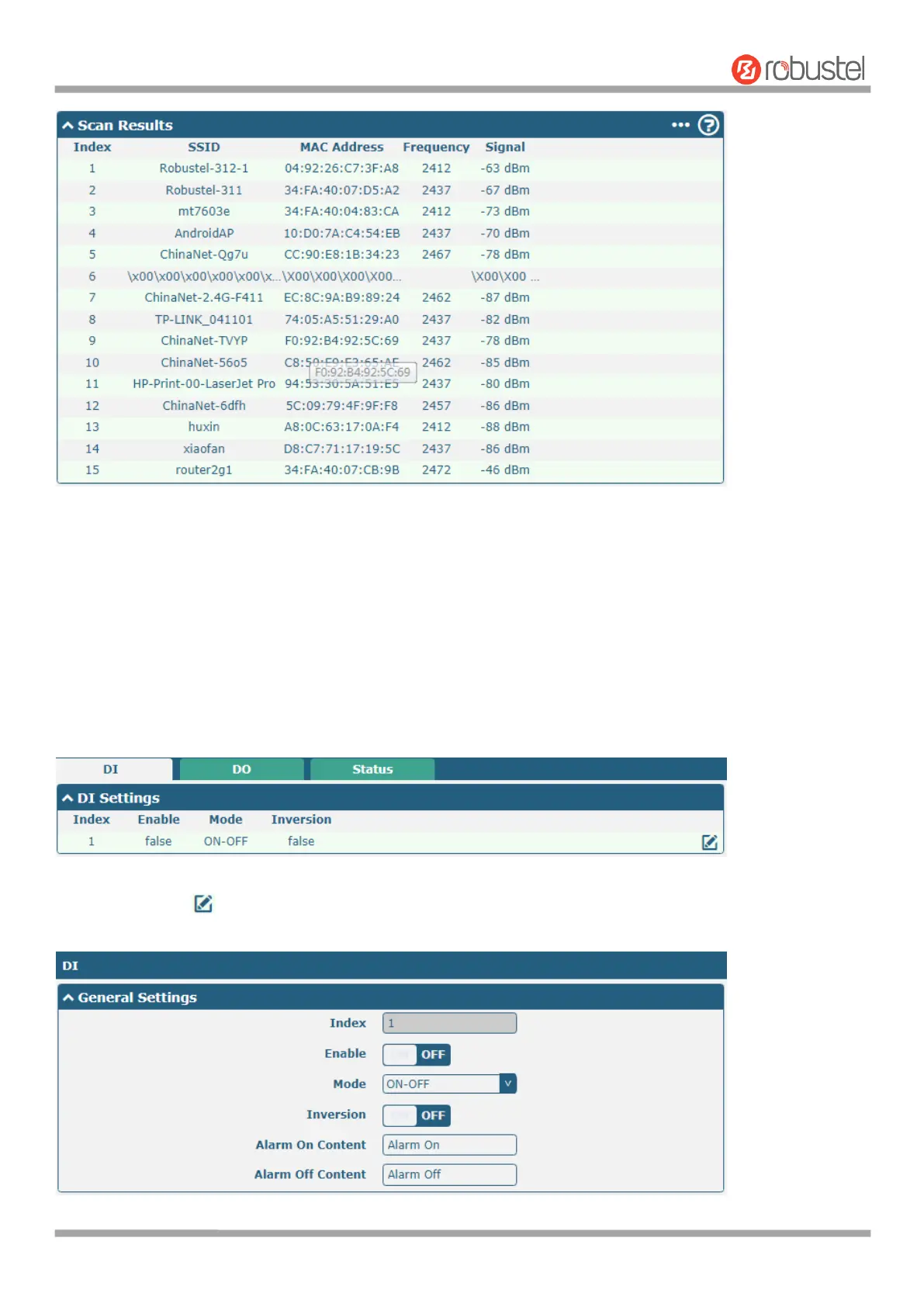
DI
Click the right-most button of DI index 1 as below. The window is displayed as below when the default mode is
“ON-OFF”.













 To Next Page