24
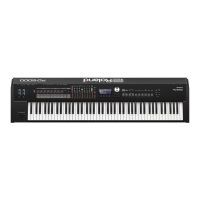
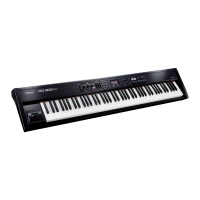
Overview of the RD-700NX
Editing a Value
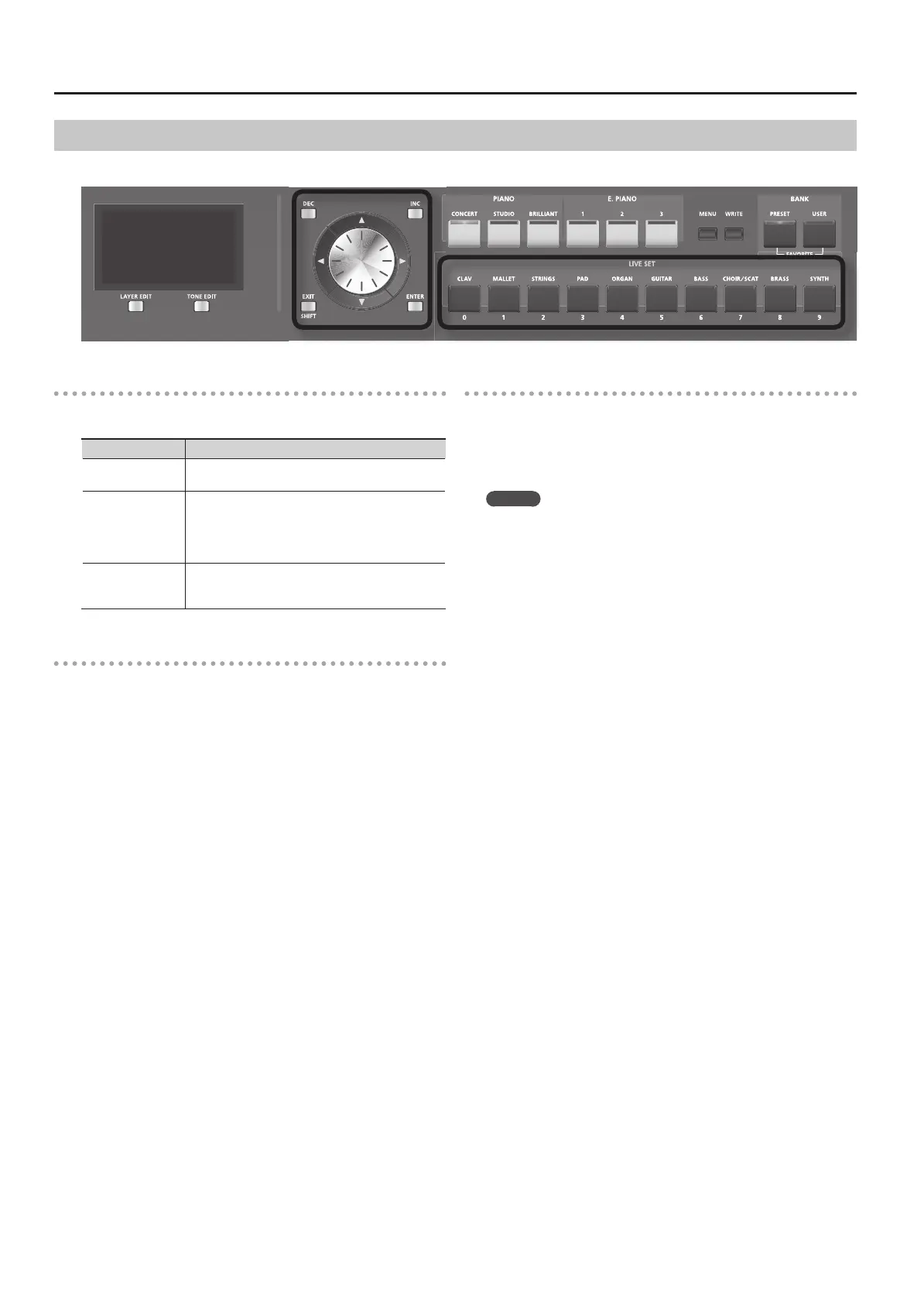
When changing settings values, you can use the [DEC] and [INC] buttons, VALUE dial, or the LIVE SET buttons (numeric keys).
[DEC] Button, [INC] Button
Pressing the [INC] button increases the value, and the [DEC] button
decreases it.
Purpose Panel operation
To continuously
change the value
Hold down the [DEC] button or [INC] button.
To rapidly increase
the value
While holding down the [INC] button, press the [DEC]
button.
Conversely, you can rapidly decrease the value by
holding down the [DEC] button and pressing the [INC]
button.
To set the item to
its default value or
turn it o
Press the [DEC] button and [INC] button simultane-
ously.
VALUE Dial
Turn the dial clockwise to increase the value, or counterclockwise to
decrease the value.
LIVE SET buttons ( Numeric Keys)
In edit screens, you can use the LIVE SET buttons as [0]–[9] buttons to
directly specify a numerical value.
When you enter the number, the value will blink. This indicates that the
value has not yet been nalized. To nalize the value press the [ENTER]
button.
MEMO
Only numerical values can be entered using the numeric keys.
To switch the positive (+) or negative (-) signs for numerical values
and make continuous changes in the numerical values, press the
[DEC] or [INC] button.




 To Next Page