64
Creating a Sound or Drum Set
Try an Original Sound
On the SC-8850, you can modify the values of a variety of parameters in order to cre-
ate the sound most suitable for your playing. A parameter is something that affects
the sound. The process of modifying parameter values is called editing. Sound pa-
rameters affect the volume, timbre and pitch of the sound.
You can set the following parameters.
Vibrato: Rate Depth Delay
Filter: Cutoff Frequency Resonance
Envelope: Attack Time Decay Time Release Time
■ Modifying the Elements of Sound to Create
a New Sound
1
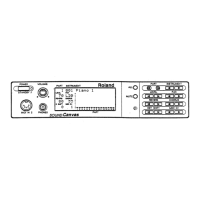
Make sure that the Part Basic screen is selected.
2
Press PART [ ] or [ ] to select a Part .
3
The parameters that modify the sound are set for individual parts. How-
ever, you can first press VAR. [ ] (or INST [ ]) to move the cursor to
VAR. (or INST), and then rotate the [VALUE] dial or use [DEC] [INC] to
select the sound.
4
Press [EDIT].
5
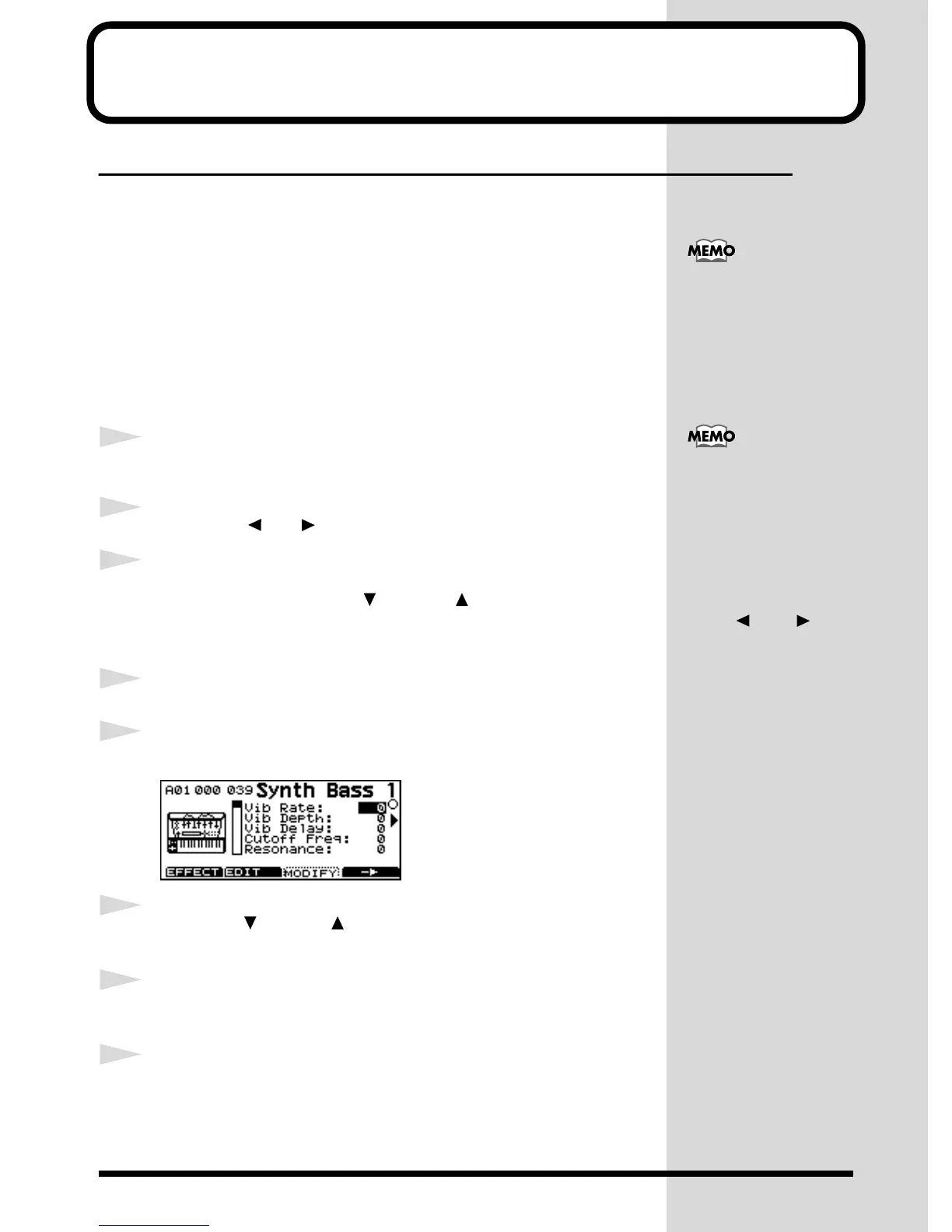
Press [MODIFY] ([F3]).
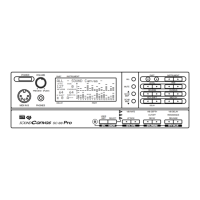
fig.6-1
6
Press VAR. [ ] or INST [ ] to move the cursor up and down, and select
the parameter you want to modify
7
Rotate the [VALUE] knob, or press [DEC] or [INC] to set the value for the
parameter.
8
When you finish making settings, press [EXIT] to end the procedure.
For details on each
parameter, refer to Param-
eters for Sound Editing
(p.65).
The Part Basic screen is the
screen that appears when
the SC-8850’s power is
turned on. You can return
to the Part Basic screen
from other screens by
pressing [EXIT]. If the
PART display is set to ALL,
simultaneously press
PART [ ] and [ ]
(ALL) to restore the PART
display to the normal part
display.


 To Next Page
 Loading...