Reference Manual
00809-0100-4841, Rev. AA
May 2007
4-9
Rosemount 3490 Series
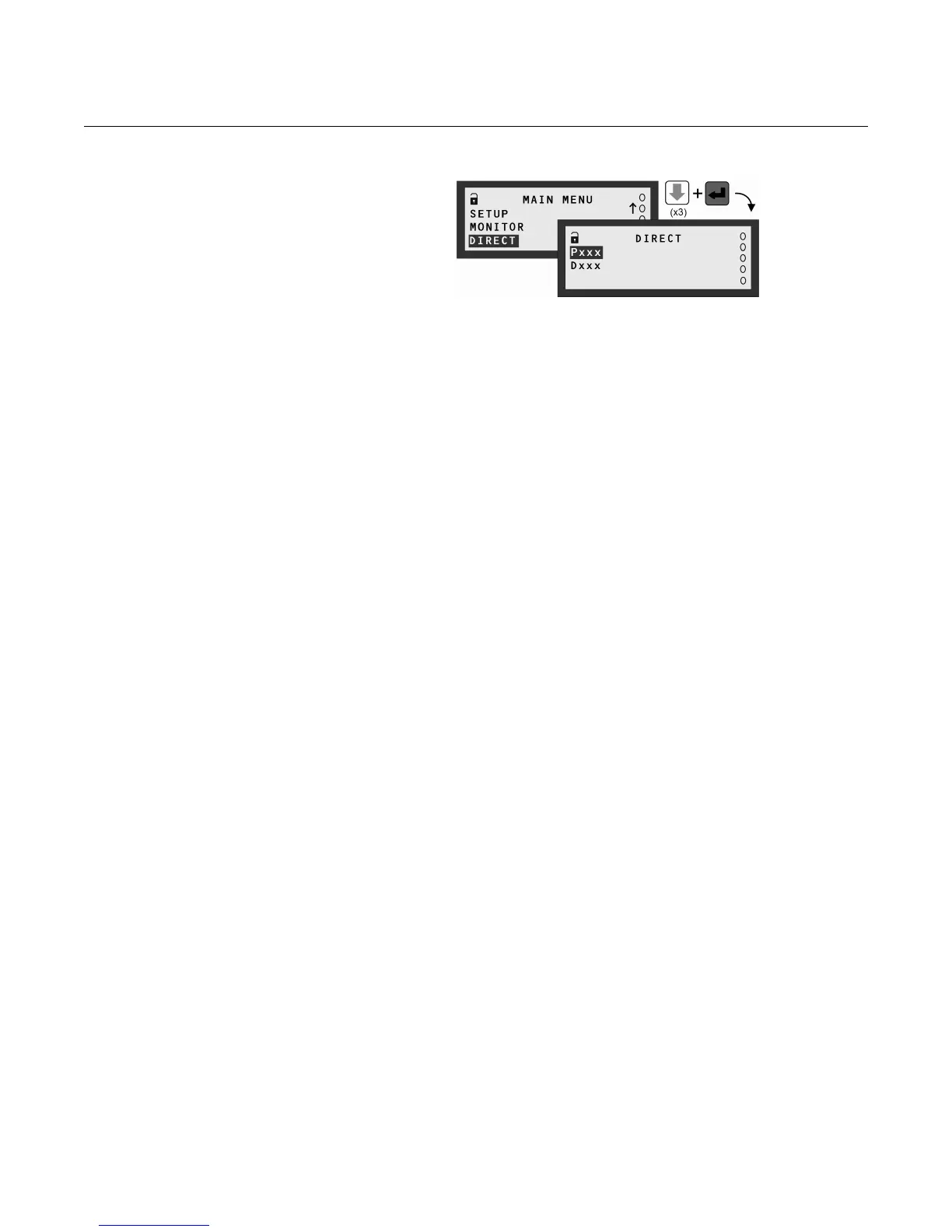
Figure 4-13.
Navigating to the DIRECT menu
Wizards
Programming is best achieved through easy-to-follow Wizards. They are
simply a sequence of on-screen prompts, allowing you to easily set-up an
individual function or a large application without fuss.
There is a collection of Wizards for most functions and applications. They are
selected and started through the menu system. Look out for how to use these
Wizards in later sections.
Wizard hints:
• Display line 4 normally instructs what will occur when pressing the ESC
button and red (ENTER) button.
• Arrow buttons scroll through multiple-choice options and edit values.
• The red (ENTER) button confirms an edited option/value and then
displays the next prompt.
Approach to setting-up
To make setting-up straightforward, proceed in a structured manner:
First Step:
Put the 3490 Series Control Unit off-line (see Modes of operation below). The
factory default is for it to be on-line.
Comfort settings:
This includes how to switch off the keyboard sound, setting the date/time, and
changing language - see Section “Comfort (system) settings“ on page 4-12.
Inputs:
This includes setting-up the Input Channels to obtain PV (Primary Variable)
values from a transmitter. Also, includes how to allocate actions to digital
inputs (IN1 and IN2) - see Sections “Transmitter inputs to the 3490“ on
page 4-13 and “Digital Inputs IN1 and IN2“ on page 4-34.
Application:
This includes further processing of PV values to get content (volume) and flow
rate values, which can be shown on the Primary Display - see Section “Profile
Calculations for Contents and Flow Applications“ on page 4-24.
In addition, a totaliser function can be set-up.



 To Next Page