L600N - Dual Band Wireless Router
24
CONFIGURATION GUIDE
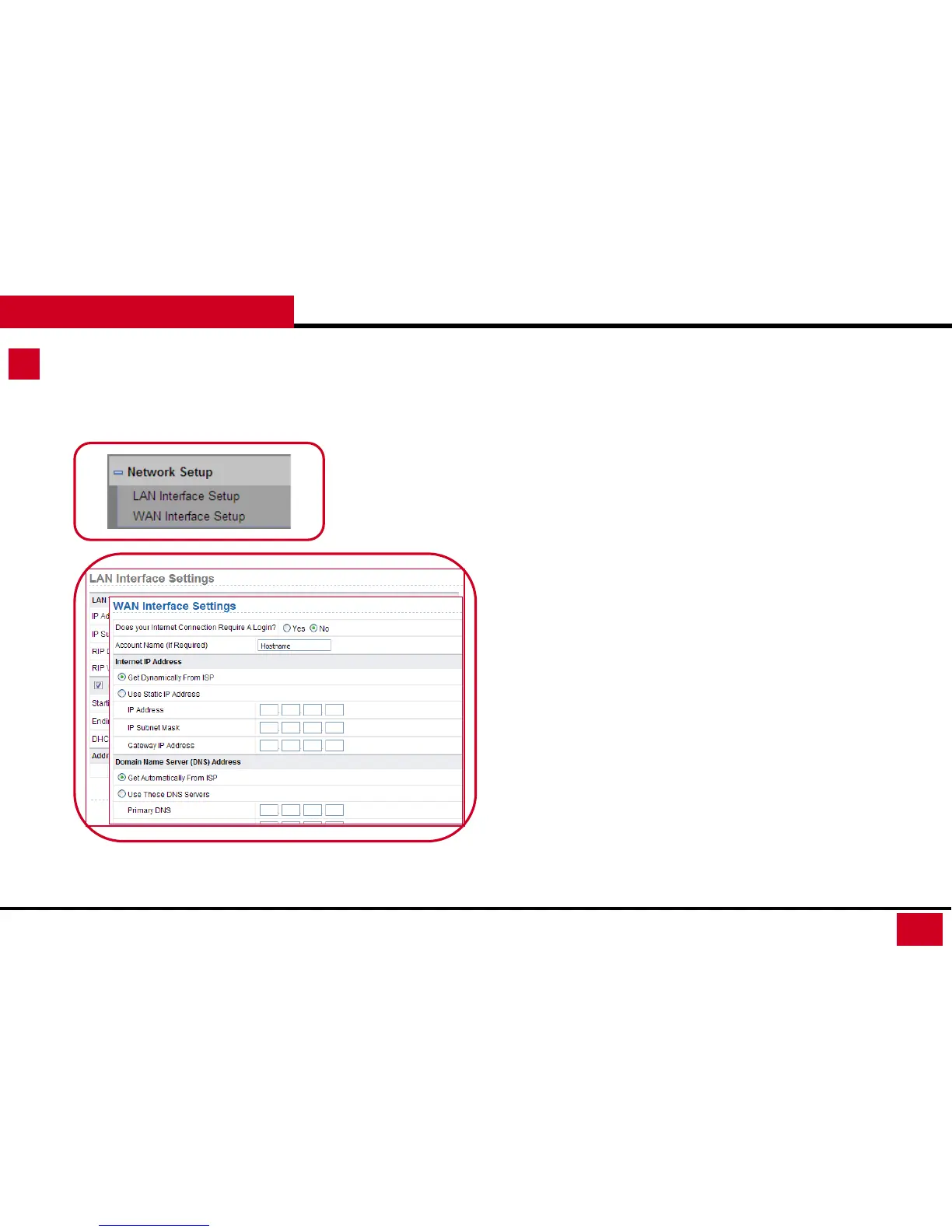
Network Setup – LAN Interface Setup
1. LAN Interface Setup: Setting up your internal network environment.
• LAN TCP/IP Setup:
• IP Address: Set the IP address that an LAN user uses to access
the router. The default IP is 192.168.1.1. You can change it if
necessary.
• IP Subnet Mask: Subnet mask of the LAN port. You can enter a
different subnet mask according to the actual network status.
• RIP Direction: The modes in which the router sends and
receives RIP packets.
• Recommend setting: Both
• RIP supports Small to Mid-size Network Environment.
If no special requirement, please keep default setting
• RIP Version: The format of the RIP packets and broadcast
mode that the router sends them.
• Use Router as DHCP Server: The router serves as the DHCP
server and automatically assigns IP addresses for all connected
clients.



 To Next Page