L600N - Dual Band Wireless Router
44
CONFIGURATION GUIDE
Access Control – QoS Setup
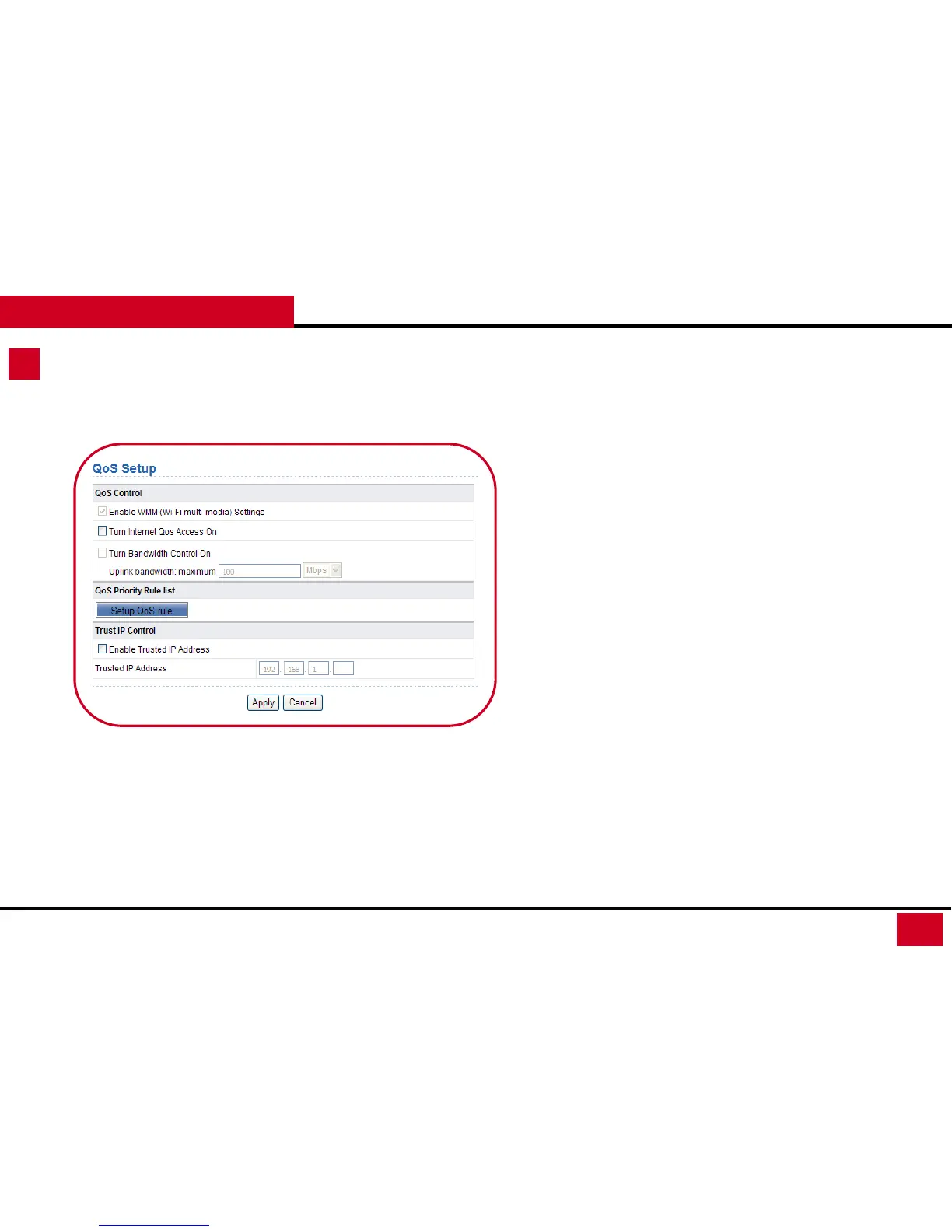
4. QoS Setup: QoS function sets priority policies on applications,
online games, Ethernet LAN ports, and MAC addresses, sets an
order for various network traffics, and thus optimizes your
network performance.
• QoS Control: You can enable QoS control to run the traffic
management policies here.
• Enable WMM (Wi-Fi multi-media) Settings: Enable or
disable WMM. Wireless Multimedia (WMM) supports
setting priorities of wireless traffics according to data
types within a certain range, such as audio and video has
higher priority than normal data. WMM is enable by
default to ensure the quality of wireless connection.
• Turn Internet QoS Access On: Enable or disable QoS.
After it is enabled, you can optimize the network access
traffics according to the settings in the QoS Priority Rule
List.



 To Next Page