L600N - Dual Band Wireless Router
28
Wireless Setup – Basic Setup
CONFIGURATION GUIDE
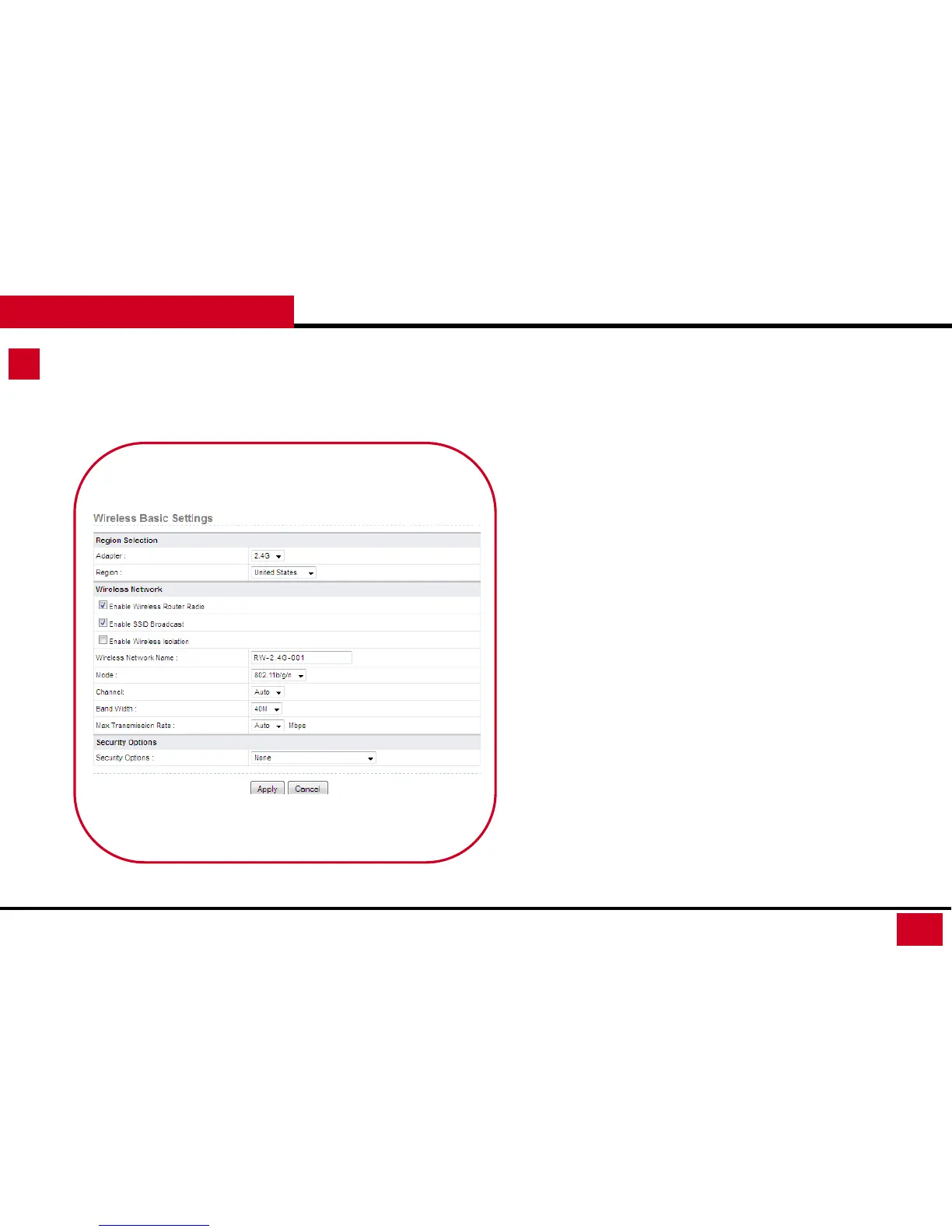
1. Basic Setup: At Wireless Basic Settings, you can select to edit
your wireless signal.
• Region Selection:
• Adapter: 2.4G / 5G
• Region: Default is United States, but you can adjust the
Region based on your location
• Wireless Network
• Enable Wireless Router Radio: This is turning on/off
the wireless signal
• Enable SSID Broadcast: This is to make your SSID
invisible. (Once uncheck this, You will need to enter
your SSID manually when connecting to your Wireless
Signal)
• Enable Wireless isolation: This setting is to turn off the
communication among different clients, but they can
still access Internet.



 To Next Page