L600N - Dual Band Wireless Router
61
CONFIGURATION GUIDE
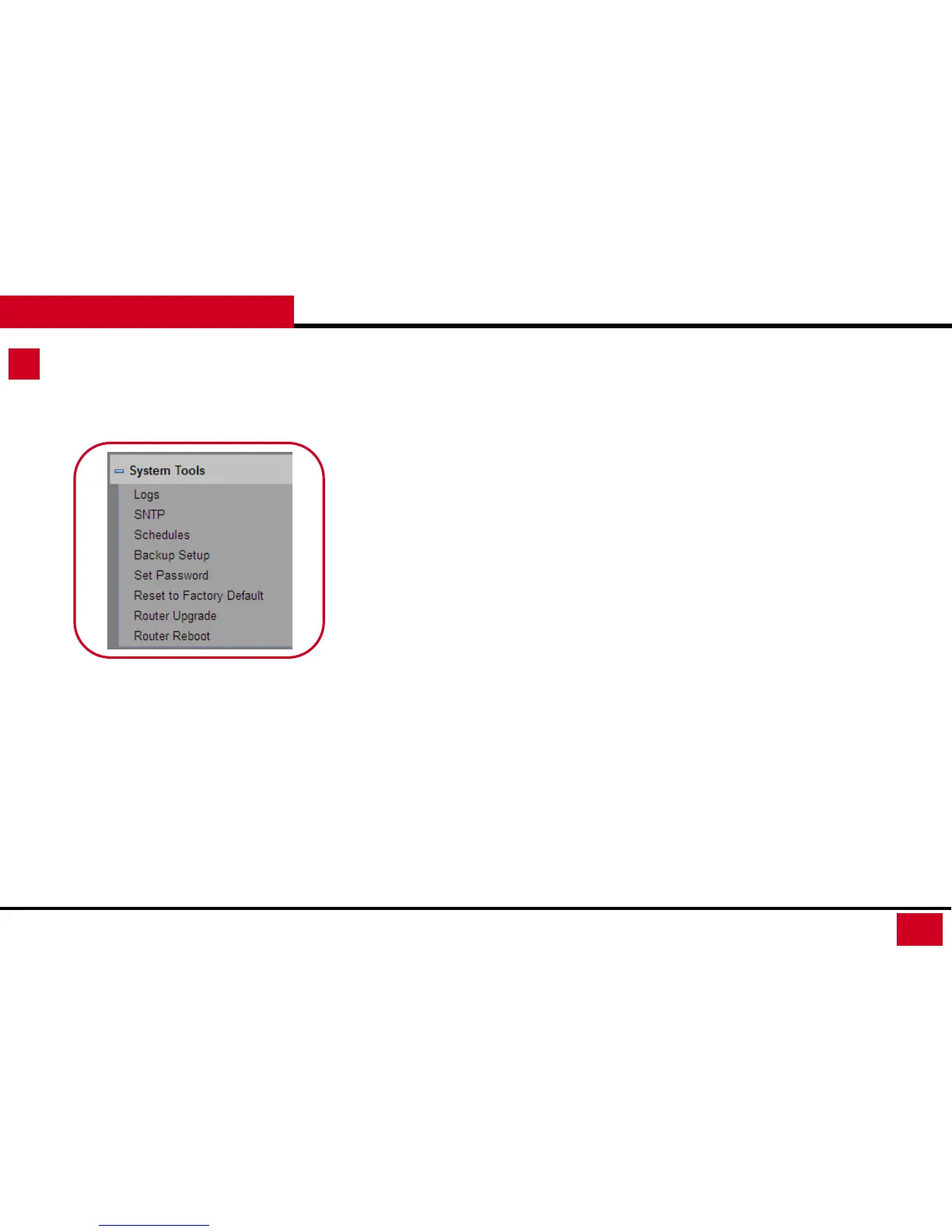
System Tools
• Schedules: Here works the same as the Time of Day to
Block. you can set a schedule to specify the time and
mode of restricting Internet access.
• Backup Setup: Samba Server setup allows you set up to
access the USB drive within the network.
• Set Password: You can reset the password for the login.
(It is recommended to set a high level security password,
write it down and keep it store safely.
• Reset to Factory Default: You can reset the router to
factory default.
• Router Upgrade: Here you can update the firmware.
• Router Reboot: Here you can reboot the wireless router.



 To Next Page