3.3 Inside a CVA actuator
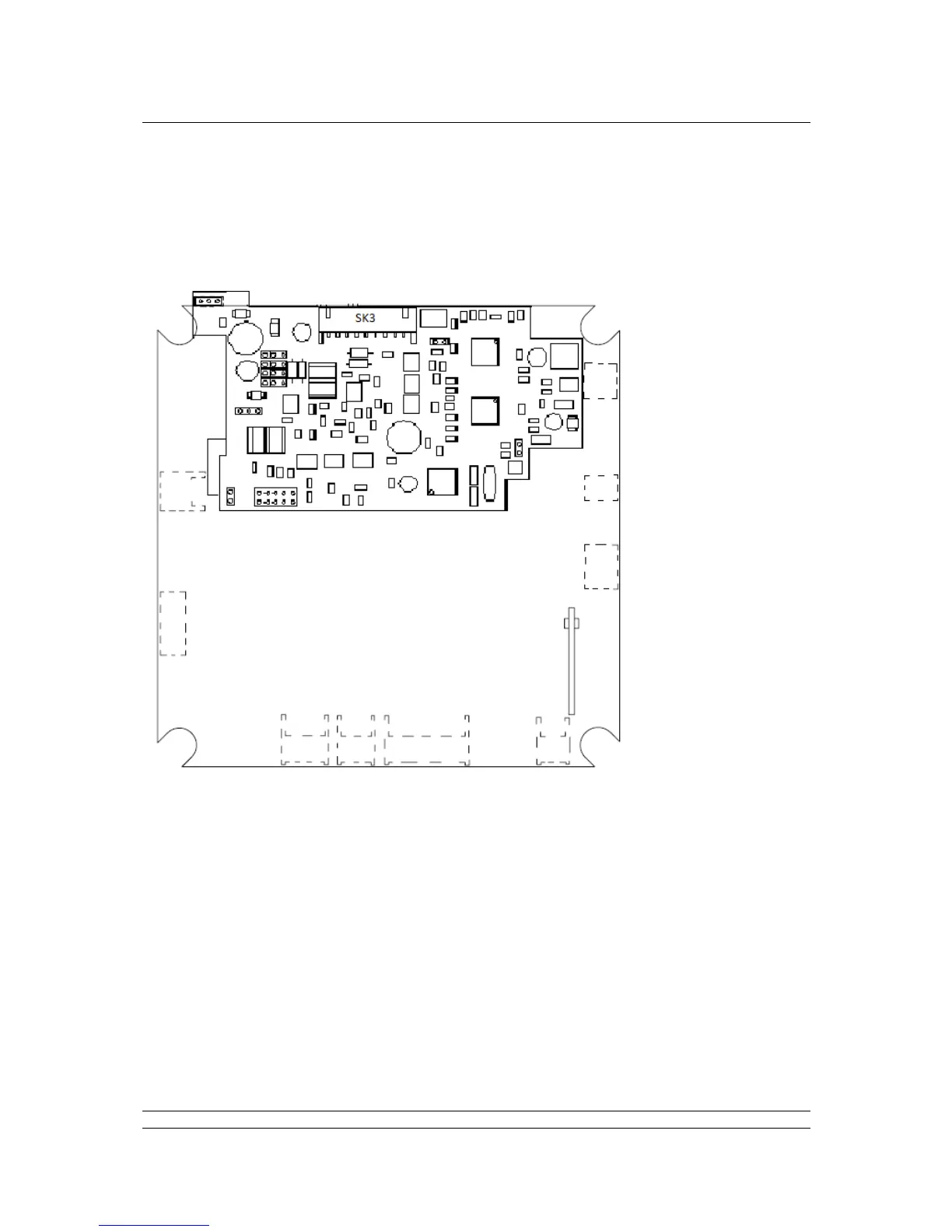
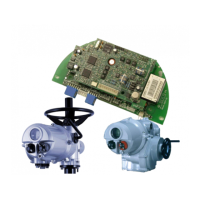
The PFU is suitable for fitting into CVA actuators, wiring diagrams CXX-90 (where X can be any value)
details the option card connections to the terminal bung. The PFU module is fitted in the only option
board slot inside the CVA electrical housing – on the underside of the Main PCB assembly.
SK3 is the connection to the Profibus Fieldbus Data Highway.
The PFU in the CVA must be enabled. This would usually be done during factory test, but may be
required to be completed on site for spares. To enable, the Rotork PDA software Enlight
(downloadable from the Rotork web site) is utilised to change parameter 34. It must be read then
2048decimal added to it.


 To Next Page