7.2 Parameters viewed and set by DP-V1 Communication
The Profibus DP Module (Mk2) supports V1 acyclic communication as well as V0 cyclic messages.
These parameters can be accessed in a number of ways including using standard Profibus tools and
the specialist device description files associated with them.
FDT Field Device Tool, this utility requires a DTM (Device Type Manager)
file.
PDM Process Device Manager, this tool requires an EDD (Electronic Device
Description) file
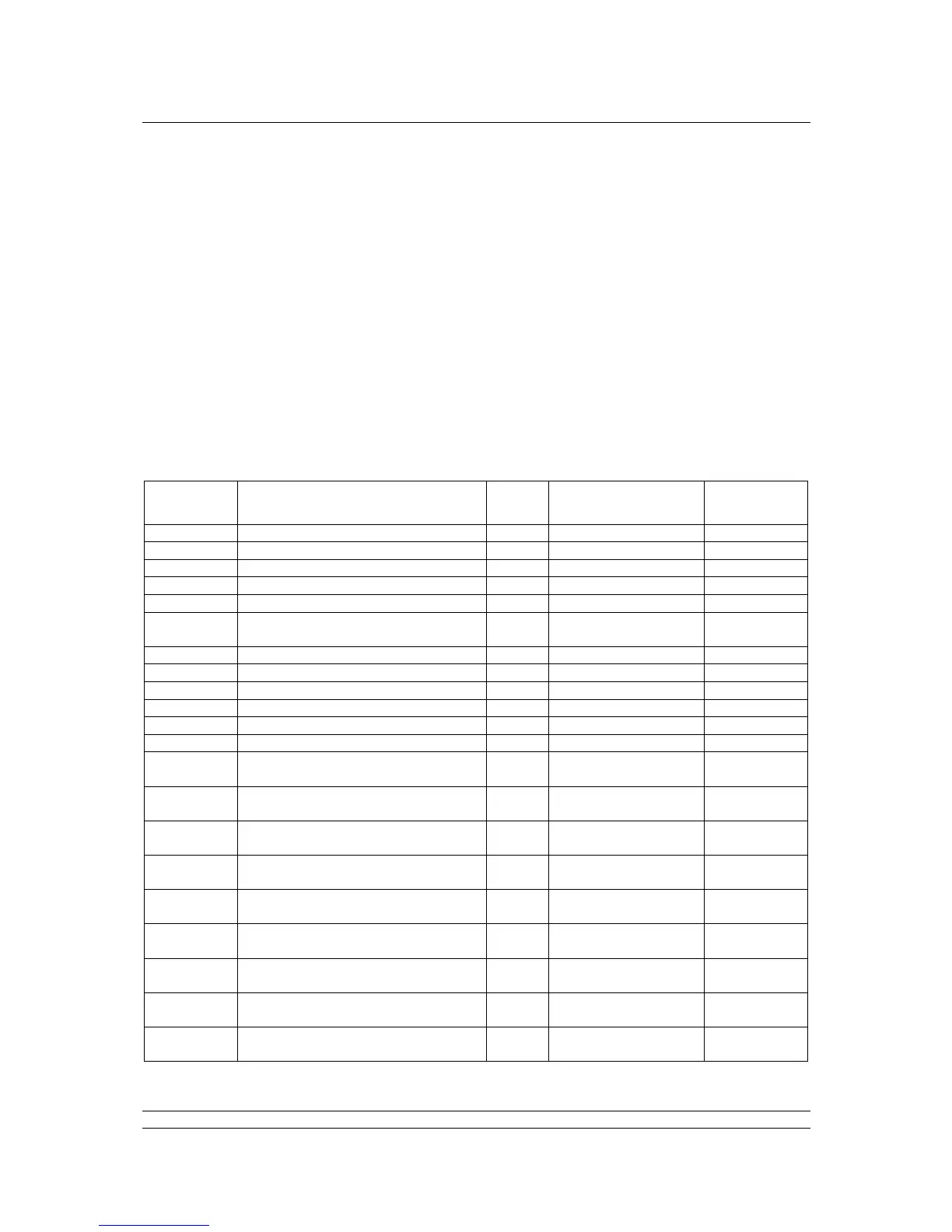
The Profibus DP Module (Mk2) supports both these utilities. The list of parameters that can be
accessed by these tools is as below. These tools will allow the actuator to be controlled and monitored
by the tools as they support the display of the registers containing feedback status and output
commands. The size of the parameter is listed together with the ability to Read (R) or Write (W) to the
parameter using one of these utilities.


 To Next Page