RDC6445G/S Control System manual
SHENZHEN RUIDA TECHNOLOGY
Graph Display Area: To display the whole file’s track, and display the running track.
Running parameters: To display the running file’s file number, speed, max power etc..
Coordinate: To display the current coordinate of X,Y and Z axes.
Graph layer parameters: To display the layers’ information of the current file, such as
max or min power, speed etc.. When system is idle, dblclick the layer, then users can change
the layer
’
s parameters and the changing would be saved.
Running Status: To display the current status of the machine, such as Idle, Run, Pause,
Running Progress Bar: To display the progress bar of the current running file.
Working Number: To accumulate the work number of the current file.
File Dimension: To display the dimension of the current file.
Net status: To display the connecting status of the Ethernet. When the network
connection is successful, the icon is displayed,otherwise the icon is displayed.
Key lock status:When the keyboard lock function is enabled, the icon is
displayed,any key press does not respond and prompt for the unlock password, enter the
correct unlock password before unlocking.
When work is Idle or finished, all keys can be pushed, users can select a file to run, set some
parameters, preview to a select file etc. But, when work is running or paused, some keys don’t
respond when they are pushed.
8.2 Speed Setting
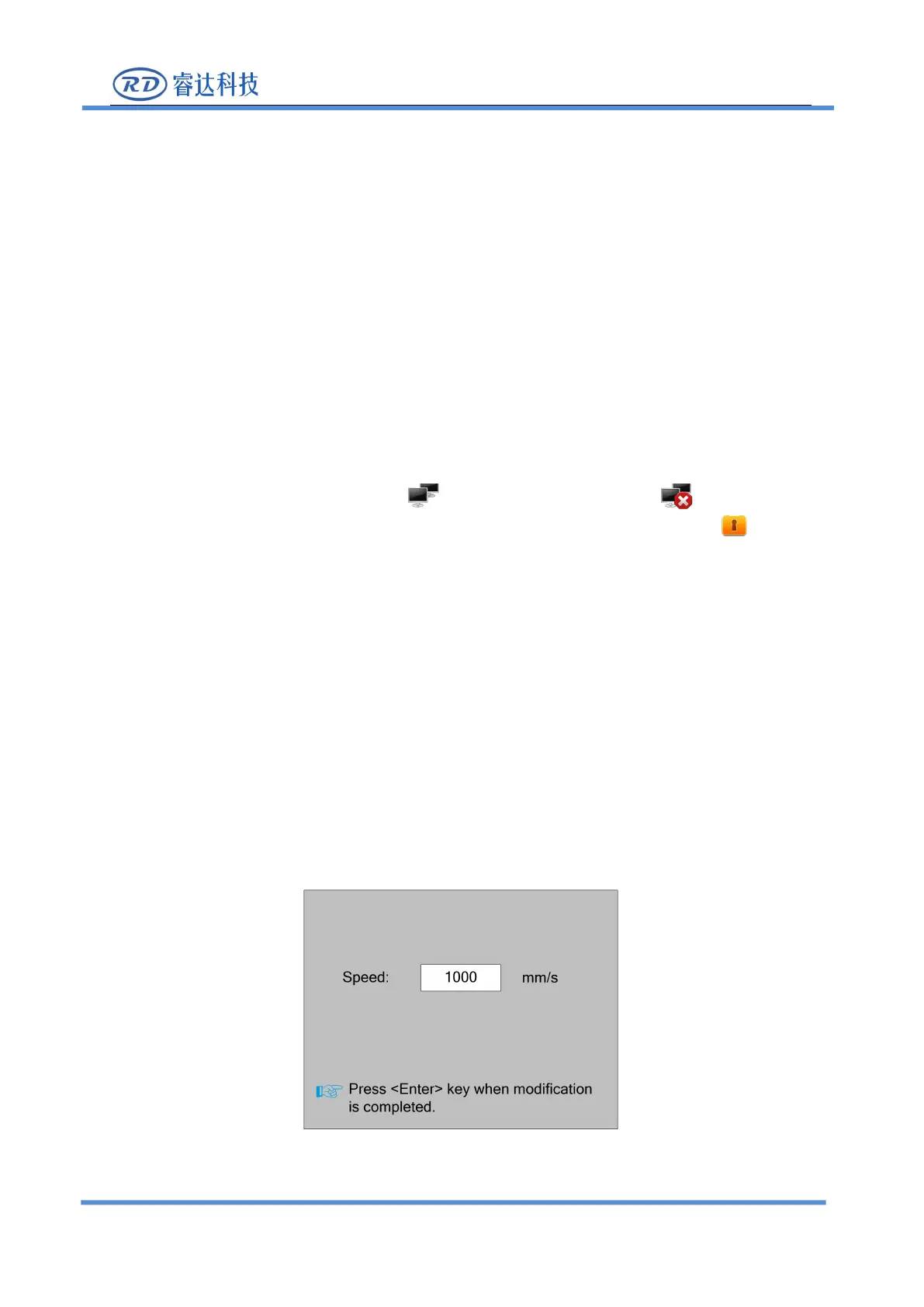
Push the< Speed>key when the screen is on the main interface, it will show as below:
Press the number key and backspace key to set and modify the parameters. After modifying, press



 To Next Page