RDC6445G/S Control System manual
SHENZHEN RUIDA TECHNOLOGY
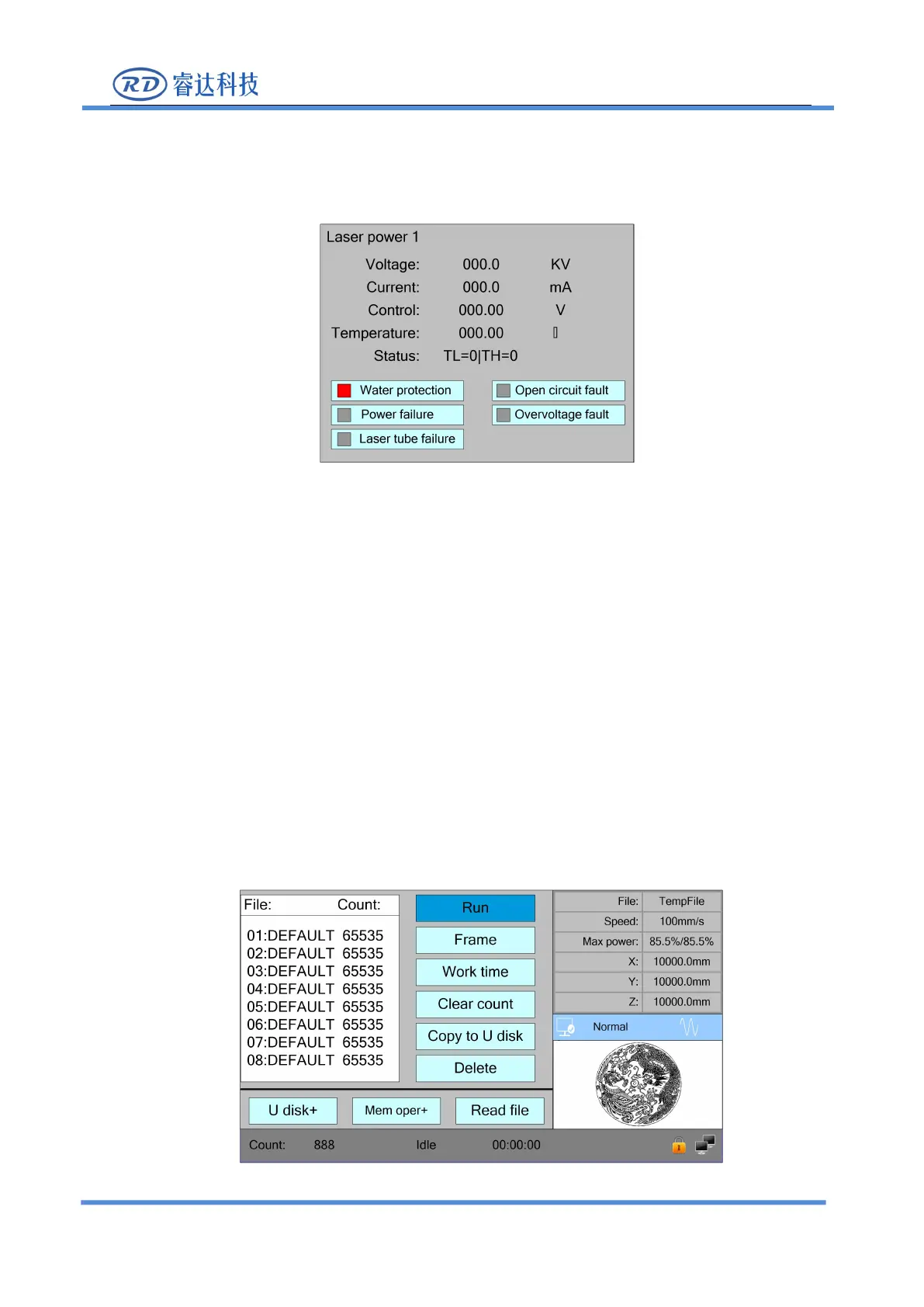
When the "blue selection block" stops at the items 1, 2, 3 and 4 of the laser power supply, press
the <Enter> key to view the information of each power supply. The interface is as follows:
When the "blue selection block" stops at the "diagnostic TL" and "diagnostic TH" entries, press
the <Enter> key to check whether the IO of the laser power supply is abnormal, and if so, an alarm
Press the <Esc> key to return to the previous menu.
8.8 File Management
8.8.1 Memory File
Push the <Menu> key when the screen is on the main interface, it will show as below:



 To Next Page