RDC6445G/S Control System manual
SHENZHEN RUIDA TECHNOLOGY
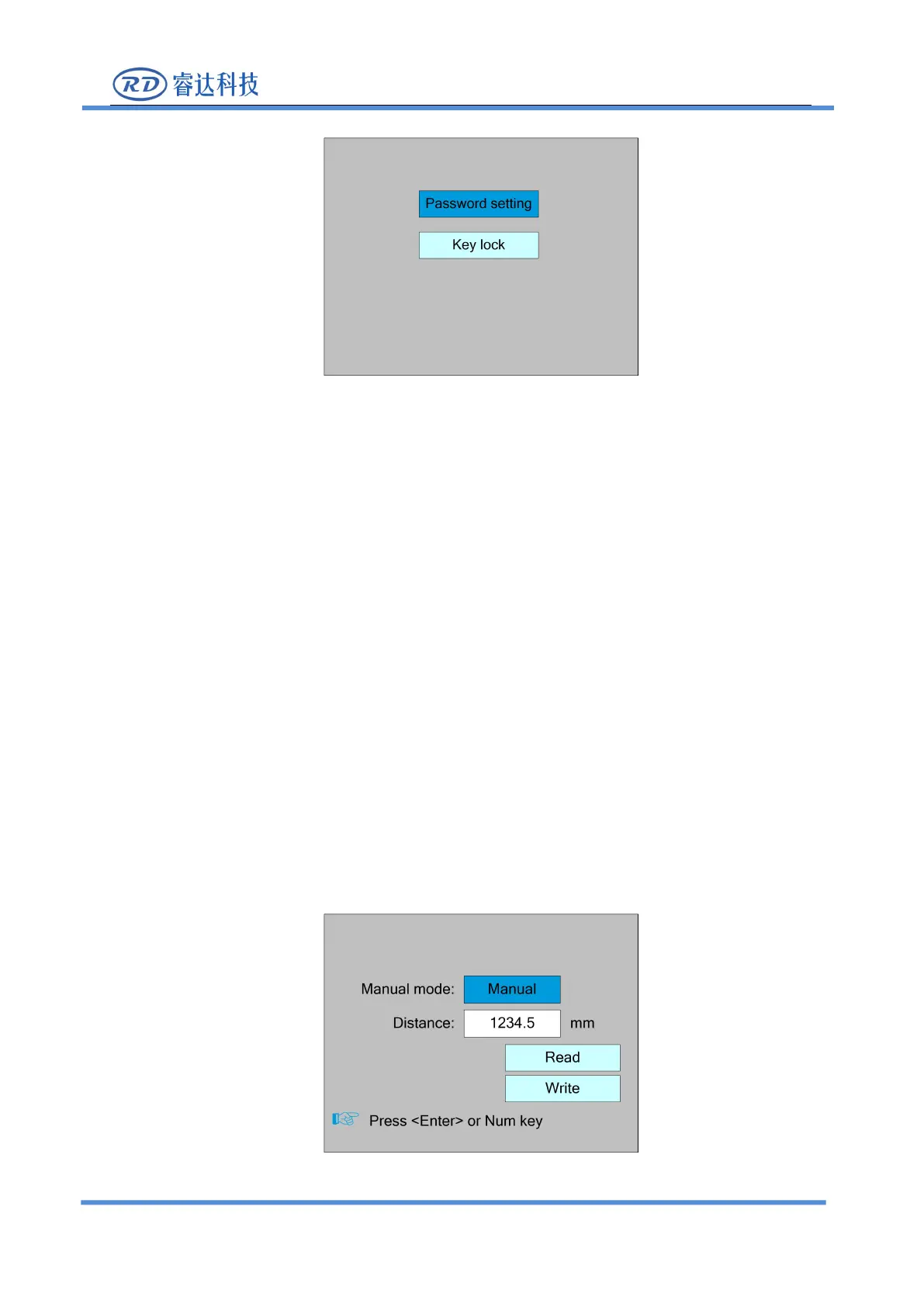
This entry allows you to set the default password for keyboard locking and use the new
password for keyboard locking after setting up successfully.
This item can lock the keys. After entering the correct password, the keys automatically lock and
return to the main interface. When any key is pressed, the interface prompts the input password to
Please refer to section 8.9 for password input and password settings.Press the <Esc> key to
return to the previous menu.
8.7.3 Manual setting
Select the "Manual setting" entry under the funtions interface, press the <Enter> button, and
then pop up the interface as follows:



 To Next Page