RDC6445G/S Control System manual
SHENZHEN RUIDA TECHNOLOGY
the <Enter> key to save the parameters. Press the <Esc> key to cancel the modification parameters.
The interface disappears and returns to the main interface.
8.3 Max/Min Power Setting
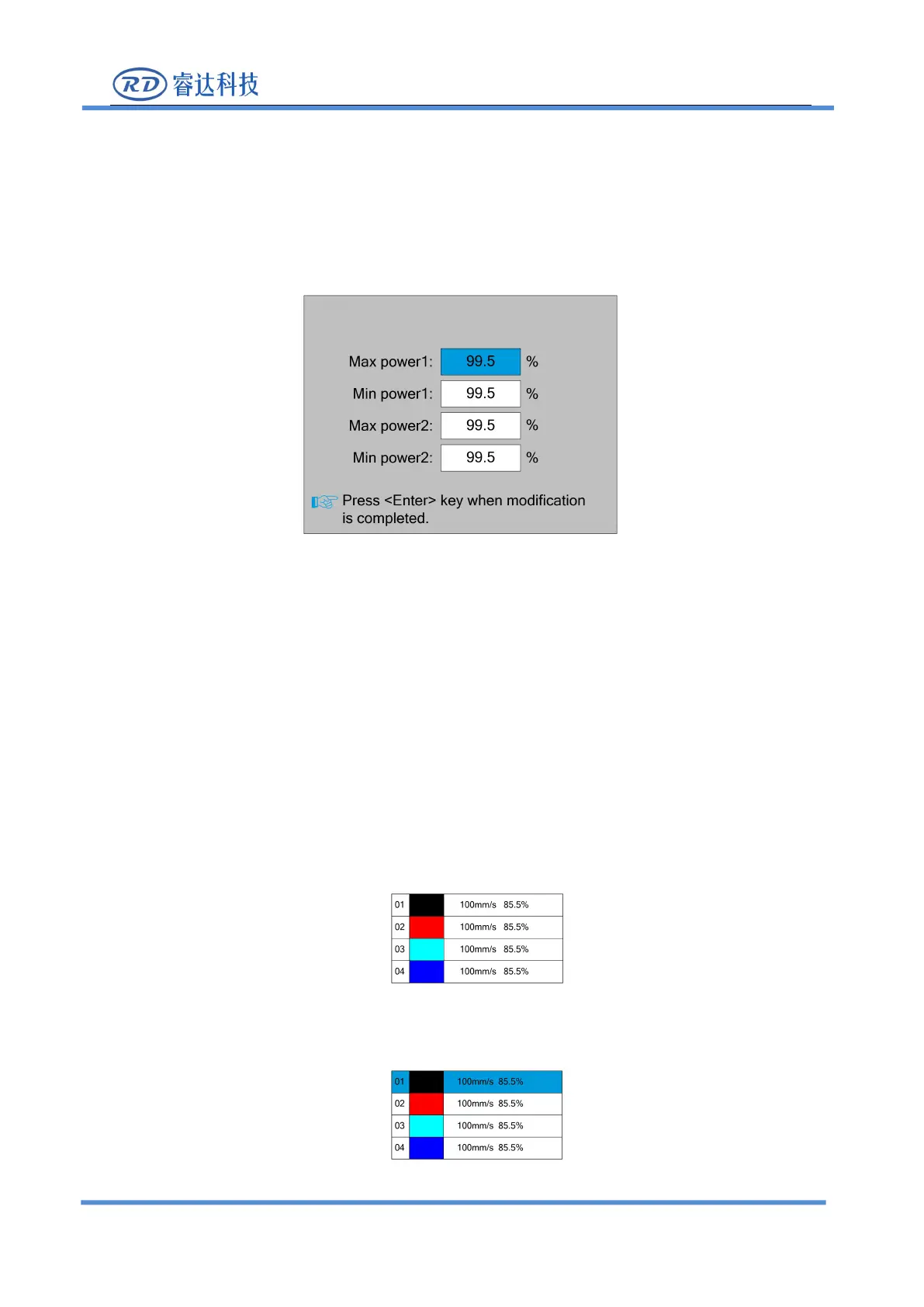
Push the < Power> key when the screen is on the main interface, it will show as below:
At this point, the "blue selection block" stays on the first parameter to indicate that the
parameter is selected, press the number key and the backspace key to set and modify the parameter.
Press the arrow button to move the "select block" to select other parameters for modification. When
the parameters are modified, press the <Enter> key to save the parameters, press the <Esc> key to
cancel the parameters, the interface disappears and returns to the main interface.
8.4 Set the layer parameters
After selecting a file to preview on the main interface, If there is layer information in the layer
parameter area, show as below:
User can push <Enter> key to let the cursor move to the first layer show as below:



 To Next Page