RDC6445G/S Control System manual
SHENZHEN RUIDA TECHNOLOGY
Format drastically: To format memory drastically, and then all the files in
memory will be deleted.
Methods of operation are the same as above.Press the <Esc> key to return to the
previous menu.
8.8.4 U disk file
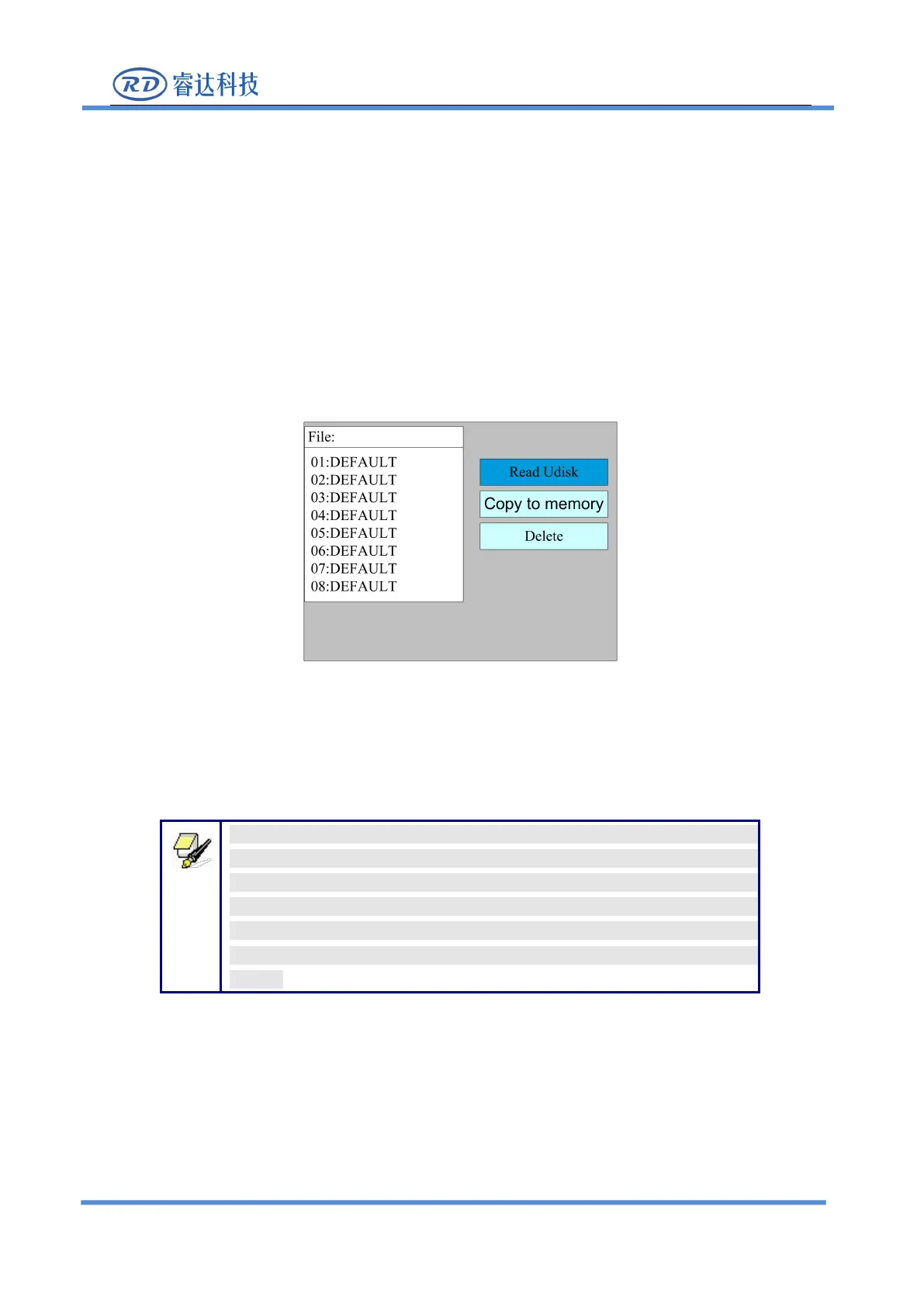
If the “U disk” entry in figure 8.8-1 is pressed, the system will show as figure 8.8-4, and the
operation method is all the same as figure 8.8-1.
Read Udisk: read the file list in the Udisk;
Copy to memory: copy the target Udisk file to the memory;
Delete: delete the selected Udisk file;
This system supports such file formats of Udisk as FAT32 and FAT16,
but it can identify them when the files are put under the root directory of
Udisk. The file name of more than 8 characters will automatically be cut
out by the system. The file name that has only English letters and digits
will not show when they are copied to the mainboard. The files copied
from the mainboard to Udisk will be placed under the root directory of
Udisk.



 To Next Page