RDC6445G/S Control System manual
SHENZHEN RUIDA TECHNOLOGY
This item is only used to preview the file on the screen, and it is no
meaning to the machine’s movement.
8.6.3 Wireless panel
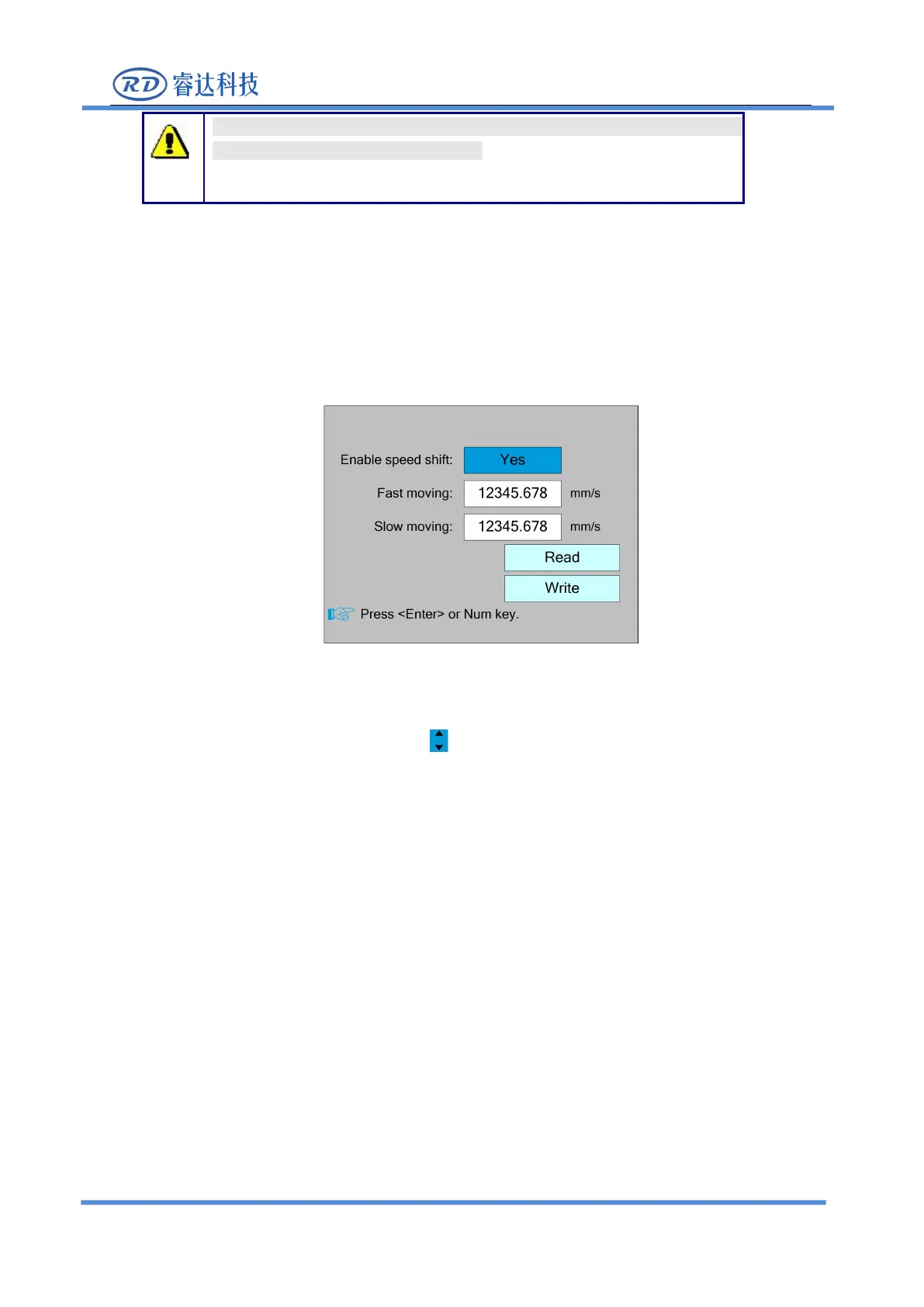
Select the "Wireless panel" entry under the controller setting interface, press the <Enter>
button, and then pop up the interface as follows:
When modifying the first parameter, press the <Enter> key to enter the modification mode
("blue selection block" right side becomes ), press the "Up/Down" key to modify, and then press
the <Enter> key to exit the modification mode. Press the direction key to select other parameters
and press the number key to modify the parameters. After the modification, move the "selection
block" to the "Write " entry and press the <Enter> key. The parameter setting takes effect. Press the
<Esc> key to return to the previous menu.
8.6.4 IP Setting
Select the "IP setting" entry under the controller setting interface, press the <Enter> button,
and then pop up the interface as follows:



 To Next Page