RDC6445G/S Control System manual
SHENZHEN RUIDA TECHNOLOGY
At this point, you can enter the password directly by pressing the number key, or you can press
the <Shift> key to use the keypad, press the direction key to select a number or letter, press the
<Enter> key to select, and then press the <Shift> key to return to the password selection. If the
password is entered correctly, the new password will become effective, otherwise the "password
error" will be displayed.
Press the <Esc> key to return to the previous menu.
8.10 Prompt and alarm information
In the process of user operation or system operation will pop up some hints and alarm
information, such as reset, water protection failure, hard limit protection, border crossing and
so on.
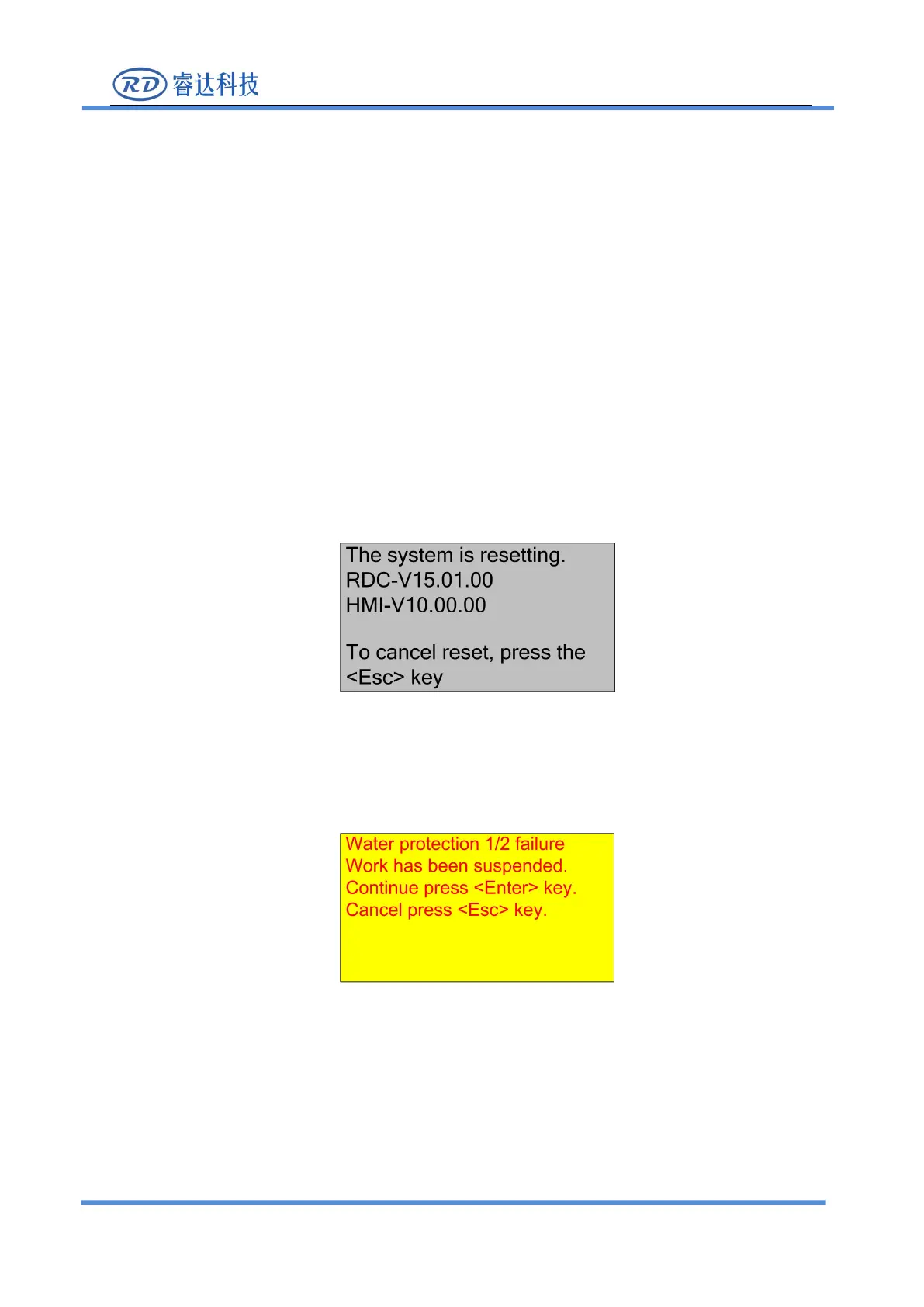
The system pop-up “The system is resetting.”. show as below:
The user operates according to the interface prompts.
The system generates “water protection fault”, show as below:
At this point, the system performs related operations according to the <Enter> or <Esc>
keys.
8.11 Auto Focus
Push the <Focus> key when the screen is on the main interface,



 To Next Page