RDC6445G/S Control System manual
SHENZHEN RUIDA TECHNOLOGY
Manual mode has
“
Continue
”
and
“
Manual
”
, press the <Enter> key to enter the modification
mode ("blue selection block" right side becomes ), press the "up/down" key to modify, after the
modification, press the <Enter> key to exit the modification mode. After all modifications, move the
“
Select block
”
to the Write Parameters entry and press the <Enter> key. The parameter settings take
effect. Press <Esc> key to return to the previous menu.
When “Continue” item is selected, then the “Manual” item is not valid, on that time, push the
direction keys to move the corresponding axes, and when the pushed key is loosed, then the
corresponding axes will finish moving. When the Mode item is
“
manual
”
, then pushing the direction
key one time, the corresponding axes will move a fixed length, unless the scope is overstepped.
8.7.4 Laser Setting
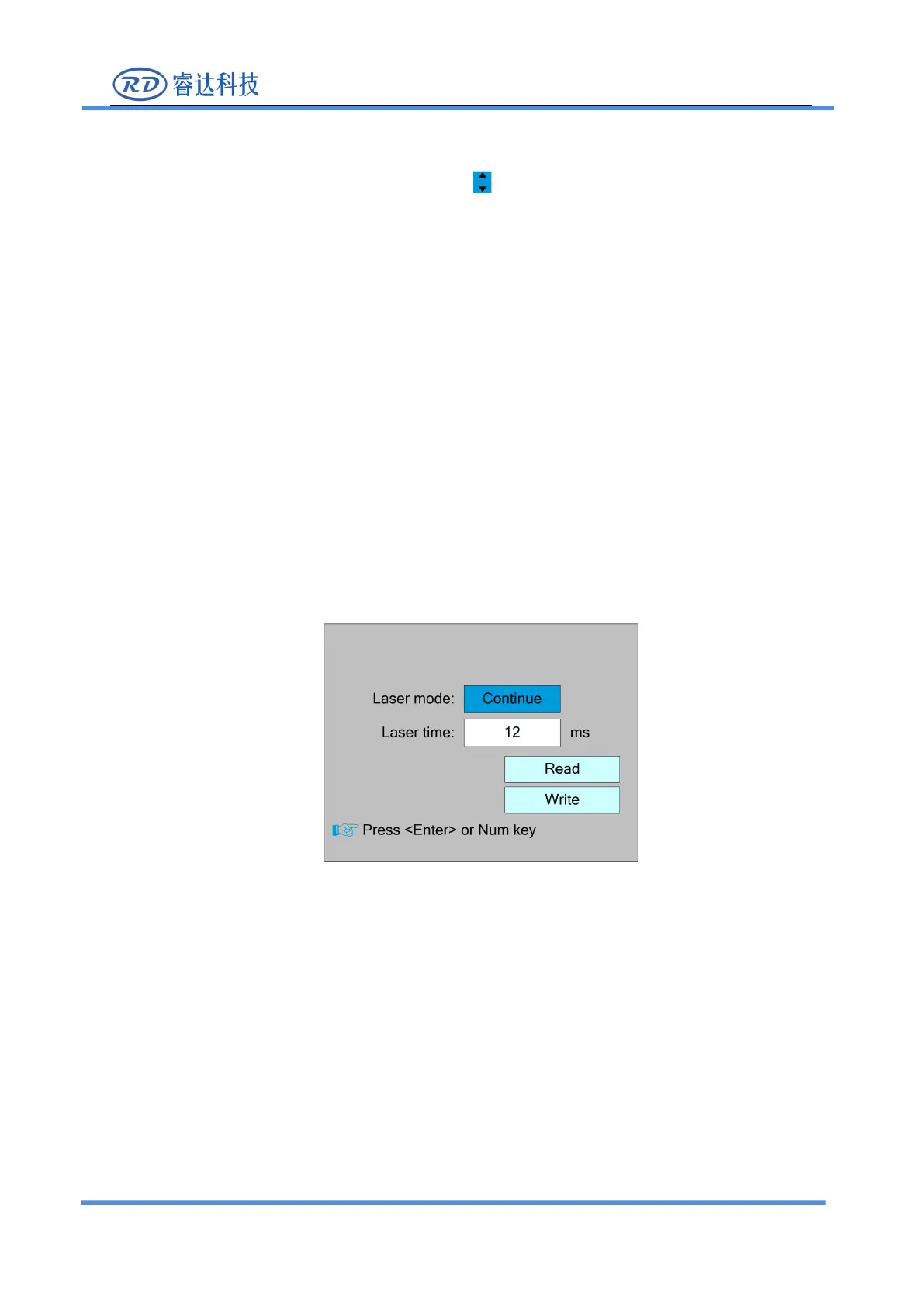
Select the "Laser setting" entry under the funtions interface, press the <Enter> button, and then
pop up the interface as follows:
The operation method is the same as manual setting.
When “Continue” item is selected, then the “Laser time” item is not valid, on that time, push the
Laser key to splash the enabled lasers, and when Laser key is loosed, then the lasers will finish
splashing. When the Laser mode item is
“
Manual
”
, then pushing the Laser key one time, the enabled
lasers will splash a fixed time.



 To Next Page