RDC6445G/S Control System manual
SHENZHEN RUIDA TECHNOLOGY
users to recover the original parameters (including all manufacturer
parameters and user parameters) through selecting “Recover Para”
when they regulate parameters improperly.
8.5.5 Restore parameters
In the menu interface, select the "Restore Factory Parameters" entry, press the <Enter> button
and then pop up the password input interface. The password input operation refers to Section 8.9. If
the password is input correctly, the system will restore all the current user parameters and factory
parameters with the factory parameters set before. Interface prompt "recovery parameter is
8.6 Controller setting
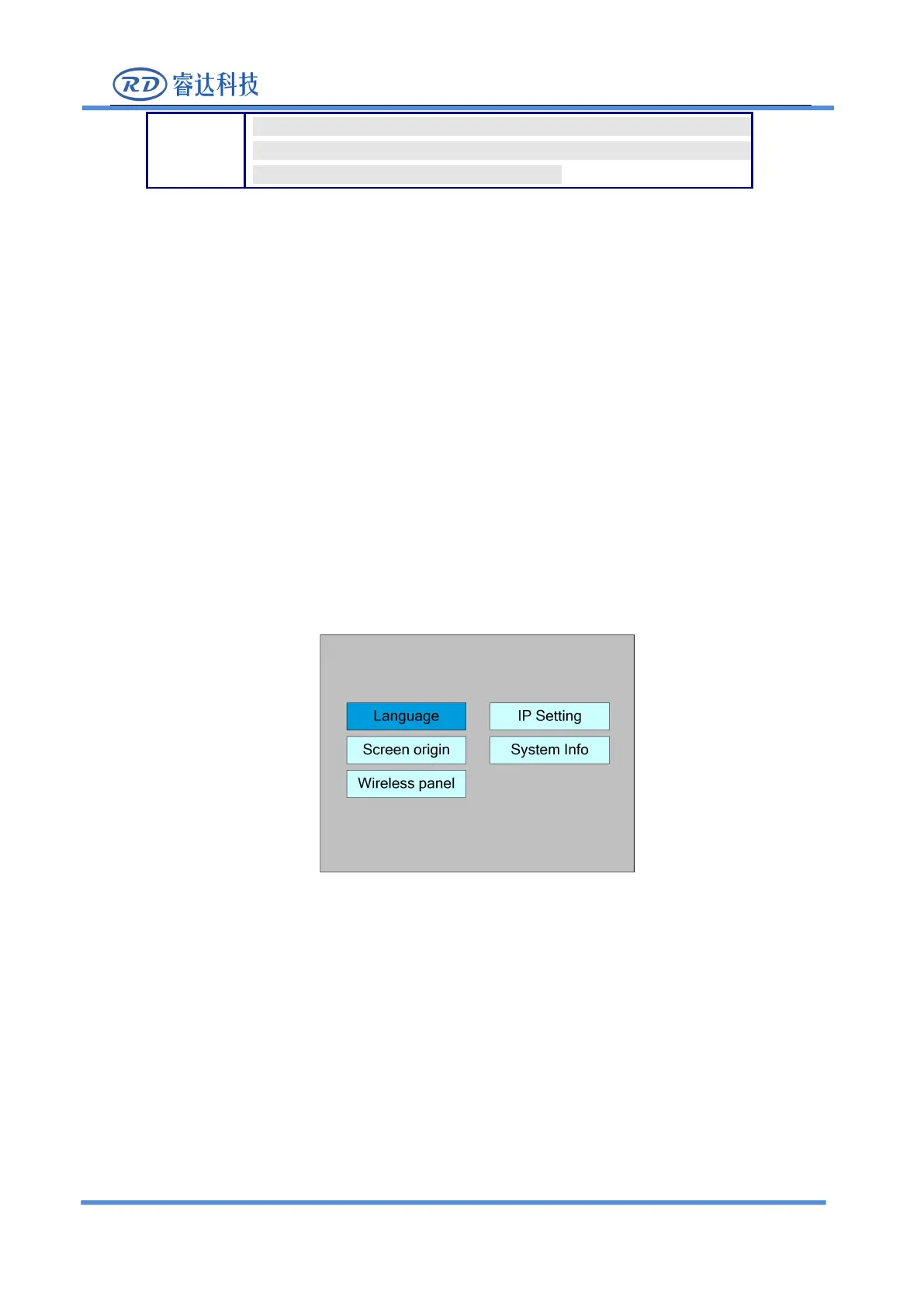
Select the "Controller Settings" entry under the menu interface, press the <Enter> button, and then
pop up the controller settings interface as follows:
Press the <Esc> key to return to the previous menu.
8.6.1 Language
Select the "Language" entry under the controller setting interface, press the <Enter> button,
and then pop up the language settings interface as follows:



 To Next Page