RDC6445G/S Control System manual
SHENZHEN RUIDA TECHNOLOGY
Press the <Esc> key to return to the previous menu.
8.5.1 User parameters
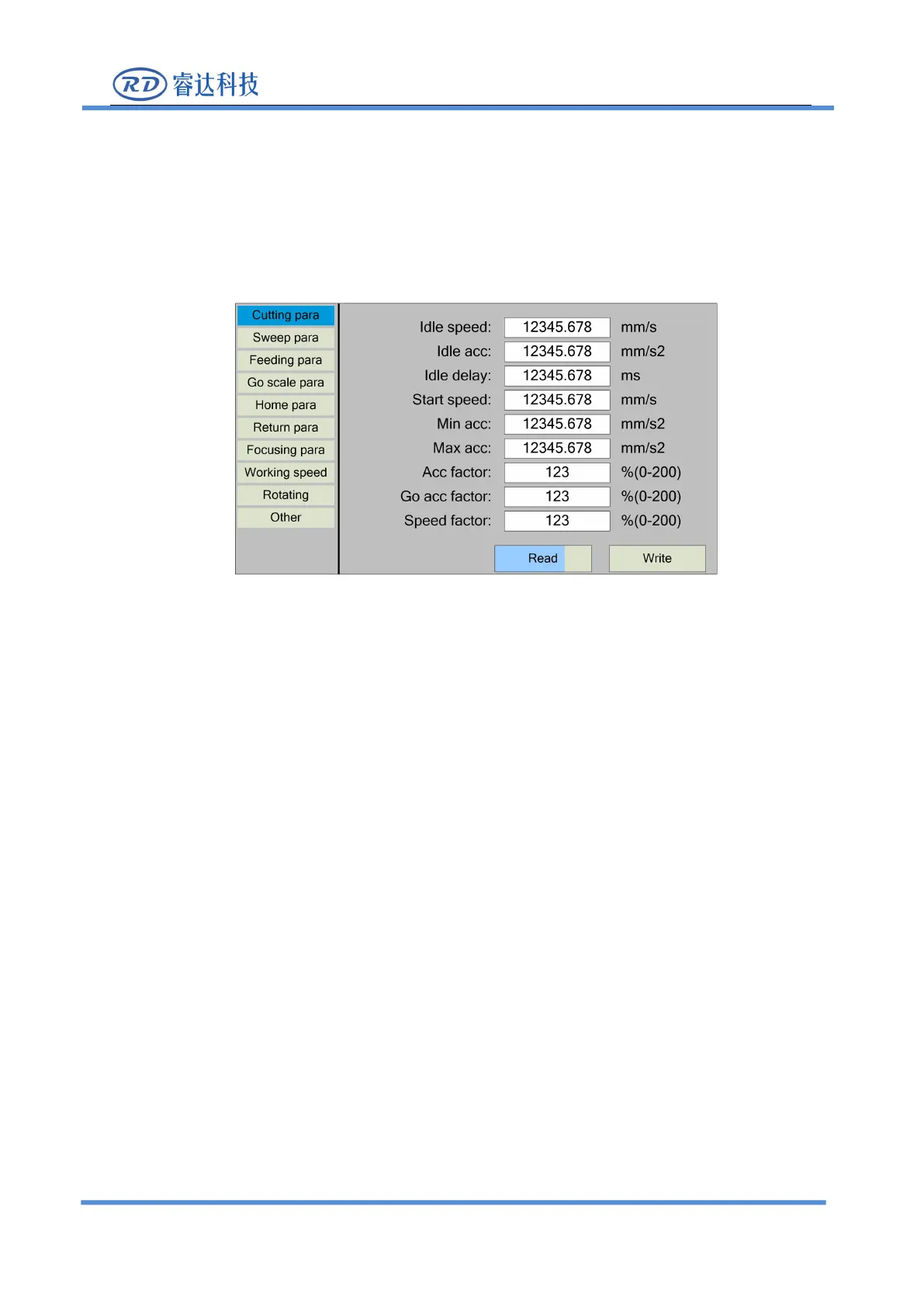
In the menu interface, select "User parameters" entry and press the <Enter> key ,it will show as
At this point, the panel automatically reads the motherboard parameters and displays them,
while displaying the progress of the read parameters in the "Read Parameters" entry. When all the
parameters are read out, the user can press the "up/down" key to move the "blue selection block" to
select a parameter category such as "carving", "feeding" and so on. The right parameter area displays
the corresponding parameters. If the user does not need to modify the parameters, press the <Esc>
key to return to the menu interface.
If the user needs to modify the parameters, press the <Enter> button, and the "blue selection
block" switches to the first parameter in the parameter area, as shown in the following interface:



 To Next Page